
AI rendering service: architectural and interior renders on demand
Need a render but not a week of back-and-forth with a studio? Upload a sketch, a drawing, a model view or a photo, describe the materials and light, and get a photoreal image in about 30 seconds. Change it yourself until it is right.
Real examples from the same engine
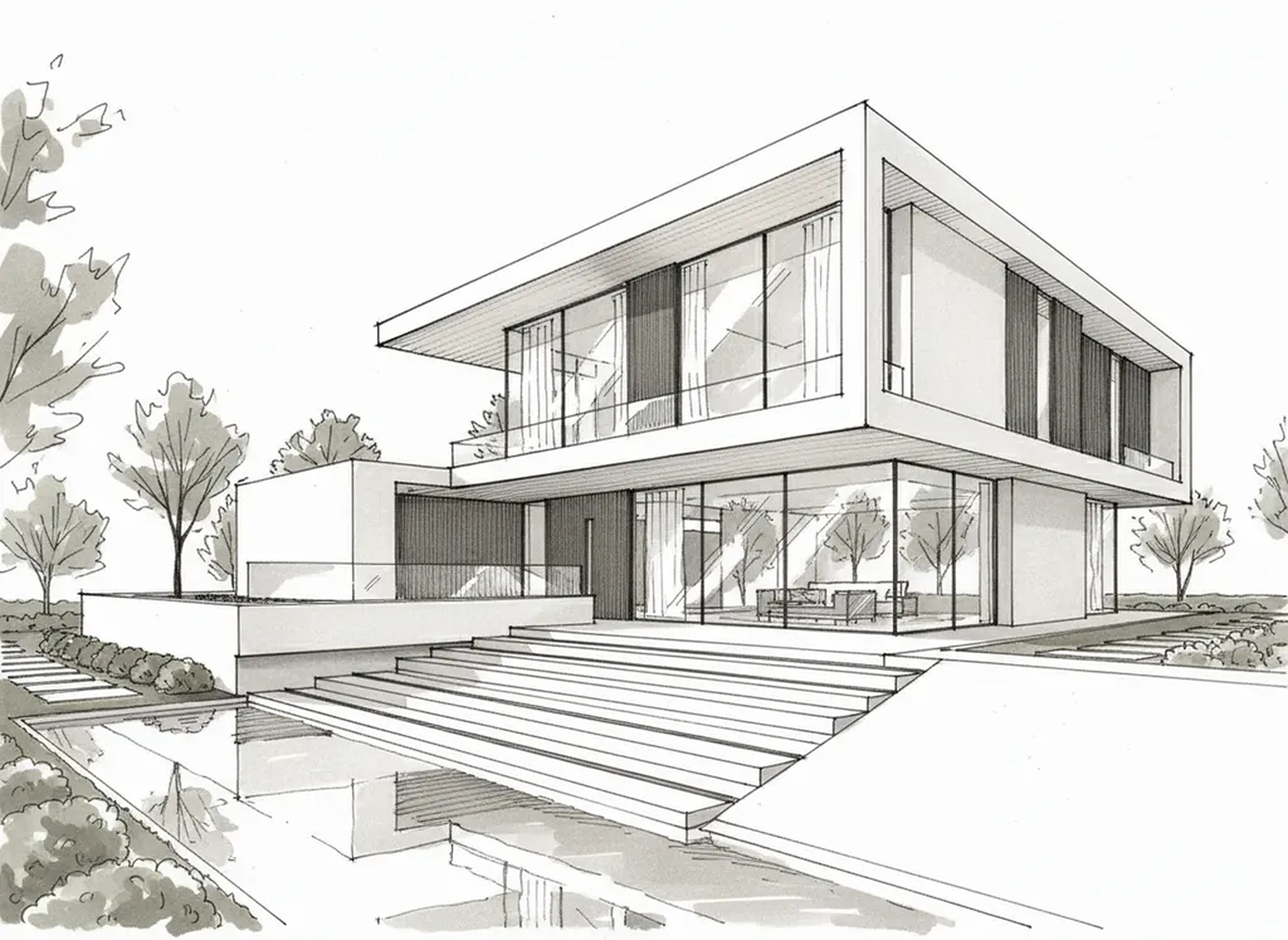
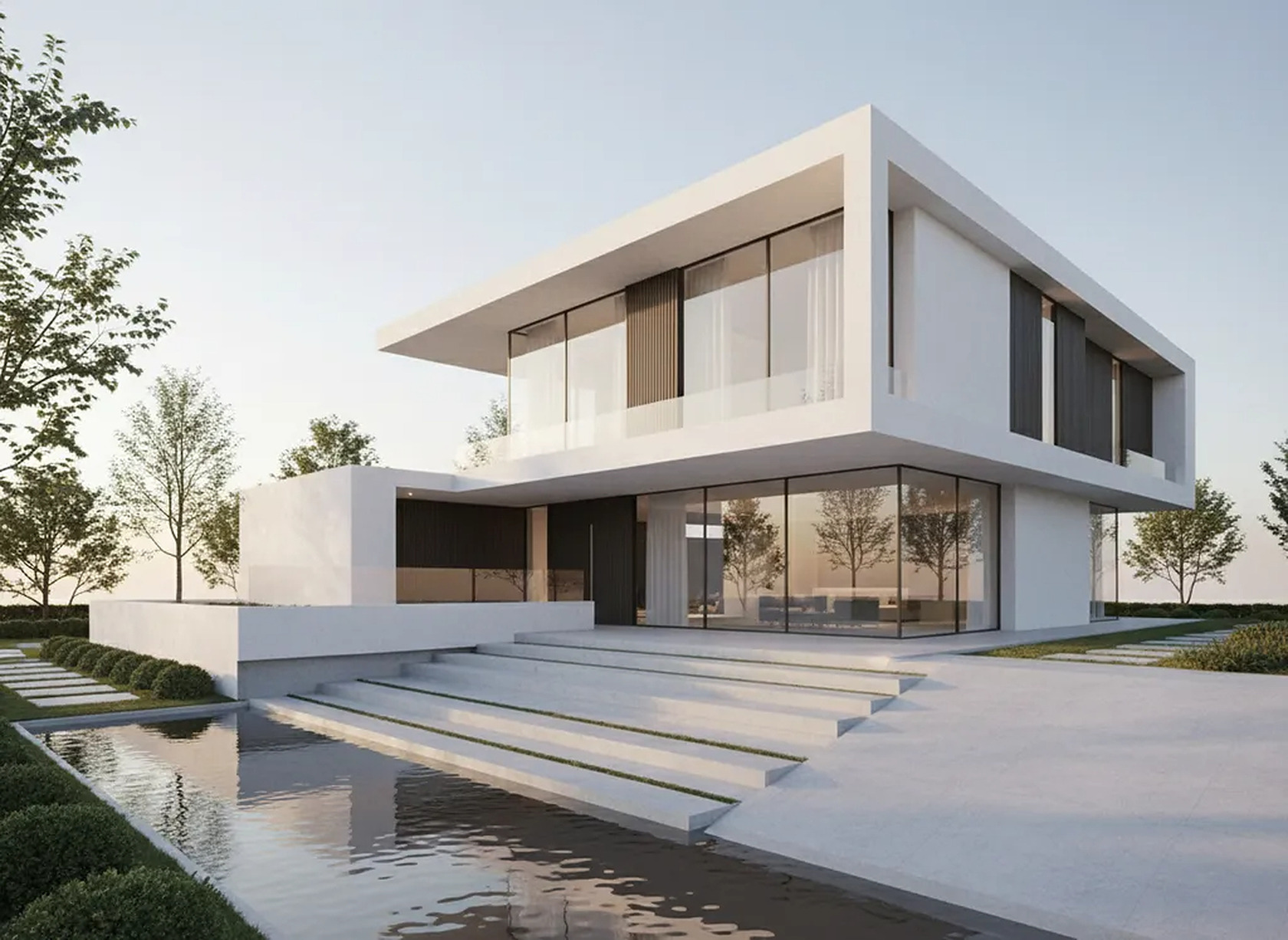
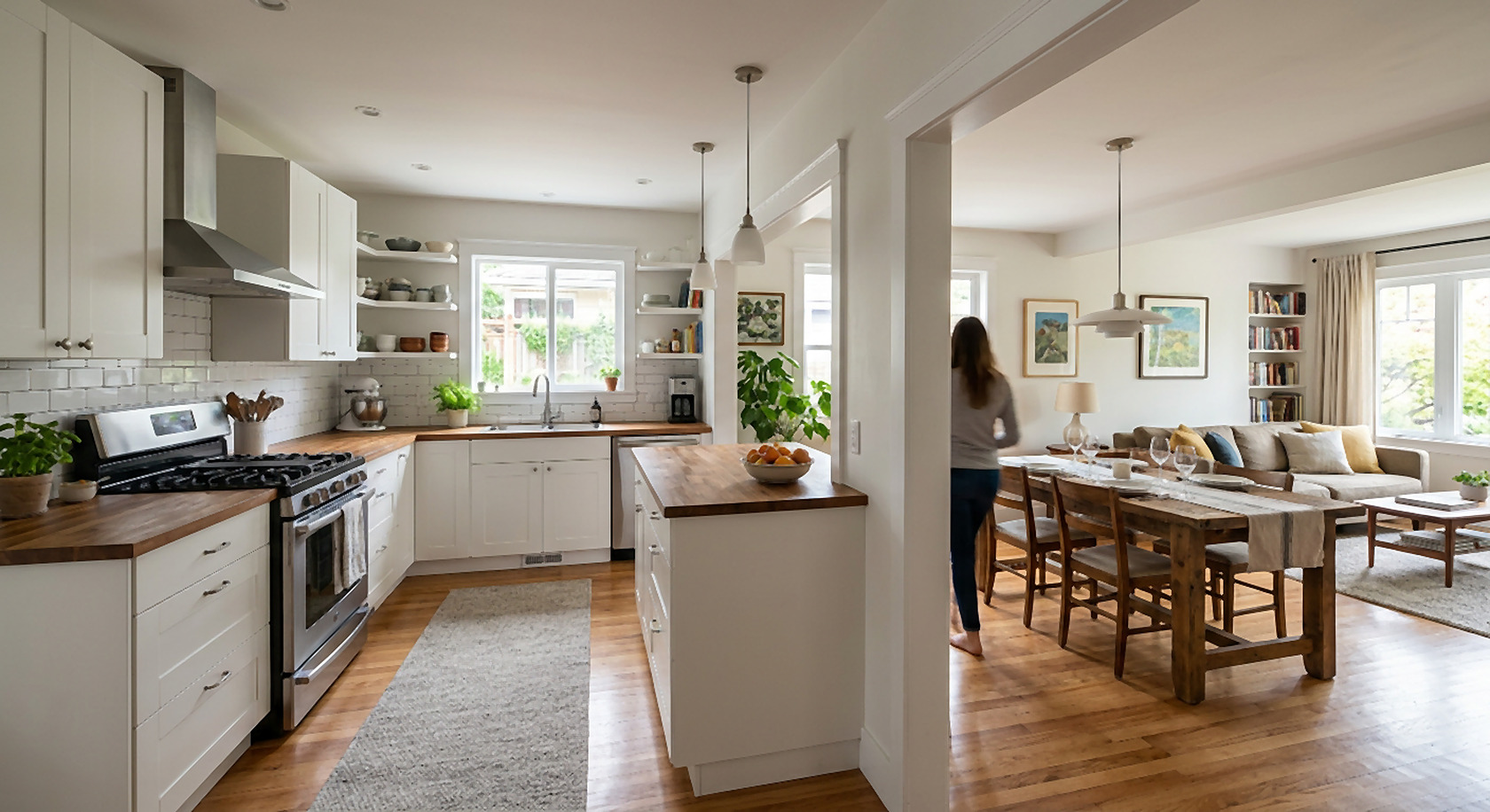
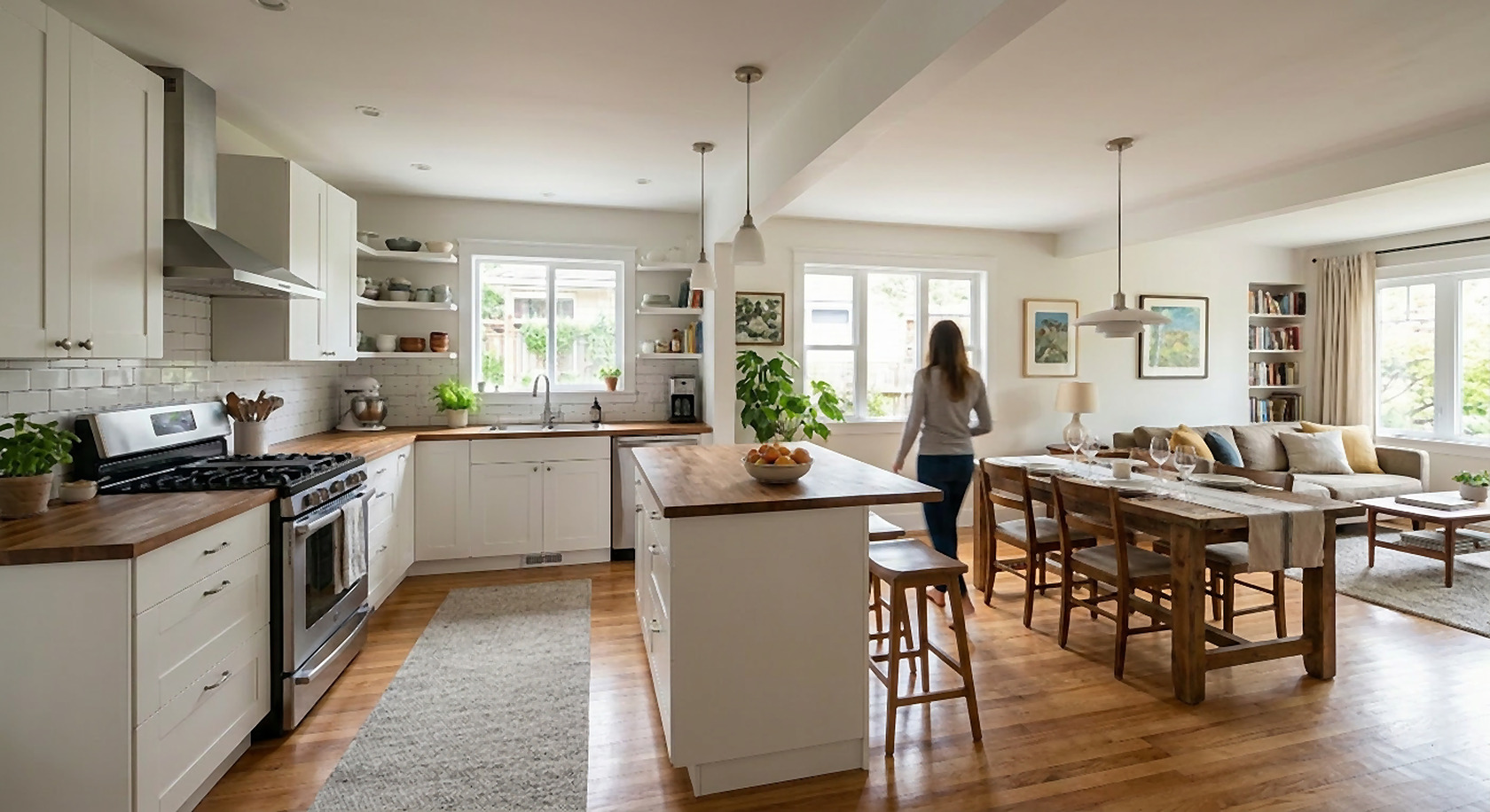
How it works
1. Upload what you have
Hand sketch, facade drawing, floor plan, a white or textured model view, or a photo of the site or room.
2. Write the brief
Style, materials, time of day, season, planting, people. End with what must stay: “keep the geometry and camera exactly”.
3. Render and compare
About 30 seconds per image. Compare with your input; re-run or ask for one fix at a time.
4. Use it
Download and send to the client, put it in the deck or on the listing. Commercial use is included in paid plans.
AI rendering vs a 3D rendering studio
Both have their place. This is how they differ in practice, so you can pick per job.
| AI Architectures (self-serve AI) | Rendering studio / service | |
|---|---|---|
| What you send | A sketch, elevation, plan view, SketchUp/Revit screenshot or a photo, plus a short brief | Model files or drawings, reference images, a written brief, often a kick-off call |
| Turnaround | About 30 seconds per image, as many rounds as you like | Usually days per round; changes go back into the queue |
| Price model | Monthly plan from $12 (credits), commercial use included | Usually quoted per image or per project |
| Who controls changes | You, directly: “warmer light”, “walnut instead of oak” | The studio, from your mark-ups |
| Best for | Concept and design-development images, option rounds, social posts, early sales visuals | Hero marketing images, animations, exact product matching, large photoreal sets with identical cameras |
Who uses it
- Interior designers showing two or three finish options in the same client meeting.
- Architects and designers who want concept images from a sketch or massing model without a full render setup.
- Builders and developers who need a presale image of a plan or a lot before anything exists.
- Remodel designers who show the finished kitchen, bath or facade on a photo of the client’s own house.
Honest limits: the output is a still image, not a 3D model, so each new viewpoint is a new render and small details can differ between renders. Exact product matching and animations are studio work.
Questions
Is this a rendering service or software?
Both in a sense: it is a self-serve AI rendering tool you use on demand in the browser. There is no studio in between, so you get the image in about 30 seconds and make changes yourself.
Can it replace a 3D rendering service?
For concept images, option rounds and many marketing uses, yes. For hero images that must match exact products and finishes, animations, or a large set of views with identical cameras and lighting, a rendering studio or a classic render engine is still the better choice. Many designers use AI for the early rounds and a studio for the final hero shot.
Do I need a 3D model?
No. A hand sketch, an elevation drawing or a photo is enough. If you have a model, a screenshot of the view gives the most control over the geometry and camera.
Does it do interior renders too?
Yes: room photos, SketchUp or Revit interior views and sketches. See the interior design rendering software page for interior-specific tips.
How much does it cost?
Plans start at $12 a month; Starter is $29 a month. Each render uses credits from your plan. There is no free tier or trial; cancel anytime. Teams can get one yearly invoice for several logins.
Can I order animations or 360° panoramas?
No. The output is still images. For animations and VR tours, use a rendering studio or a real-time engine.
Render your next view now
Plans from $12/month, commercial use included, cancel anytime. For a studio or company: one yearly invoice for several logins on the pricing page.
Upload a viewRelated tools and guides
- AI rendering software for architects
- Interior design rendering software
- AI interior design software
- Sketch to render AI
- SketchUp to render
- Revit to render
- CAD to render
- AI vs traditional rendering
- AI landscape design
- Home remodel design software
- AI house design
- House on an empty lot
- Virtual staging
- mnml.ai alternative
- Veras alternative
- Pricing and team invoices
- Plan Chat: CAD floor plans (DWG, DXF)