AI landscape design: see your new yard on a photo of your own yard
Upload a photo of your backyard or front yard, describe the patio, plants, pergola, pool or lighting you want, and this AI landscape design tool shows it on your real yard in about 30 seconds. It is landscape design software for the first and hardest question, “what should it look like?”, for homeowners planning a backyard design and for pros showing clients options.
Plans from $12/month. No free tier or trial. Pricing
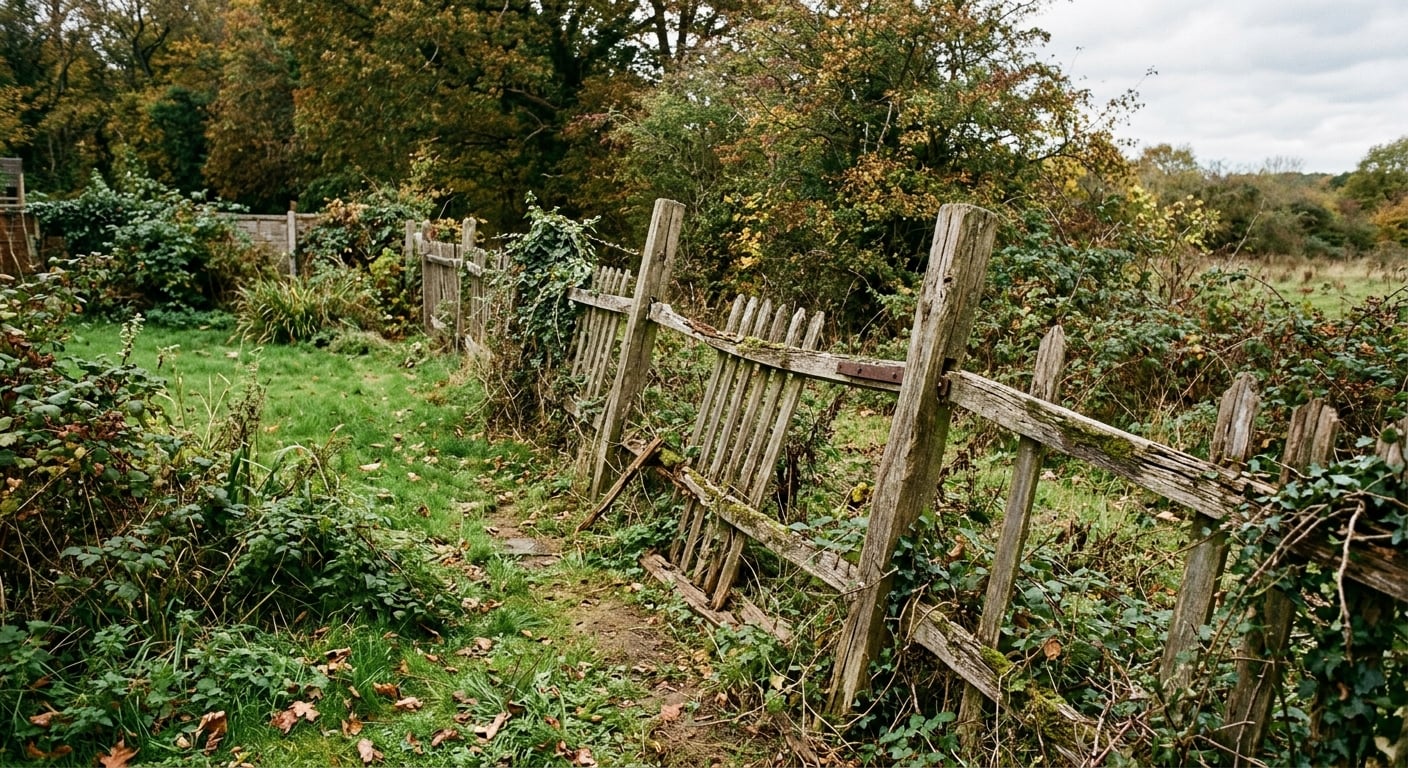
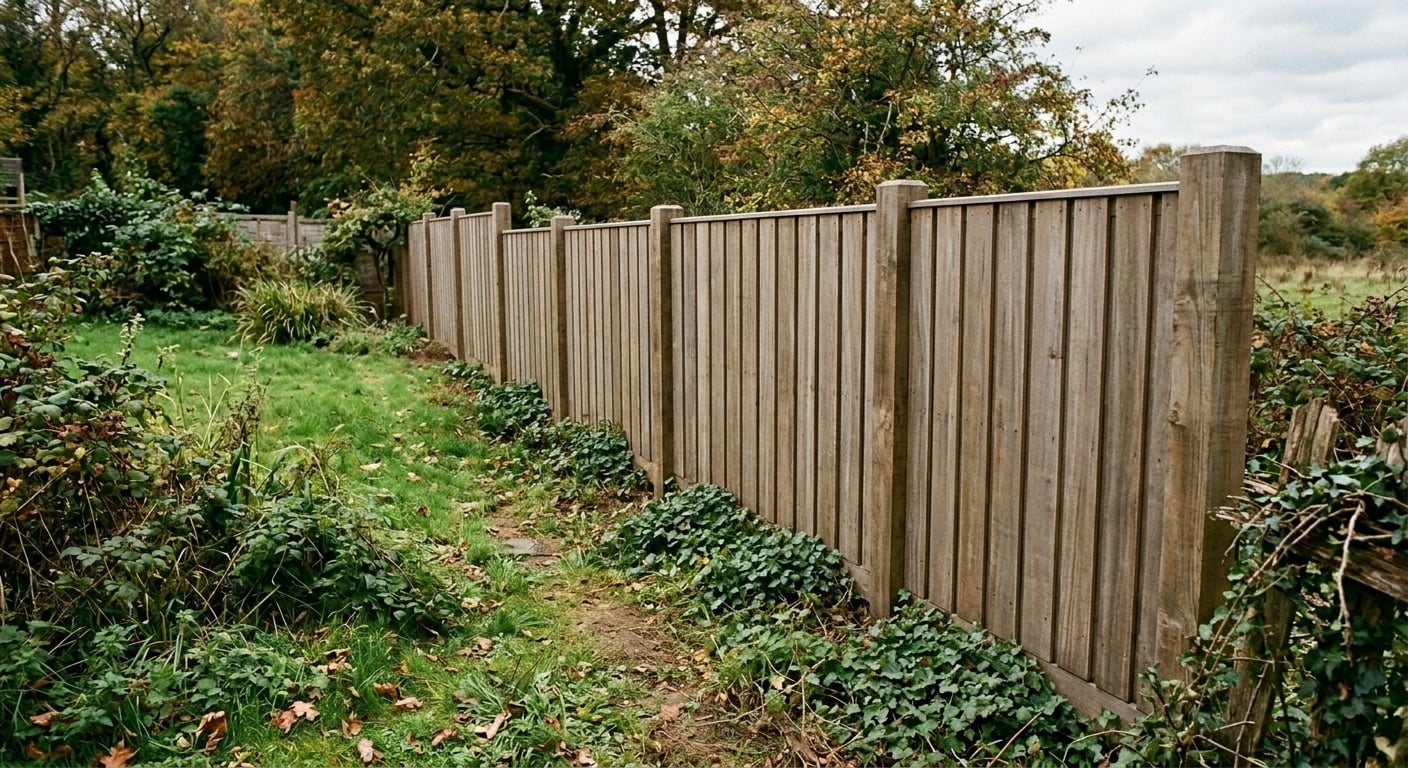
AI backyard and front yard design: before and after
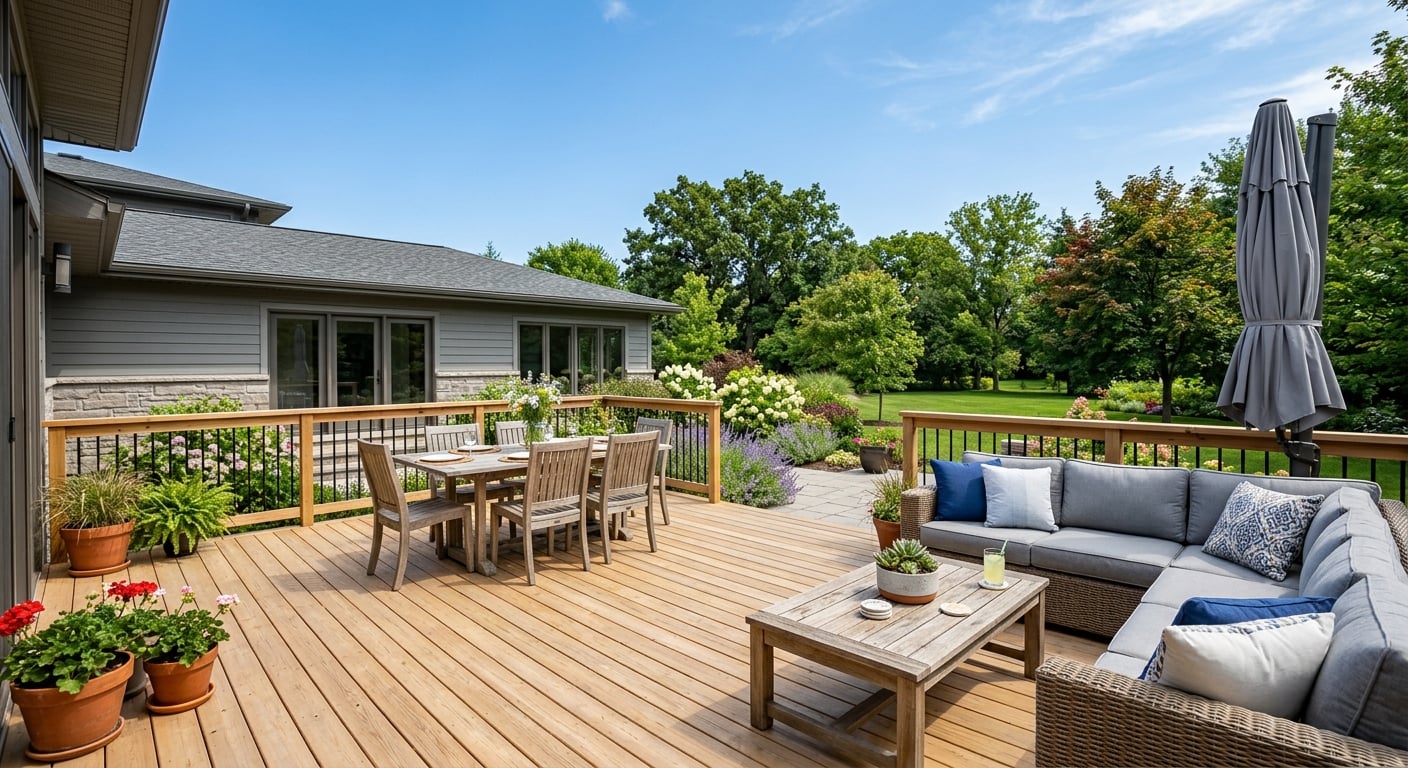
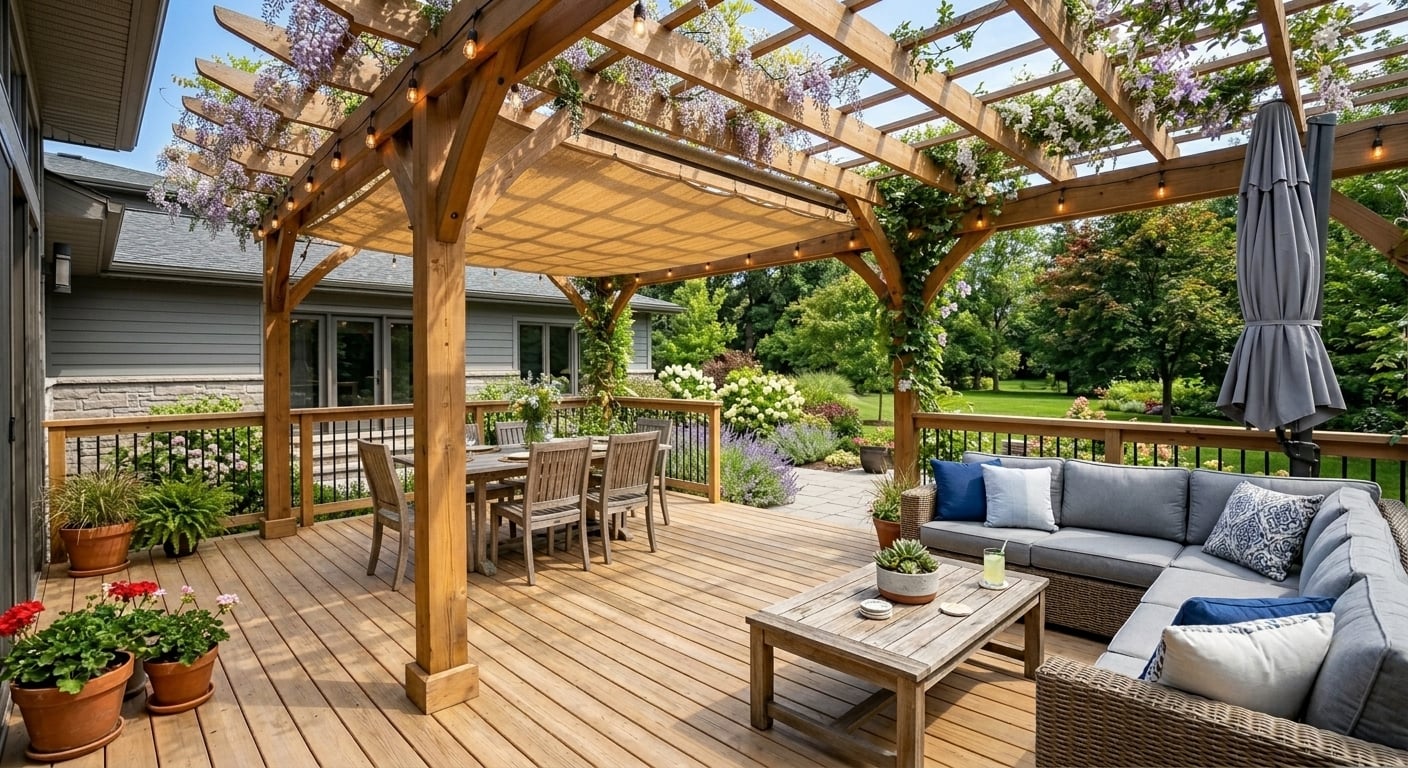
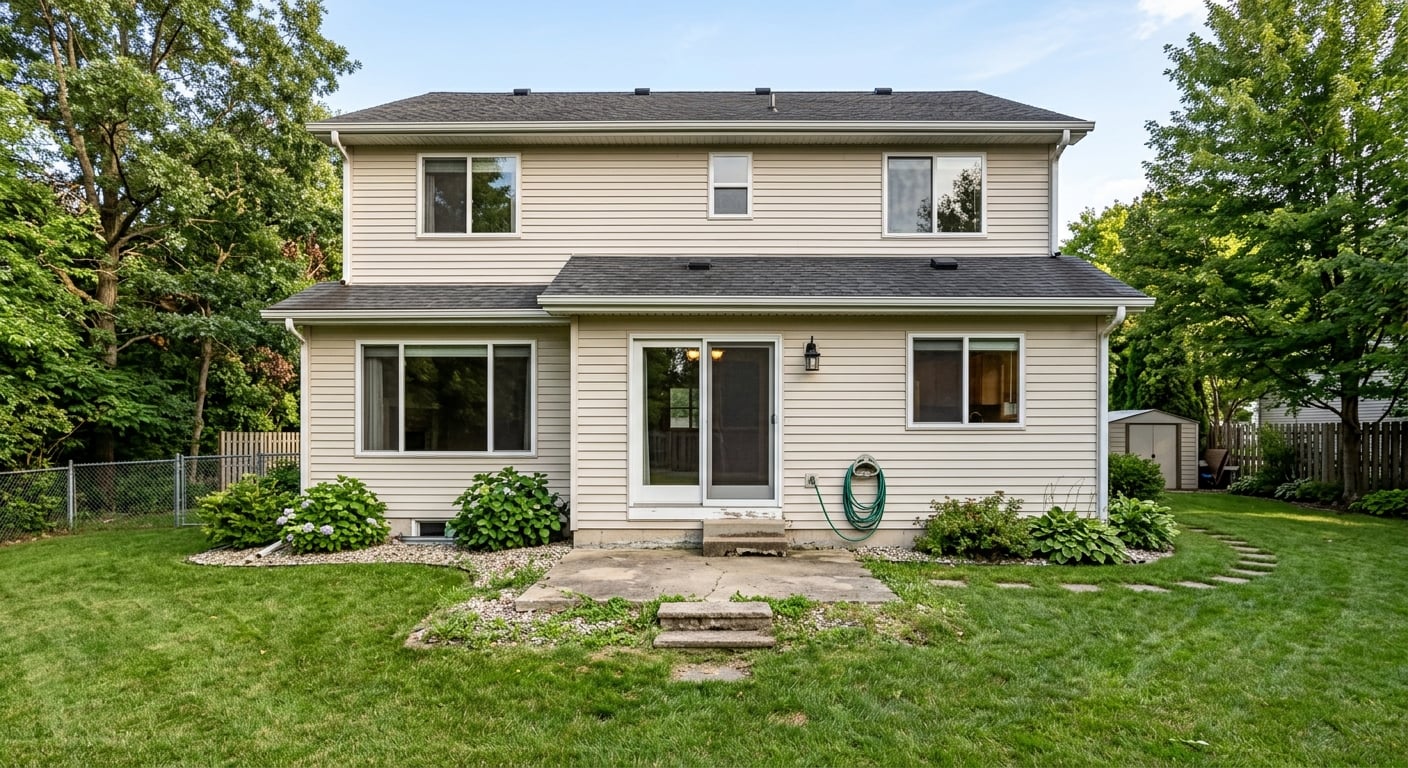
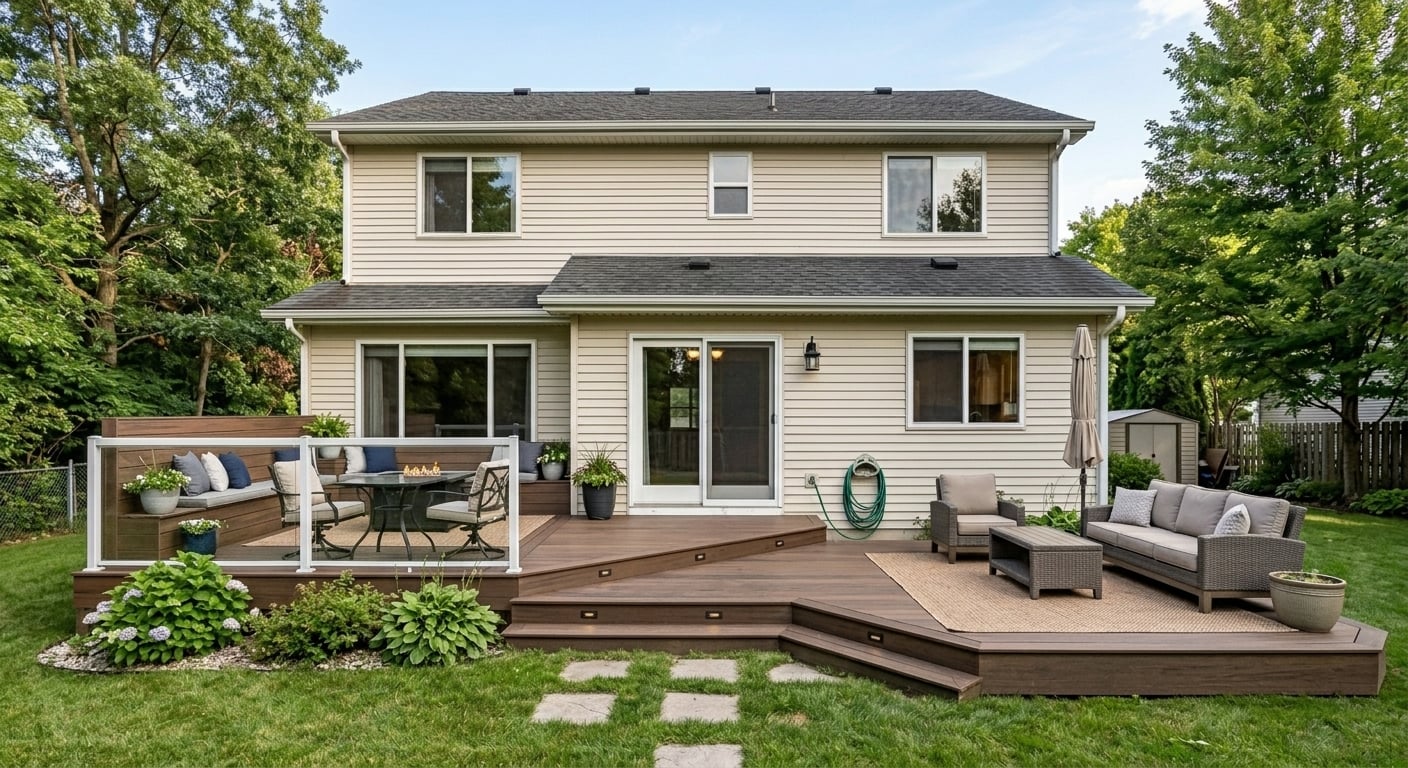
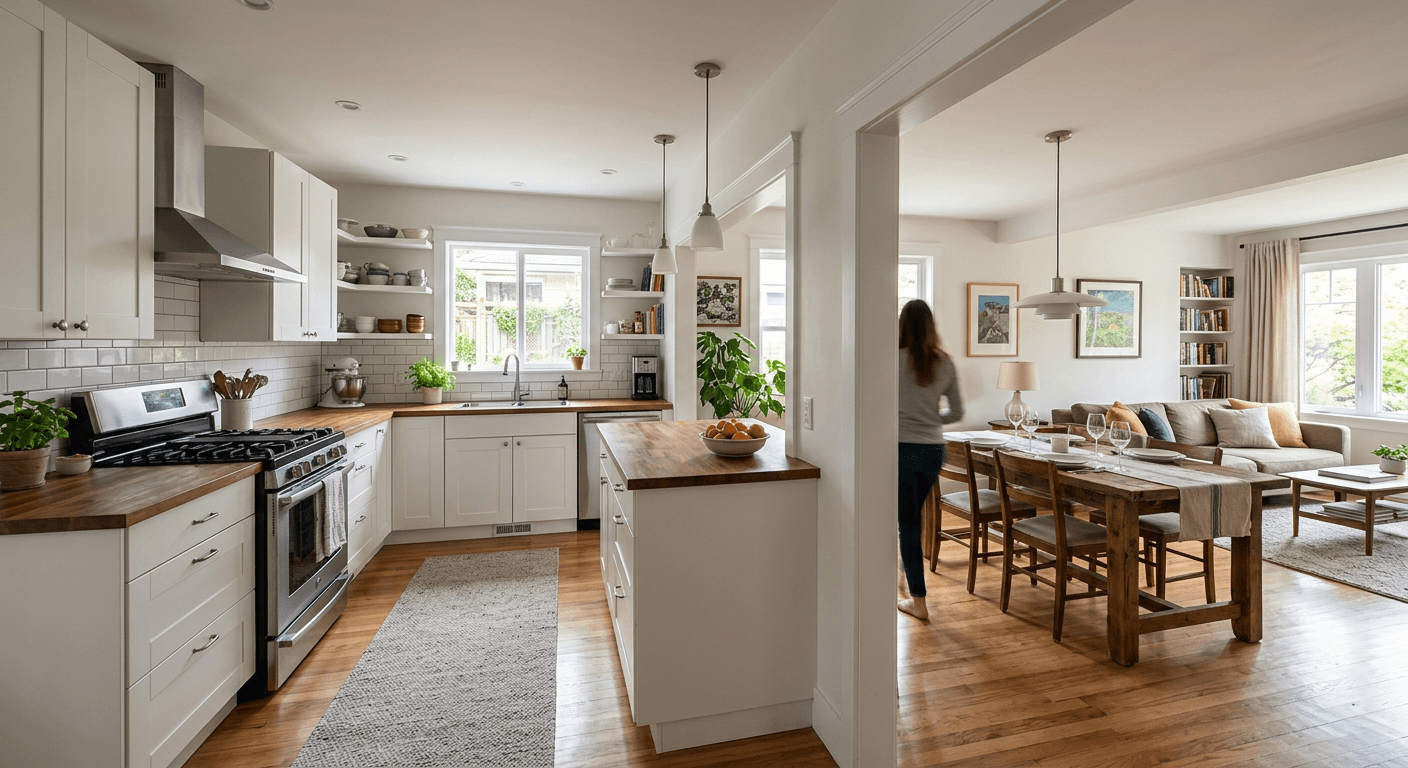
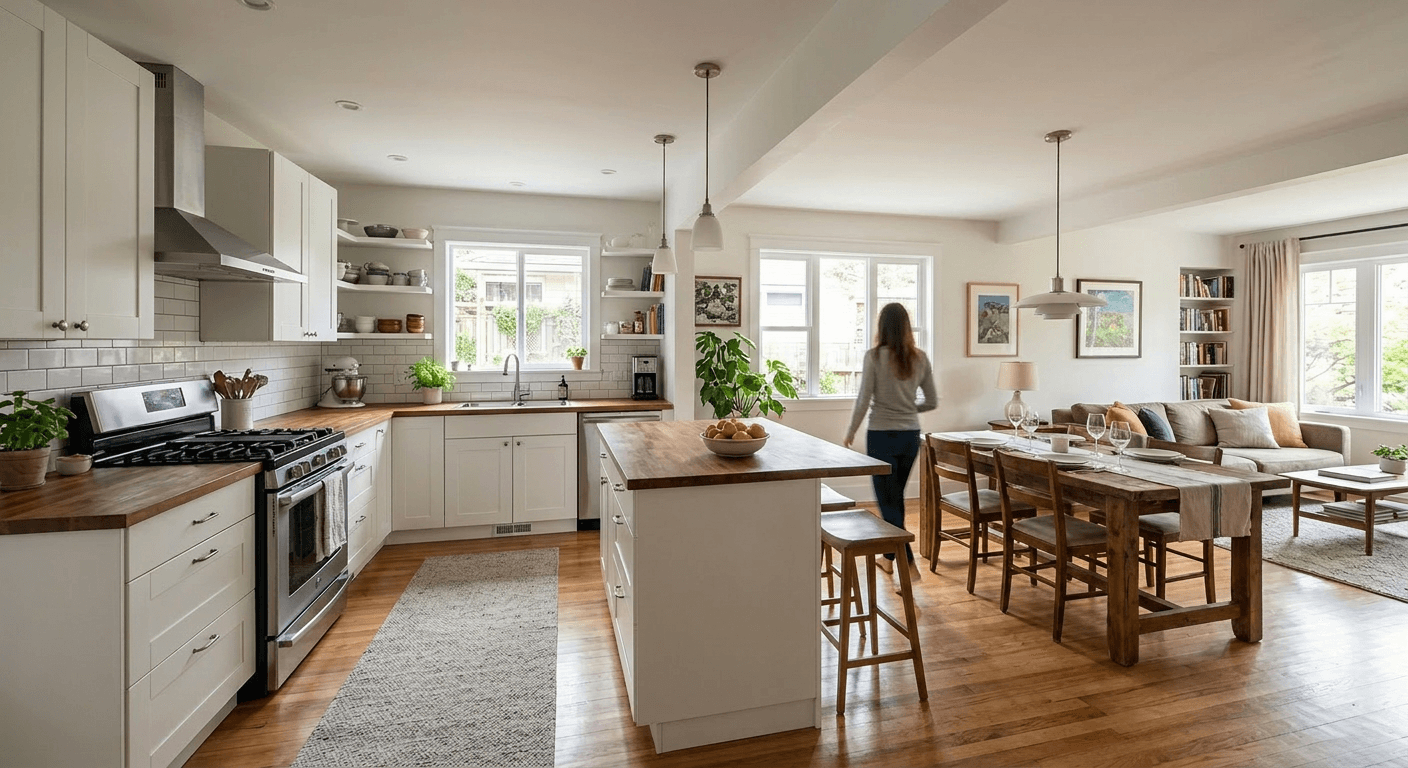
Examples from our gallery. Each after image is AI output of this tool; the before photo is an illustrative sample, not a customer’s yard. The captions say what changed, including things we did not ask for.
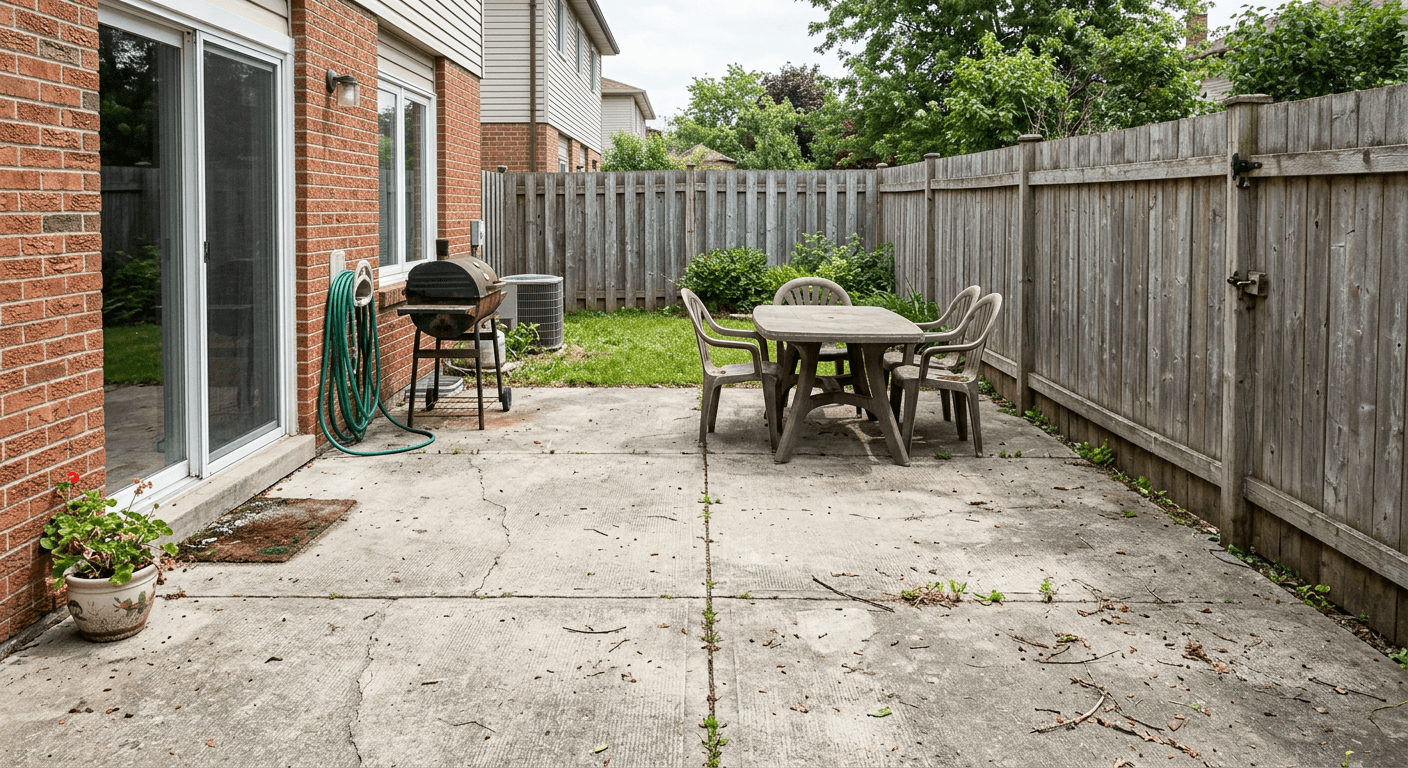 Before (sample photo)
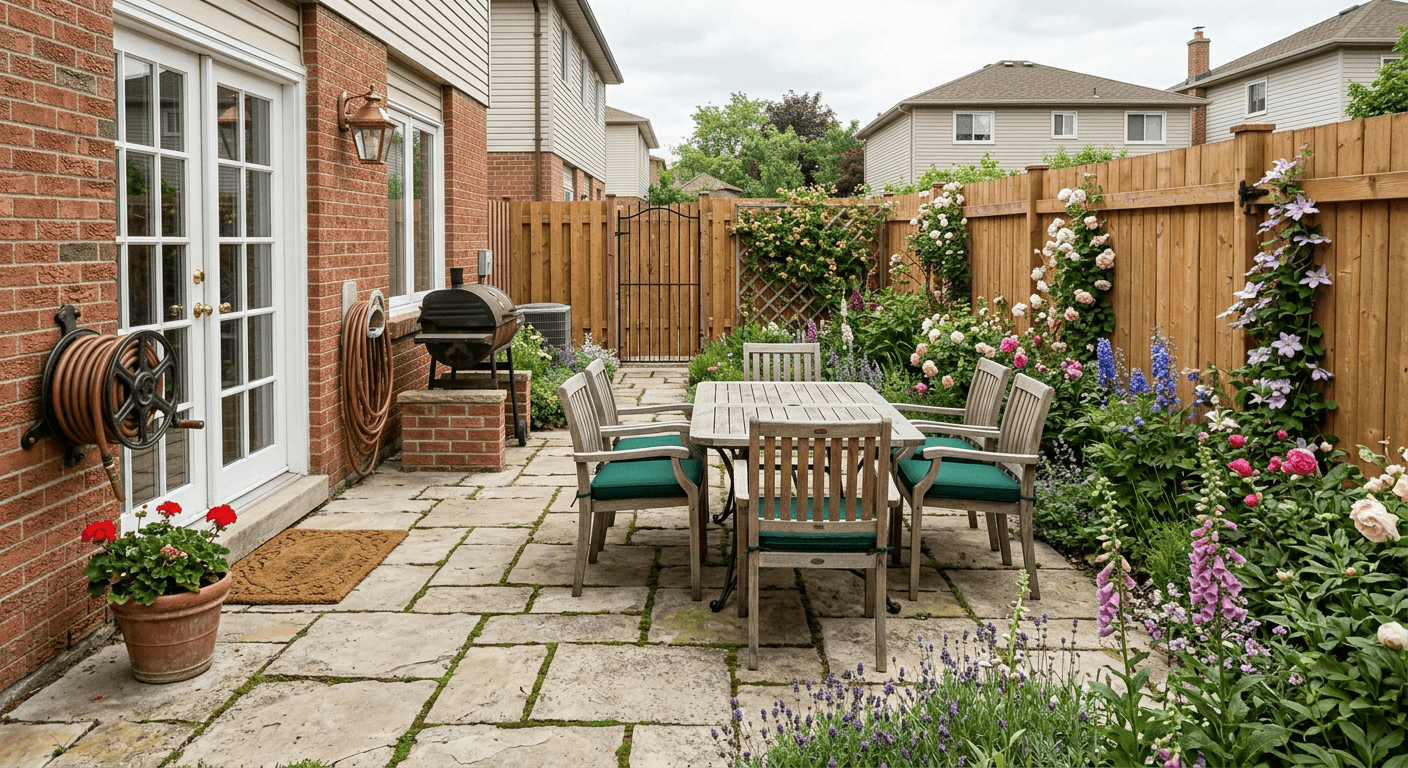 After (AI output)
 Before (sample photo)
 After (AI output)
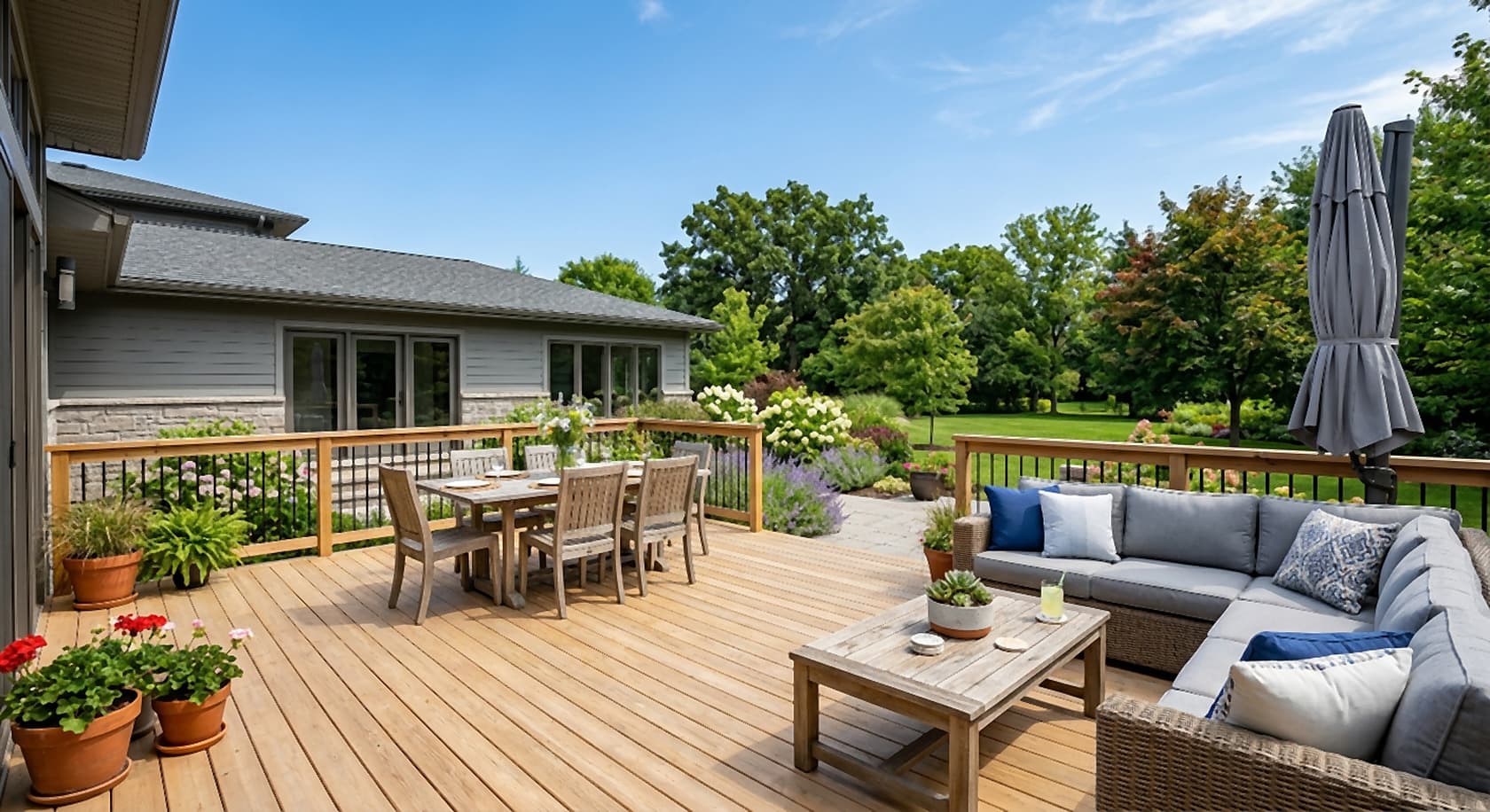 Before (sample photo)
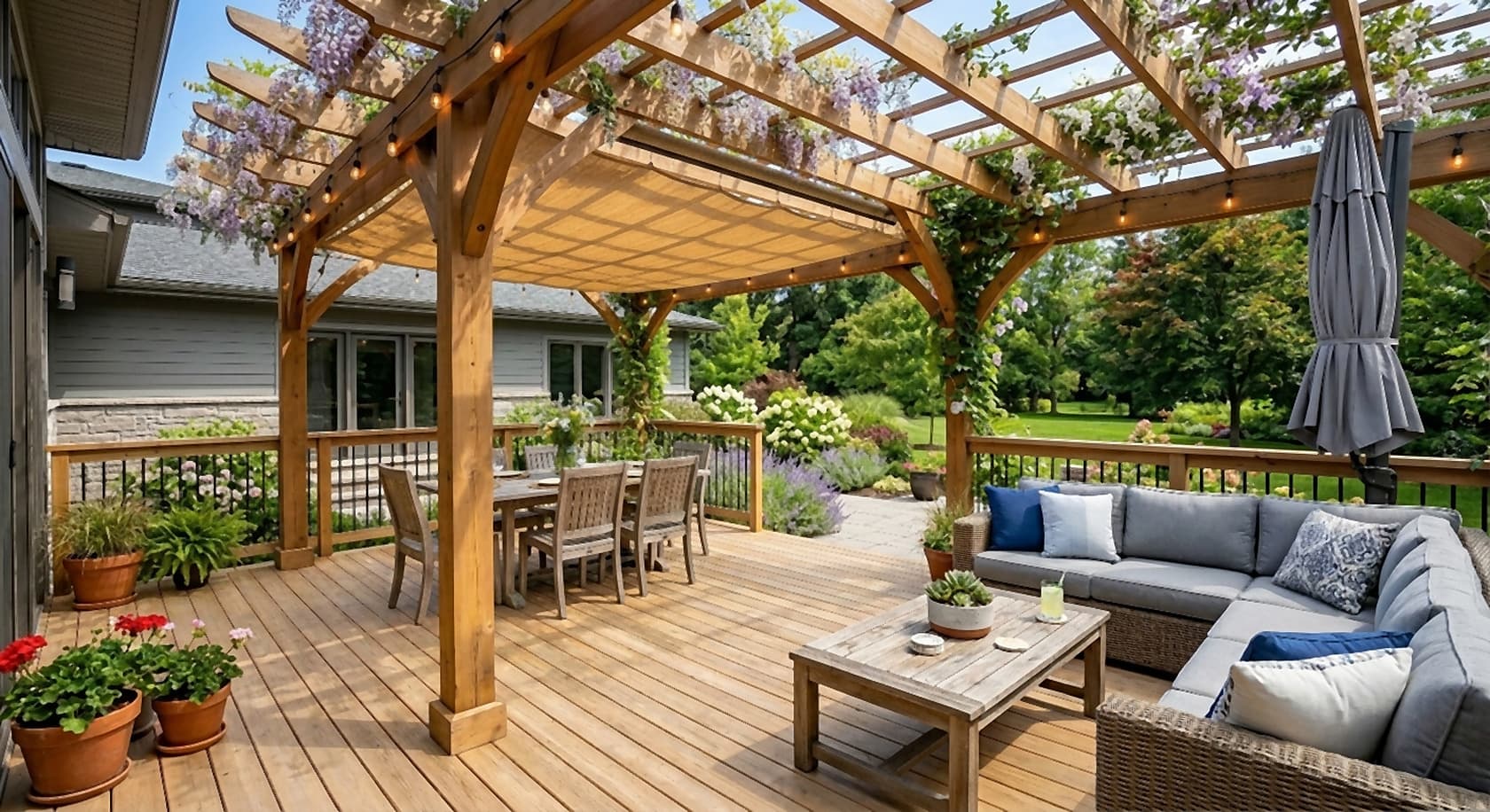 After (AI output)
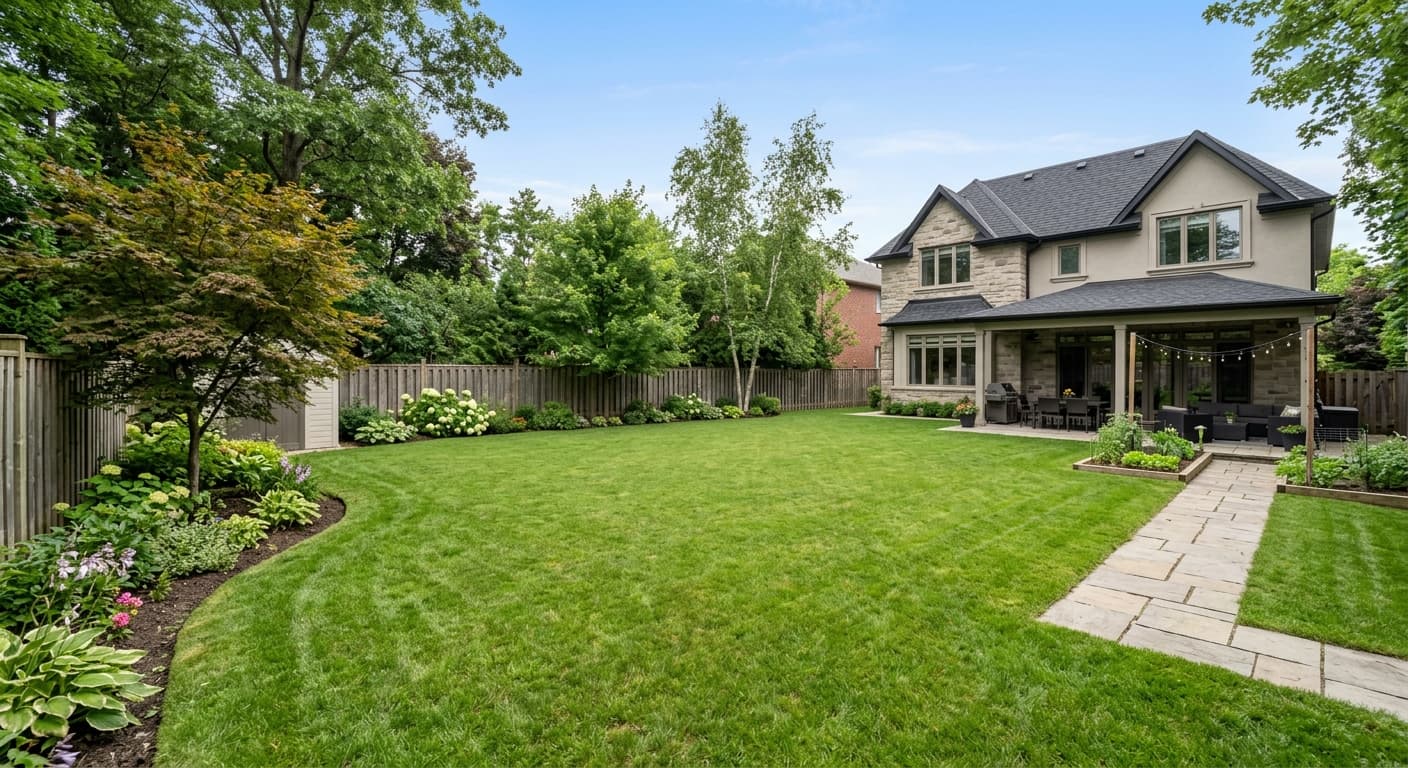 Before (sample photo)
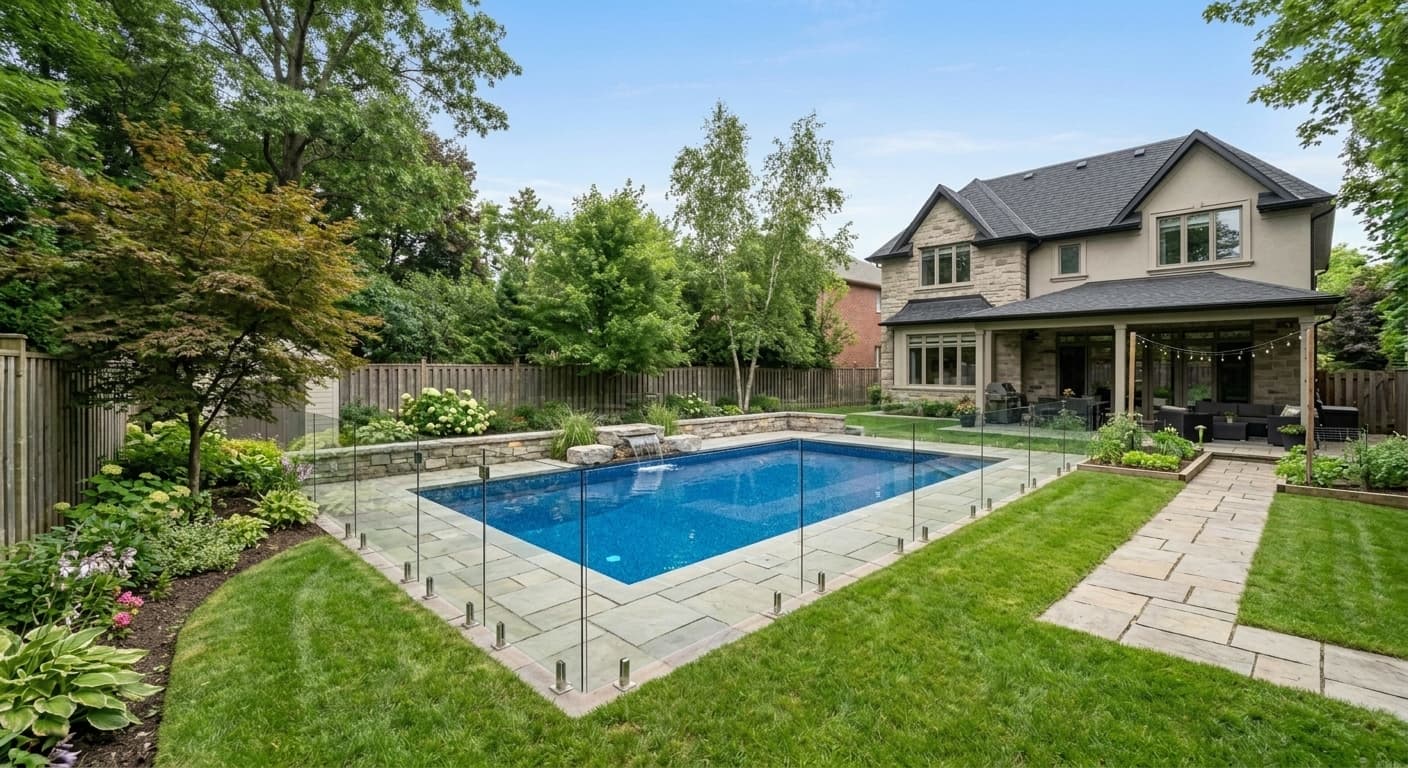 After (AI output)
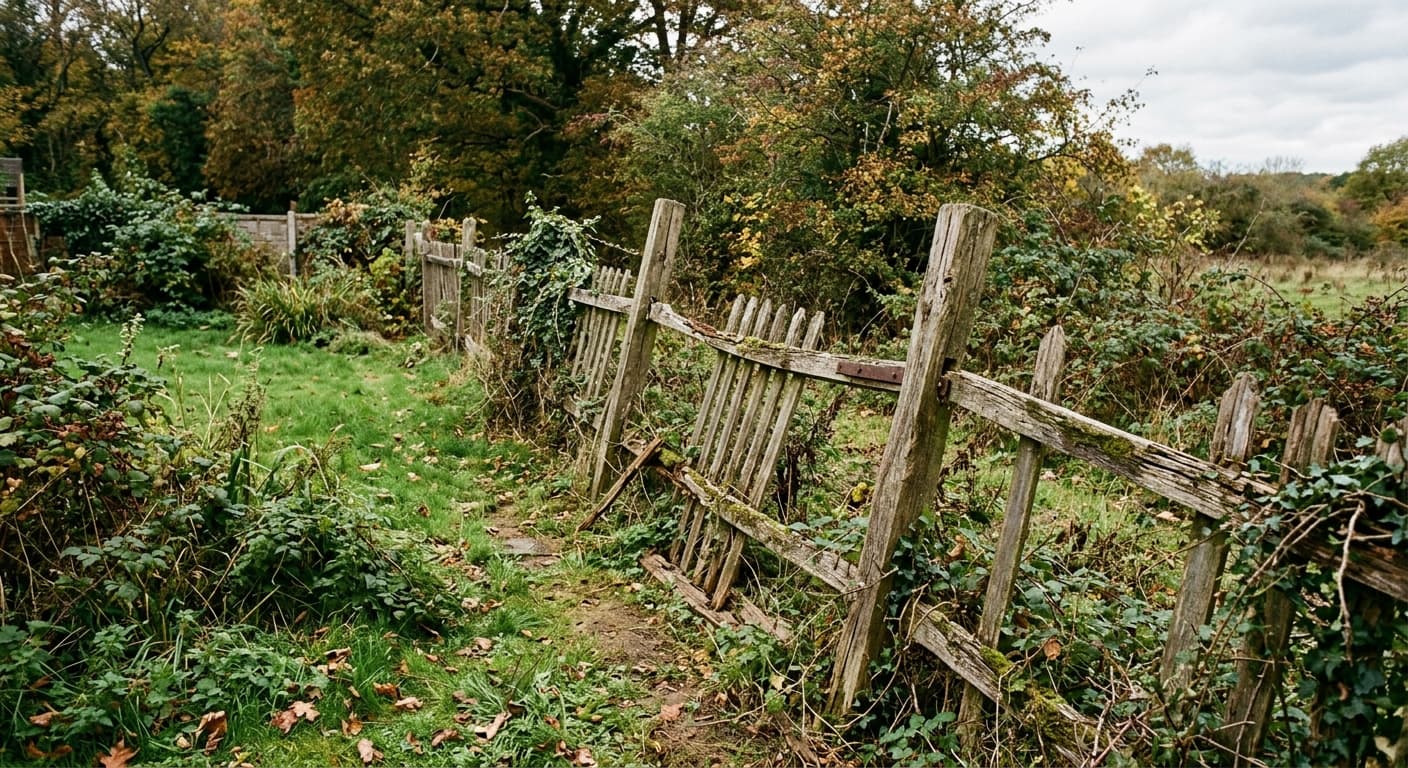 Before (sample photo)
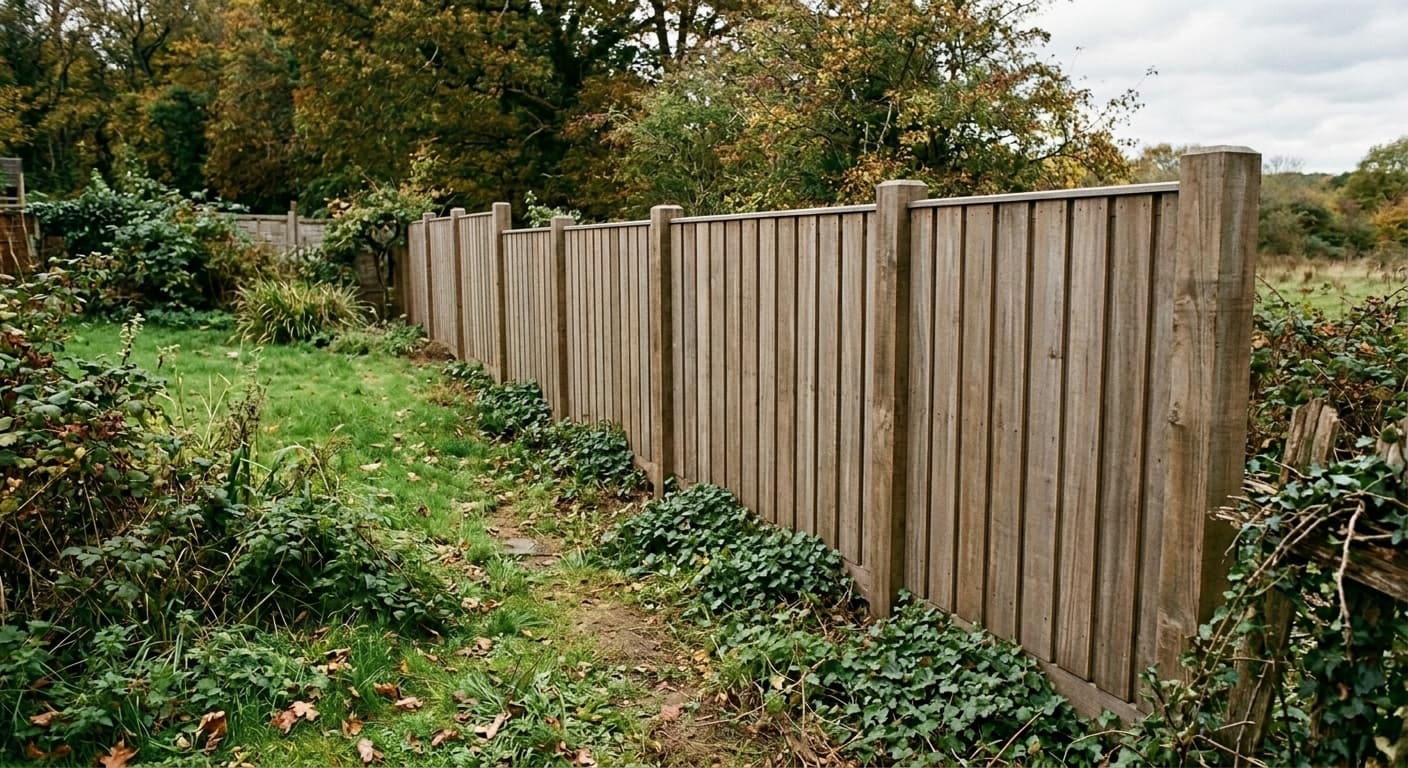 After (AI output)
 Before (sample photo)
 After (AI output)
How AI landscape design works here
- Take a photo of the yard. Stand where you want to look from: the back door, the deck, the street. A phone photo in daylight works best. A drone or aerial photo works for a whole lot, and a hand sketch of the layout works when there is nothing built yet.
- Describe the new yard. Name the hardscape (patio, pavers, walkway, retaining wall, fire pit), the structures (pergola, deck, fence, pool, hot tub), the planting and the lighting. Then say what must stay: “keep the house, fence and trees where they are, same camera angle”.
- Generate. You get a photoreal preview in about 30 seconds, as a 2K PNG or JPG.
- Try several styles. Run the same photo as modern, English cottage, Zen, Mediterranean or low-water and put the results side by side.
- Make precise edits. Keep the version you like and change one thing at a time: “make the lawn smaller and add a gravel path”, “swap the pavers for flagstone”, “remove the hot tub”.
The prompt above is a good template. Write it the way you would brief a landscaper: what goes where, which materials, which plants, what time of day, and what must not change. Concrete words (“porcelain pavers”, “cedar”) beat adjectives.
What you can design with it
Whole backyards. Lawn shape, planting beds, a patio off the house, a path to the back of the lot, a fire pit corner. Start broad, then refine one area at a time. For a backyard with a defined style, see the French country backyard designer or the transitional backyard designer.
Front yards and curb appeal. New walkway, foundation planting, a low wall, a cleaner lawn edge, window boxes. Try the modern front yard designer, minimalist front yard designer, contemporary front yard remodeler, Victorian front yard designer or French country front yard designer. For flower boxes under the windows there is a flower box and planter visualizer.
Hardscape. Patios, pavers, flagstone, gravel, retaining walls, steps and fire pits. Focused tools: the patio extension visualizer and the walkway design visualizer. For the driveway, try the driveway replacement visualizer or the modern driveway remodeler.
Structures. Pergolas, decks, fences, porches and screens. For deck design on a photo of your house, use the deck design visualizer; for a covered entry, the porch addition visualizer. Deck styles: Zen deck, coastal deck, French country deck and mid-century modern deck.
Pools, spas and water. A pool in the lawn, a hot tub on the patio, a water feature. The hot tub visualizer and the modern pool area remodeler are tuned for these jobs.
Planting and garden style. Cottage borders, gravel gardens, low-water planting, a kitchen garden. Style starting points: rustic garden designer, colonial garden designer, Zen patio designer, minimalist patio remodeler and rustic patio remodeler.
Lighting. Path lights, uplights on trees, step lights, string lights over a patio. Use a dusk photo, or ask for “the same view at dusk”, and see the whole scheme at once.
Who uses it
Homeowners. Most people who look for landscape design software for homeowners want to answer three questions before they call anyone: does a patio this size fit, which style suits the house, and is a pool or a pergola worth it? A few previews on your own photo answer that faster than a catalogue.
Landscape designers, contractors and outdoor builders. Before you draw a plan, show the client two or three options on a photo of their own yard. It is not a replacement for professional landscape design software that draws the scaled plan; it is the step before it, the one that gets a yes on the direction. Commercial use of the images is included.
Real estate. To show buyers what a bare lot or a neglected yard could become, see add landscaping to bare property photos and vacant land visualization. Label edited listing photos as virtually enhanced.
Redoing the house as well? The same account runs the home remodel design software for the rest of the project.
AI landscape design vs. traditional landscape design software
Traditional landscape design software, the 2D and 3D CAD kind with plant libraries, draws the yard to scale: property lines, beds, paving areas, plant symbols, a plant schedule. That is what a contractor builds from. The result is a plan, not your actual yard.
AI landscape design starts from the other end. You begin with a photo of the real yard, with your house, your neighbour’s fence and your old maple in it, and you see a realistic version of the new design in about 30 seconds. What you do not get is accuracy: sizes are approximate and nothing is measured.
Hiring a landscape designer gives you both judgement and a buildable plan, which no software replaces. The AI preview makes that meeting shorter and the brief clearer. A sensible order: AI previews to decide the direction, then a designer or CAD tool for the plan, then a contractor.
What it does not do
- No scaled site plan or planting plan, no dimensions, no construction or permit drawings.
- No plant list, no quantities (pavers, gravel, mulch, plants), no irrigation, grading or drainage design, no cost estimate.
- Plants shown are visual suggestions. They may not suit your climate, soil, sun or hardiness zone; check with a local nursery or designer.
- Proportions are approximate. A 12 × 16 ft patio in the image may not be 12 × 16 ft.
- AI can change things you did not ask for (a door, a window, the house next door). Compare with your original photo and re-run.
- No 3D model you can walk around and no walkthrough video: each result is one still image from your camera angle.
For the scaled plan, use professional landscape CAD software or a landscape designer. The images here are for deciding and explaining.
Pricing
Plans from $12/month (Lite, about 20 generations a month; $9/month billed yearly). Starter is $29/month for about 50. Cancel anytime. No free tier or trial. One image or one edit is one generation, so a backyard with five styles and a few follow-up edits fits in a Lite month. See all plans.
FAQ
Is there a free trial?
No. Paid plans only, from $12/month; no free tier or trial. Lite is about 20 generations a month ($9/month billed yearly), Starter is $29/month for about 50. Cancel anytime.
What is the best landscape design software for homeowners?
It depends on what you need. If you want to see what your own yard could look like before you spend money, a photo-based AI tool like this one is the fastest route: one photo, one description, a realistic preview in about 30 seconds. If you need a scaled site plan with a plant list and quantities for a contractor, you need landscape CAD software or a landscape designer. Many homeowners use both: the AI preview to decide what they want, the plan to build it.
Can it make a landscape plan or planting plan with measurements?
No. It makes pictures, not plans. There is no scaled site plan, no planting plan, no plant list, no quantities, no irrigation, grading or drainage design and no cost estimate. Use the images to choose a direction and brief the person who draws the plan.
Will the plants in the image grow where I live?
Not necessarily. The plants in the image are visual suggestions, and the AI does not check your climate, soil, sun or USDA hardiness zone. Name plants you know do well locally in the prompt, and check the final choice with a local nursery or landscape designer.
Can I use a drone photo or a sketch instead of a ground photo?
Yes. A drone or aerial photo works well for whole-lot layouts such as where the pool, patio and lawn go. A hand sketch of the layout can be turned into a photoreal view. You can also generate from a text description alone, but a photo of your real yard gives the most useful result.
Will it keep my house, fence and trees?
Say so in the prompt (“keep the house, fence and trees where they are, same camera angle”) and it usually does. AI can still change details you did not ask for, such as a door, a window or the neighbour’s house, so compare each result with your original photo and re-run if something important moved.
Can landscape designers and contractors show the images to clients?
Yes. Commercial use is included on every paid plan. Pros use it to show a client two or three options on a photo of their own yard before drawing the plan. Present the images as concepts, since proportions and plant sizes are approximate.
How long does it take and what do I get?
About 30 seconds per image. Output is a 2K PNG or JPG (4K with a 4K pack). You can edit any result with a follow-up prompt.
Related outdoor tools
More results in the before and after gallery.
AI-generated concept images for planning and presentations, not construction documents. Plants, sizes and materials shown are approximate; have a landscape professional check any design before you build. Made by 20Vision GmbH, Vienna.