Home remodel design software: see the remodel on a photo of your own room
Upload a photo of your kitchen, bathroom, basement or house, write what you want changed and what must stay, and get a photorealistic picture of the remodel in about 30 seconds. This home remodel design software works as a remodel visualizer for homeowners and designers: try cabinets, tile, siding or a new porch on the real space before you spend money, then show the picture to your partner or contractor.
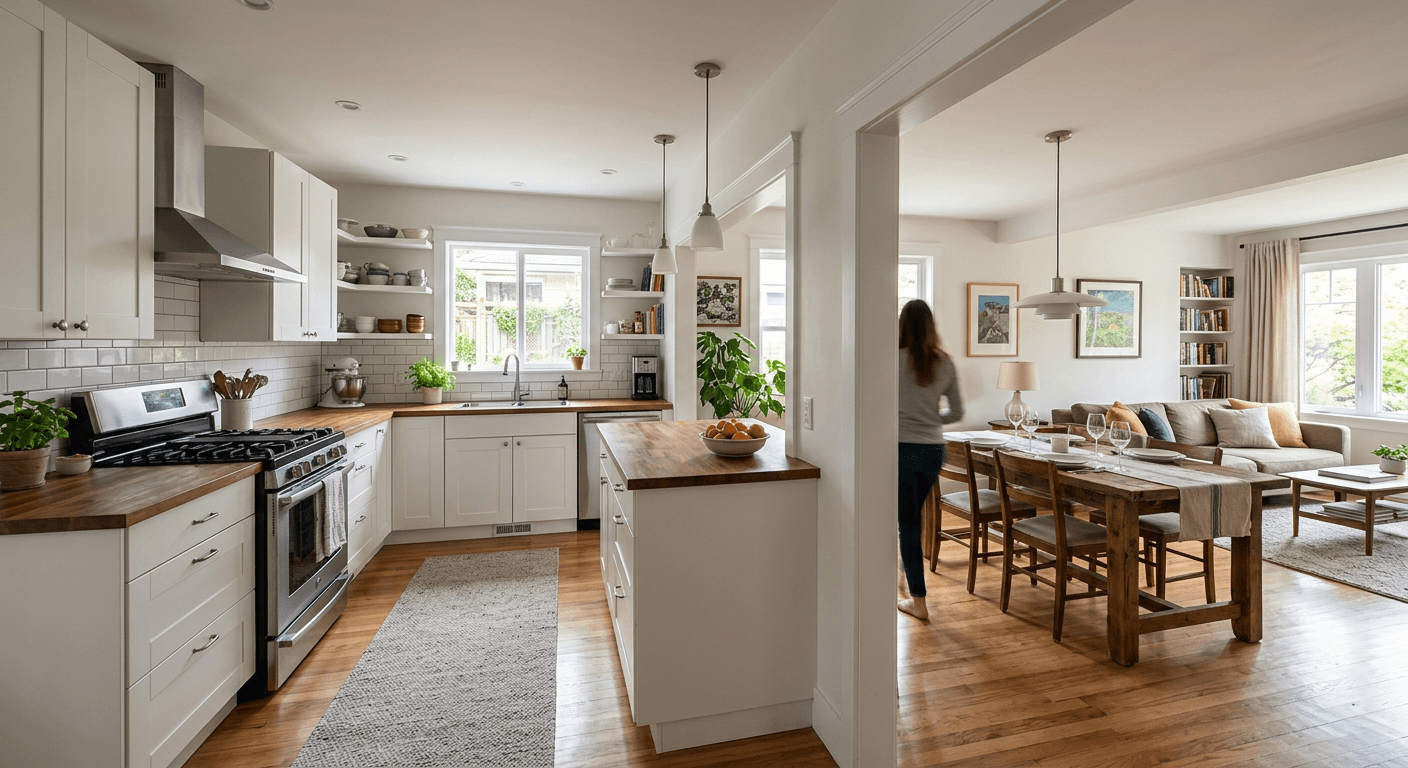
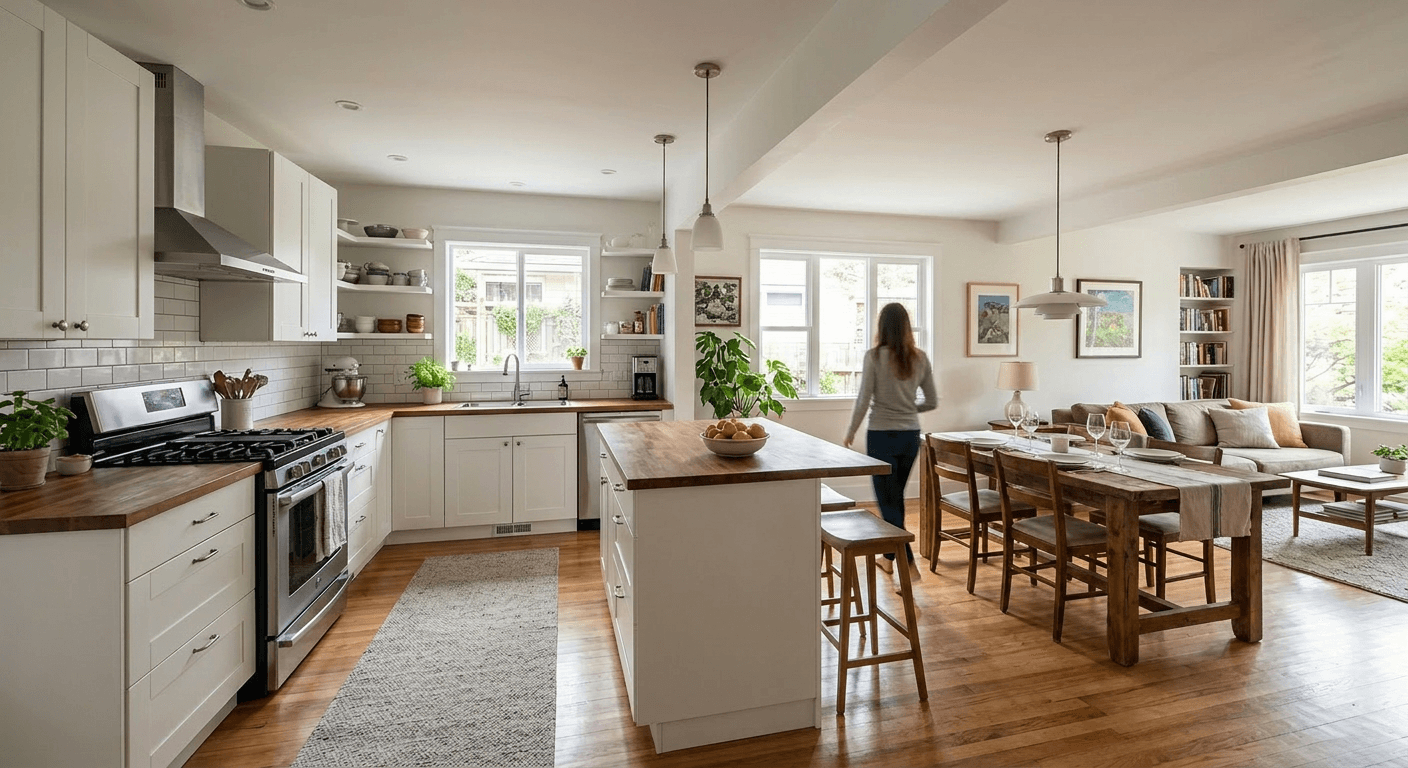
Remodel examples: before and after
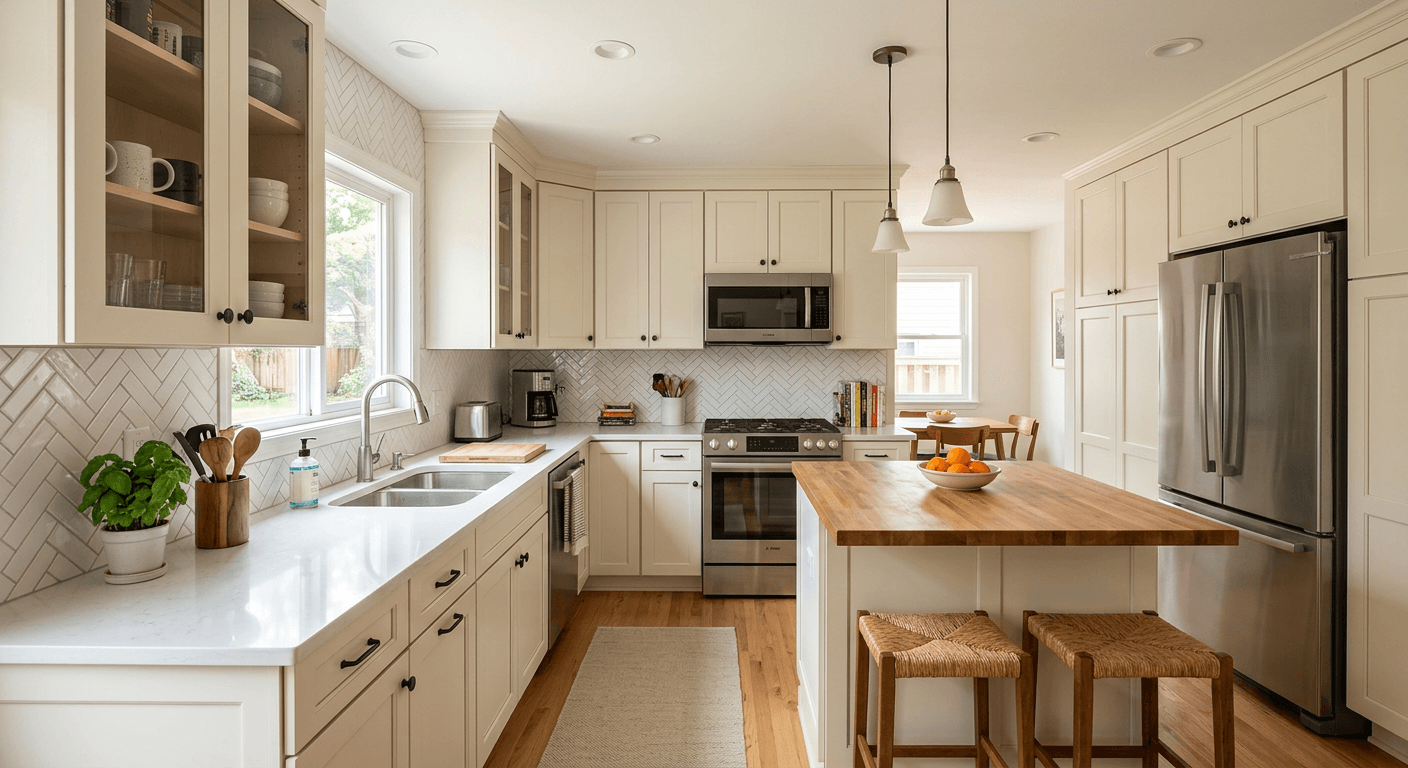
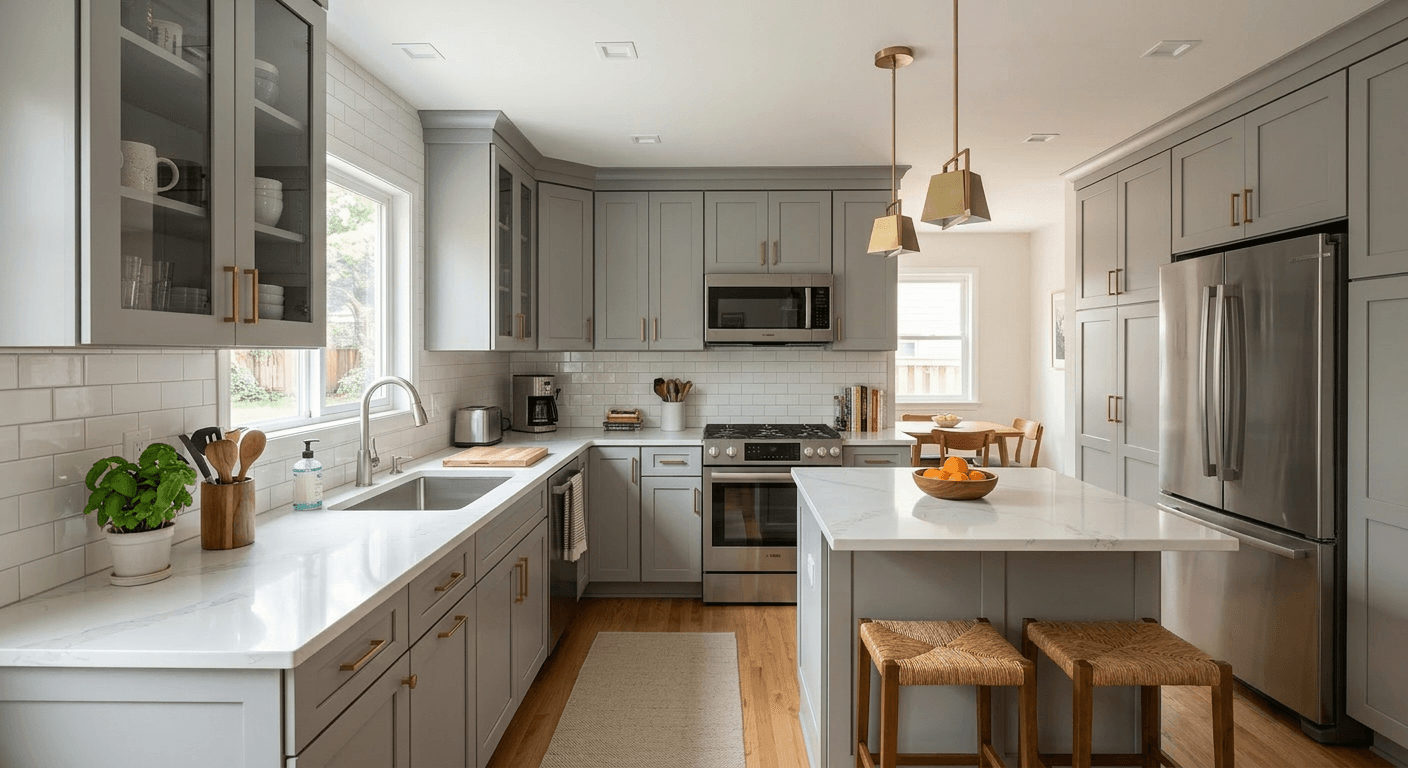
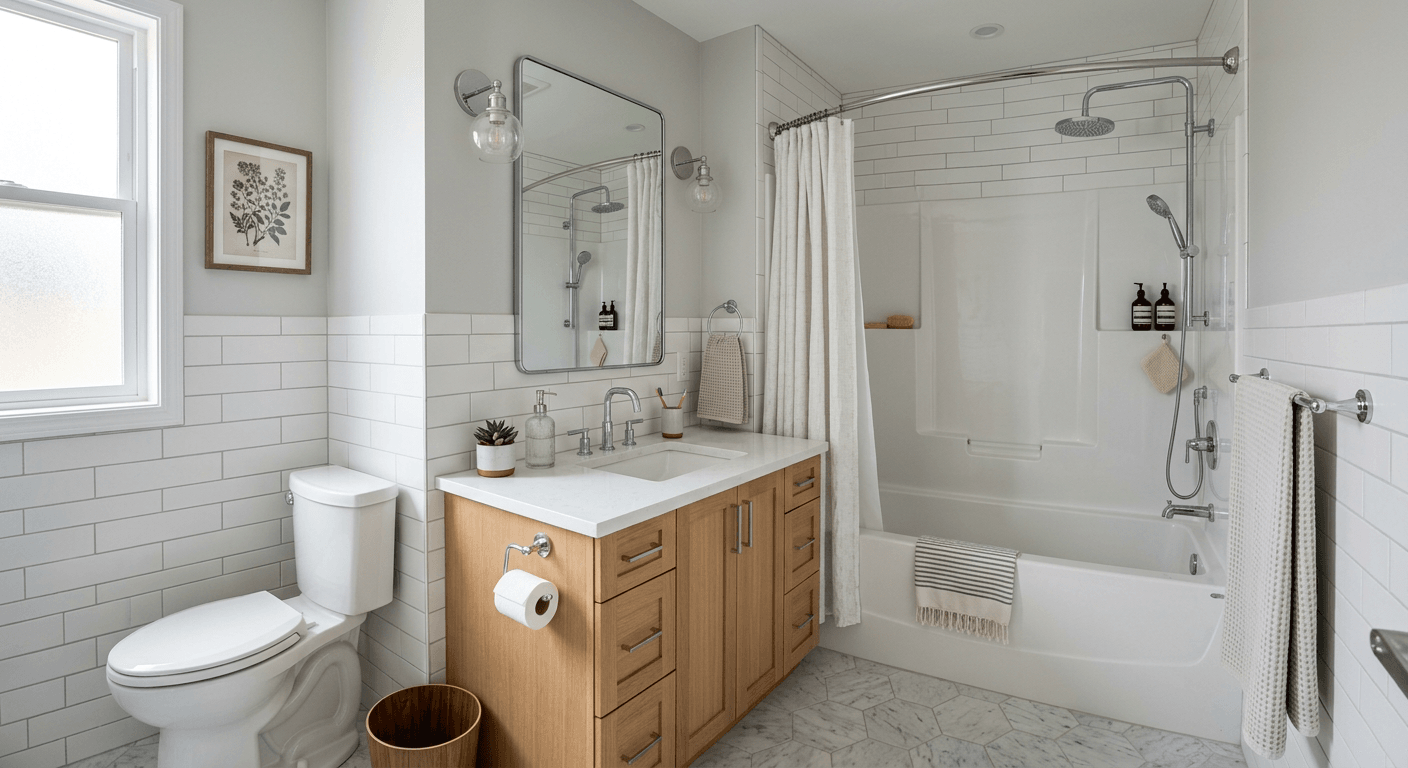
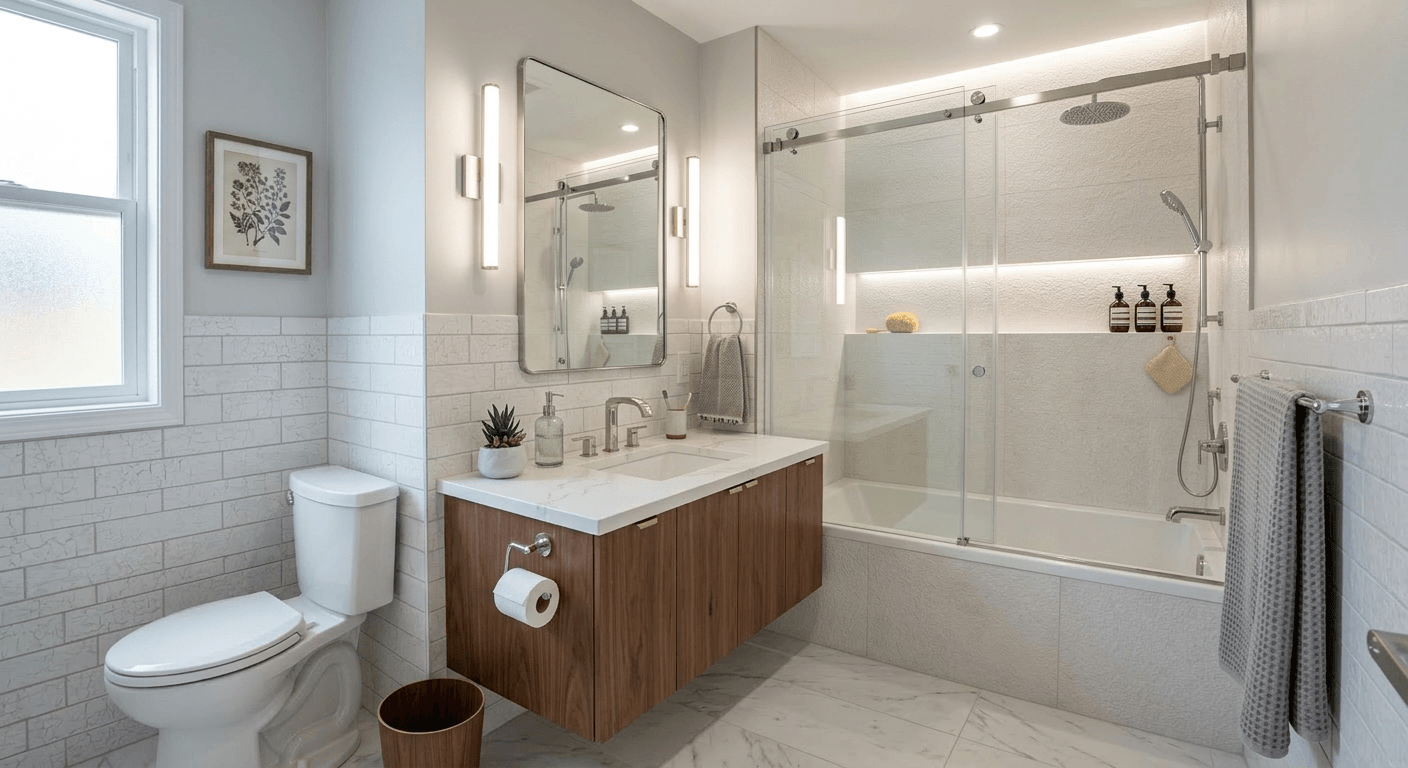
Examples from our gallery. The after image is AI output of this tool; the before photo is an illustrative sample. Each example links to the page for that job, where you can run the same kind of remodel on your own photo.
Kitchen: new cabinet color, counters and pendants
 Before (sample)
 After (AI output)
Bathroom: glass doors, floating vanity, new lighting
 Before (sample)
 After (AI output)
Tub to walk-in shower conversion
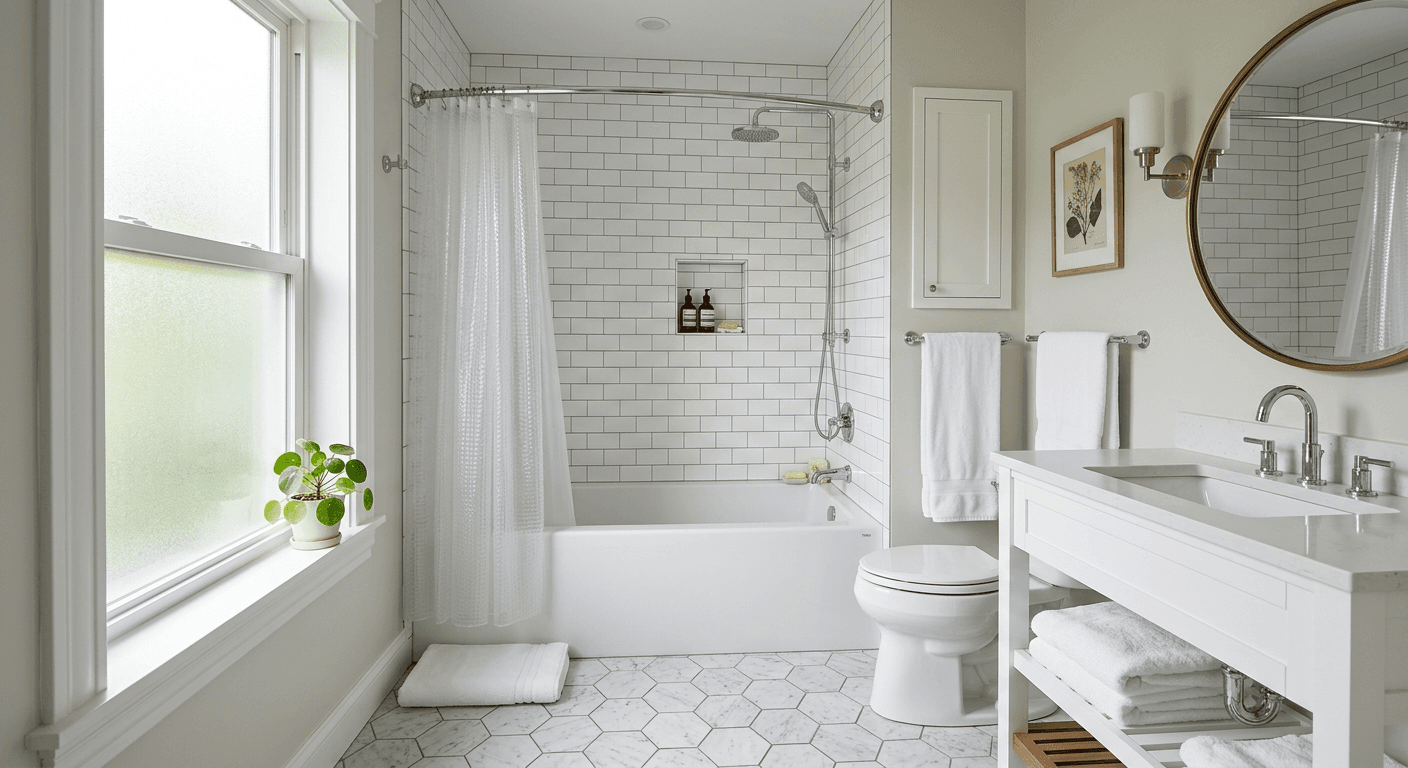 Before (sample)
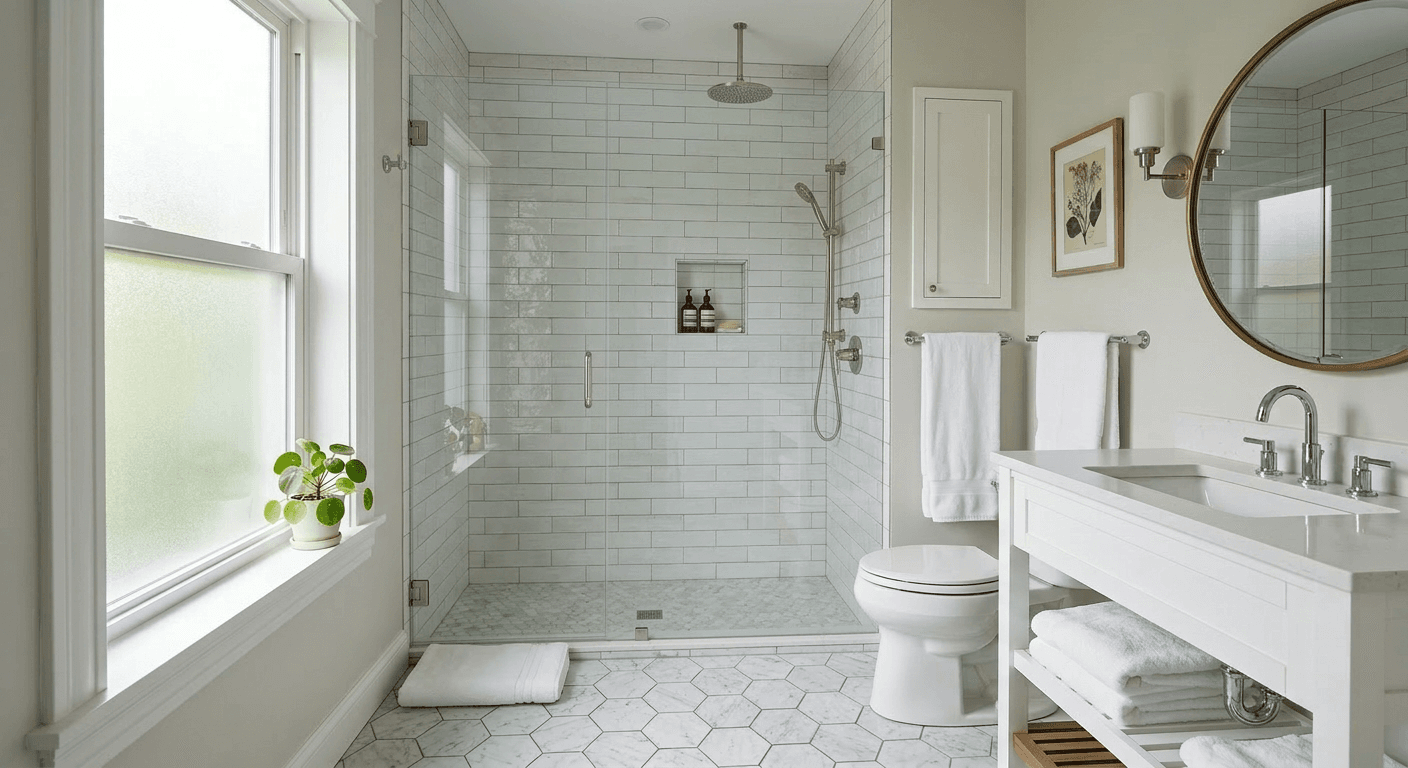 After (AI output)
Unfinished basement to family room
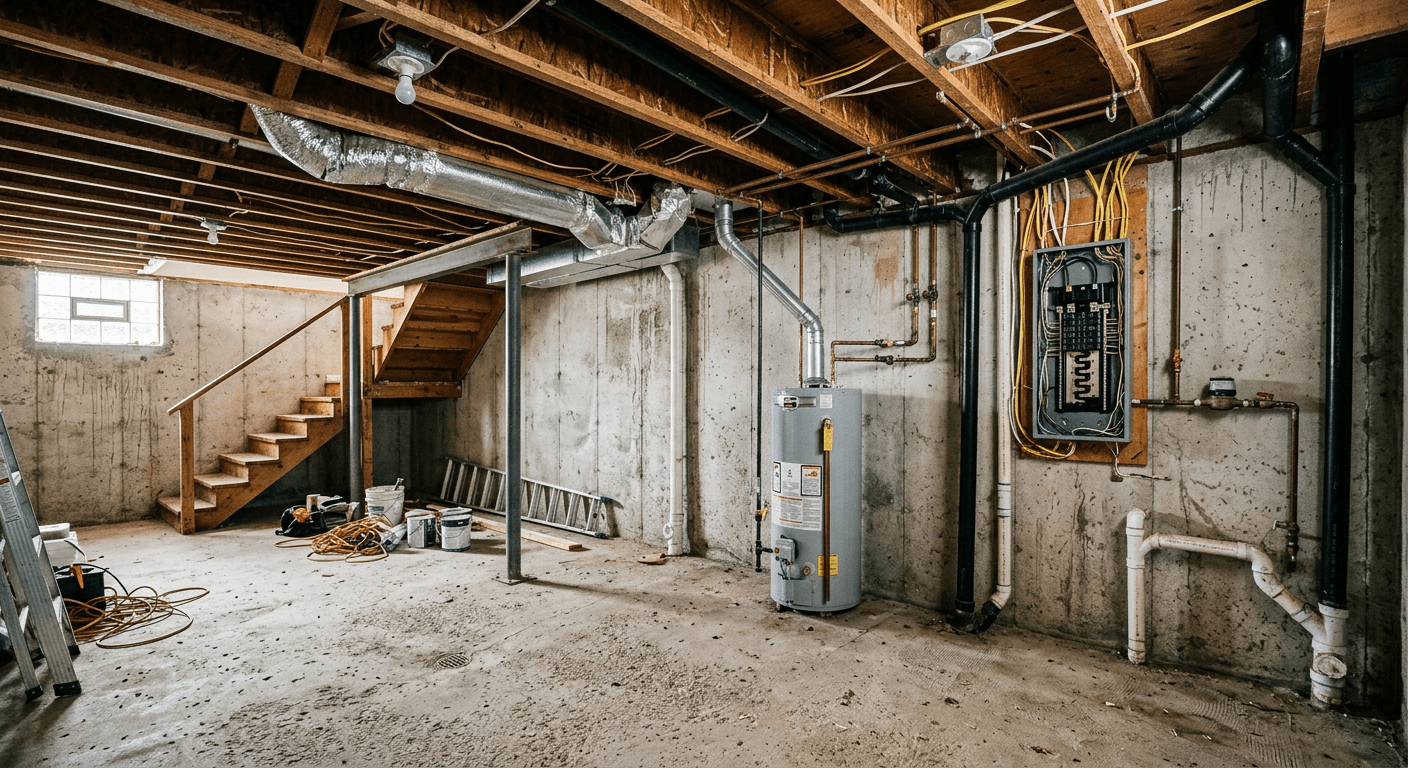 Before (sample)
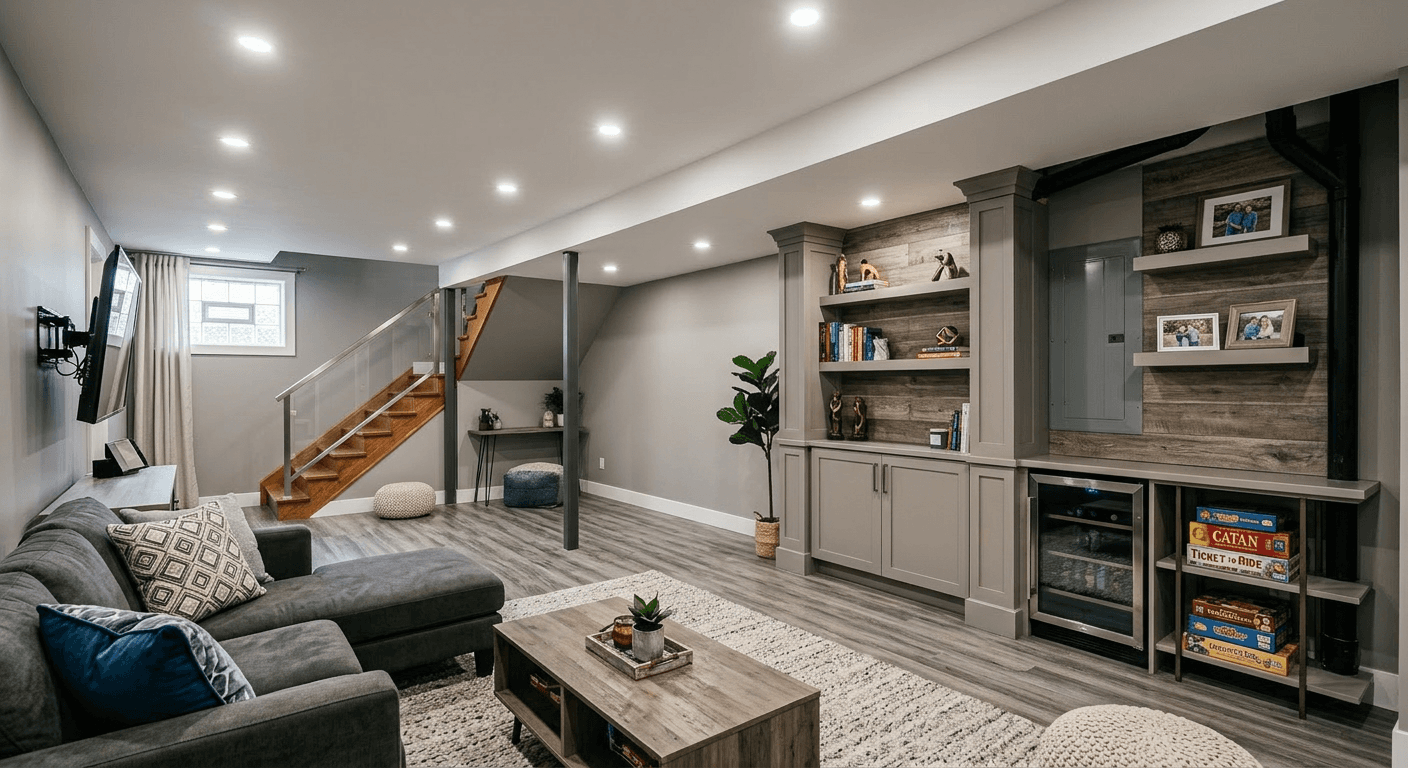 After (AI output)
Exterior: siding, windows, entry and planting
 Before (sample)
 After (AI output)
Front porch added to a Cape Cod
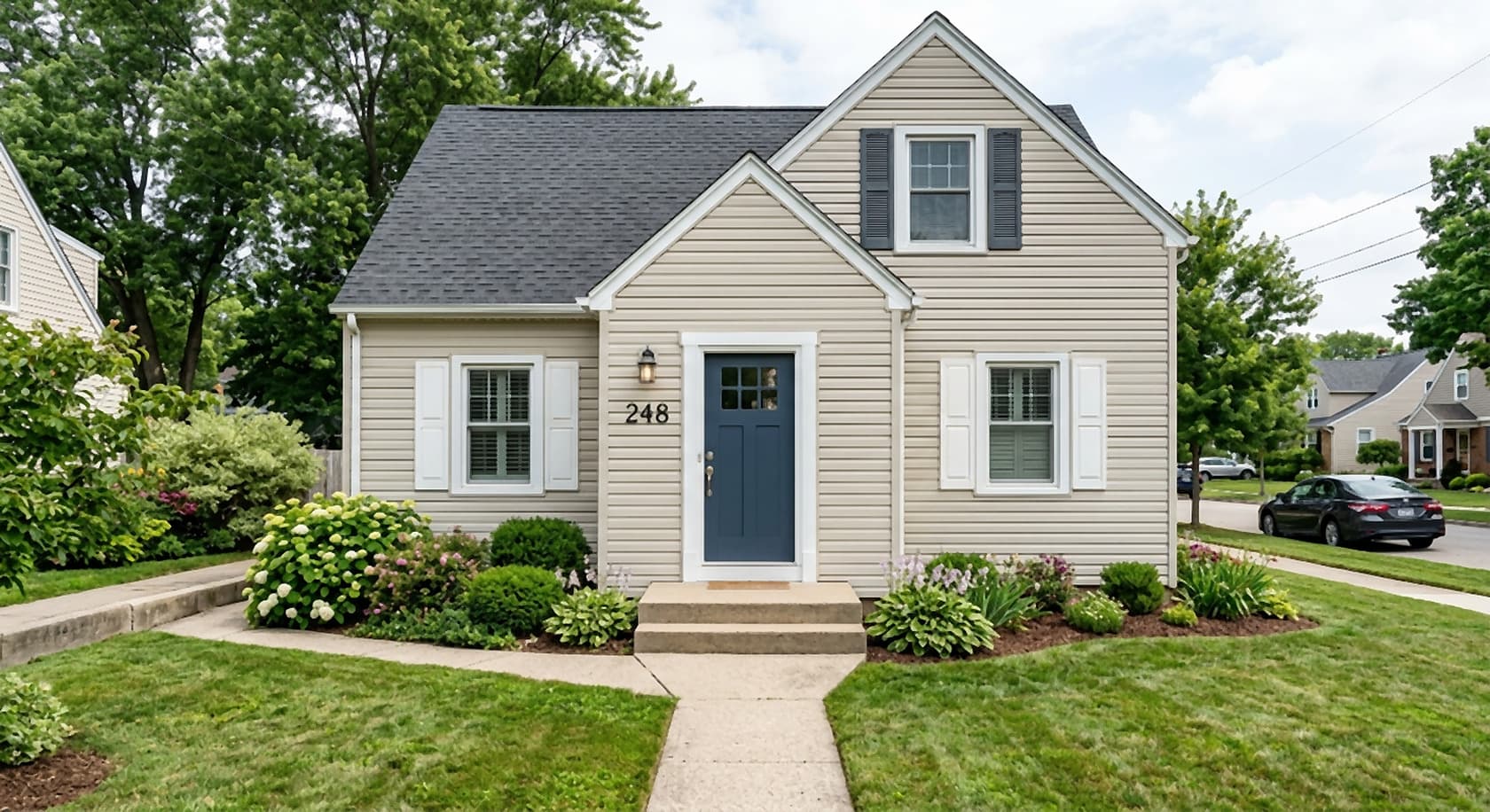 Before (sample)
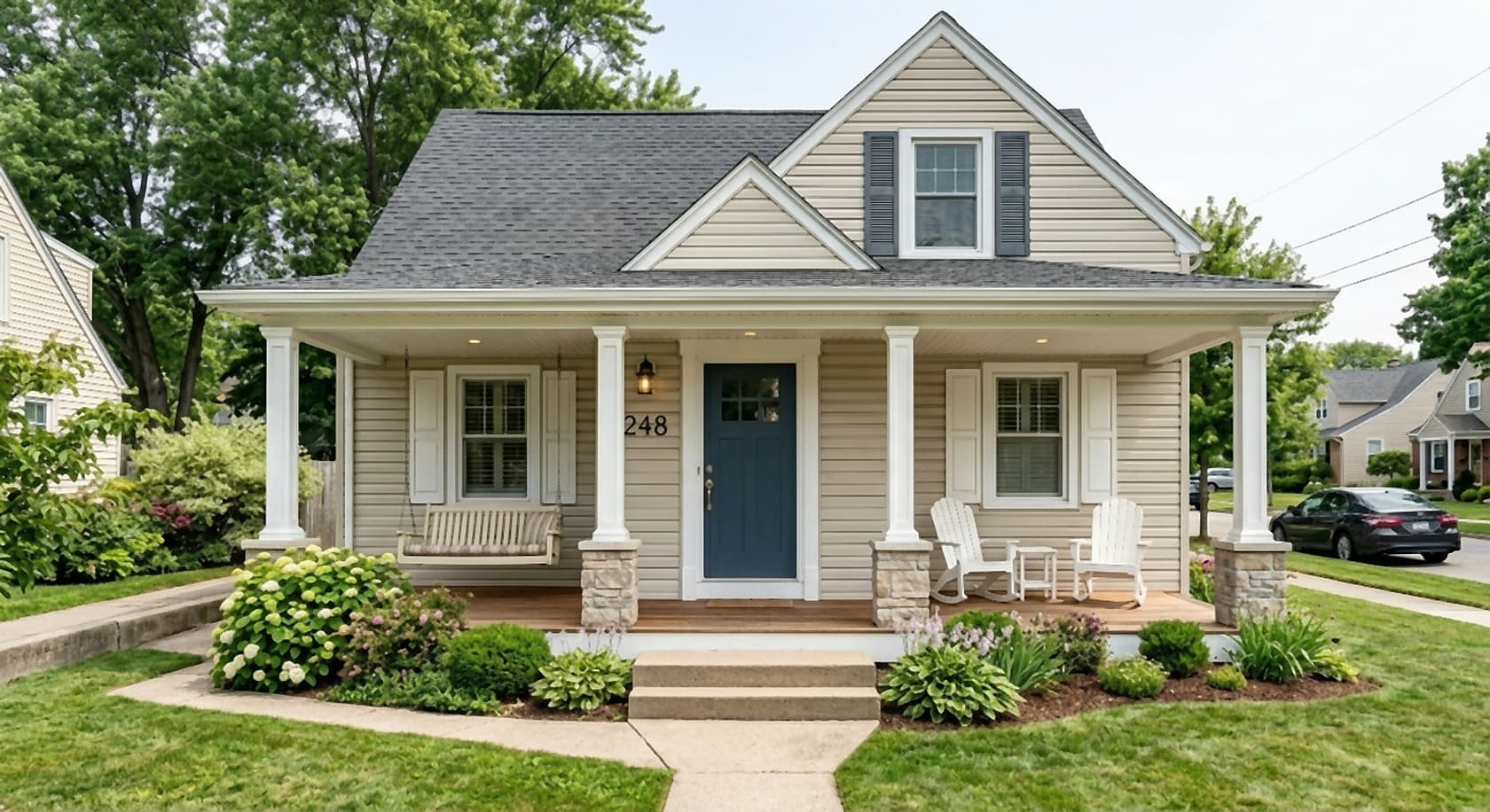 After (AI output)
How it works
- Take one photo of the space. Stand in a corner or doorway at eye height and get the whole area you want to change in frame: all the cabinets, the full bathroom wall, the entire front of the house.
- Describe the remodel and what to keep. Name the materials and colors you have in mind, then list what must not move: “keep the windows, doors, ceiling and camera angle”. The tool above starts with a sample kitchen brief you can overwrite.
- Get the picture in about 30 seconds. You get a photoreal 2K image of your room or house with the remodel applied (4K with a 4K pack).
- Refine one thing at a time. Edit the result with short follow-up prompts: “make the island top butcher block”, “change the backsplash to white subway tile”, “remove the pendant on the left”. Run two or three directions and put them side by side.
- Compare with the original and share. Check that windows, doors and proportions still match your photo (AI can change details you did not ask for; re-run if it did), then download the image for your partner, client or contractor.
What you can remodel with it
The same generator handles every room and the outside of the house. Each link below goes to a page with a brief written for that one job, so you can start from a prompt that already says what to keep.
Kitchen remodel design
The kitchen is where most people start, because the decisions are expensive and hard to imagine from samples. Use the kitchen remodel visualizer for a full makeover, or go from an outdated kitchen to a modern kitchen in one step. Thinking about taking a wall out? See it with the open concept kitchen visualizer before you call an engineer. For cabinets, try white kitchen cabinets, a cabinet color change, cabinet refacing or two-tone cabinets. For counters, compare a marble countertop, a butcher block countertop, a laminate to quartz upgrade or a granite to quartz swap. Then add an island with the kitchen island addition visualizer, and finish with the backsplash design visualizer or a subway tile backsplash, new kitchen lighting, new appliances and kitchen floor tile.
Bathroom remodel design
Bathrooms are small, so one wrong tile or vanity changes the whole room. Start with the bathroom remodel visualizer or turn an outdated bathroom into a modern bathroom. The most common single change is a tub to walk-in shower conversion. For surfaces, compare options with the shower tile design visualizer, the bathroom wall tile visualizer and the bathroom floor tile visualizer, and try a new vanity with the bathroom vanity replacement visualizer.
Living spaces and conversions
New floors change every room at once: try a flooring replacement or go from carpet to hardwood. Give the living room a focal point with a fireplace makeover, built-in shelving or an accent wall, and update the hall with a staircase renovation. For space you are not using yet, see a finished basement, an attic conversion or a garage to living space conversion. For furnishing and styling a room rather than rebuilding it, see AI interior design software.
Exterior remodel
From the street, small changes add up. Try an exterior paint color, siding replacement or a roof replacement; then the details with a window upgrade, a front door replacement or a garage door replacement. Bigger moves: a porch addition or a full home exterior modernization.
Outdoor living
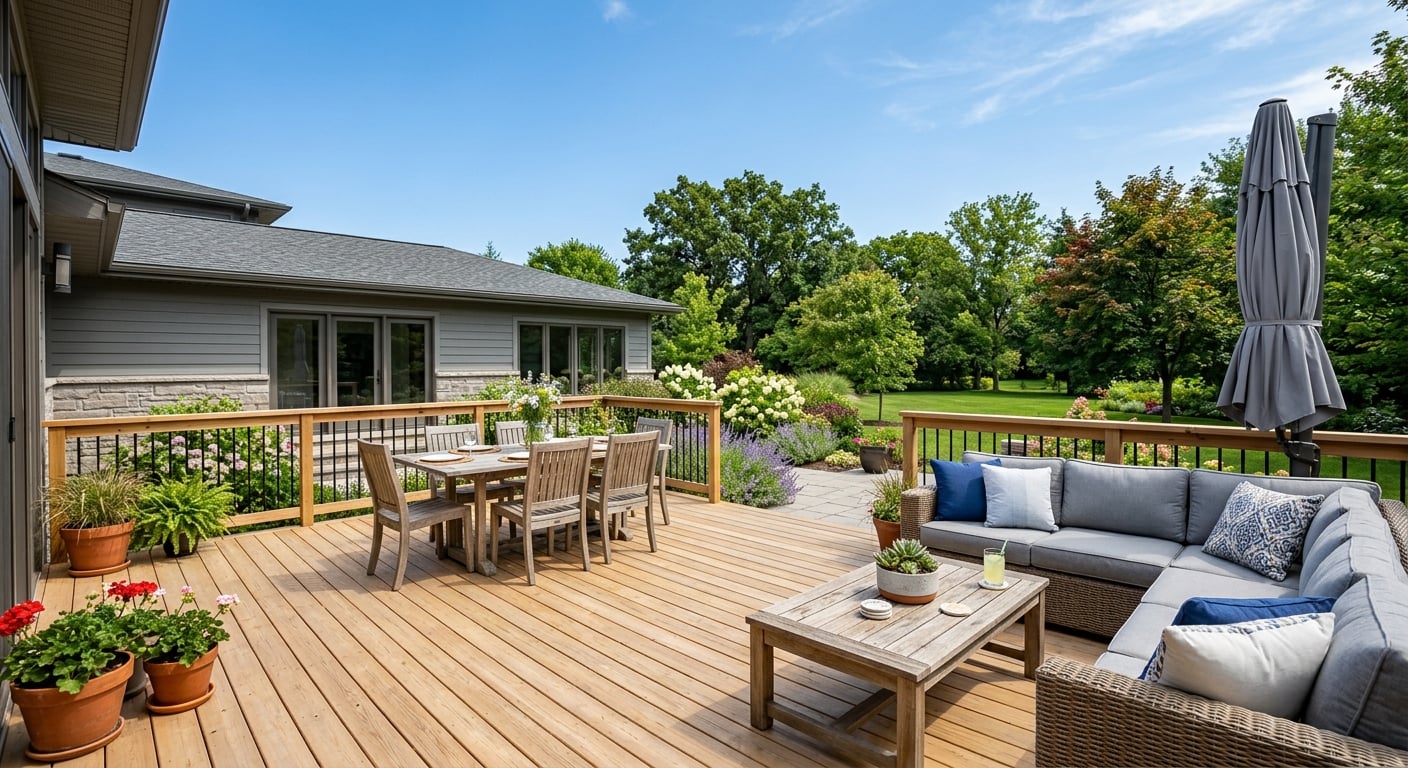
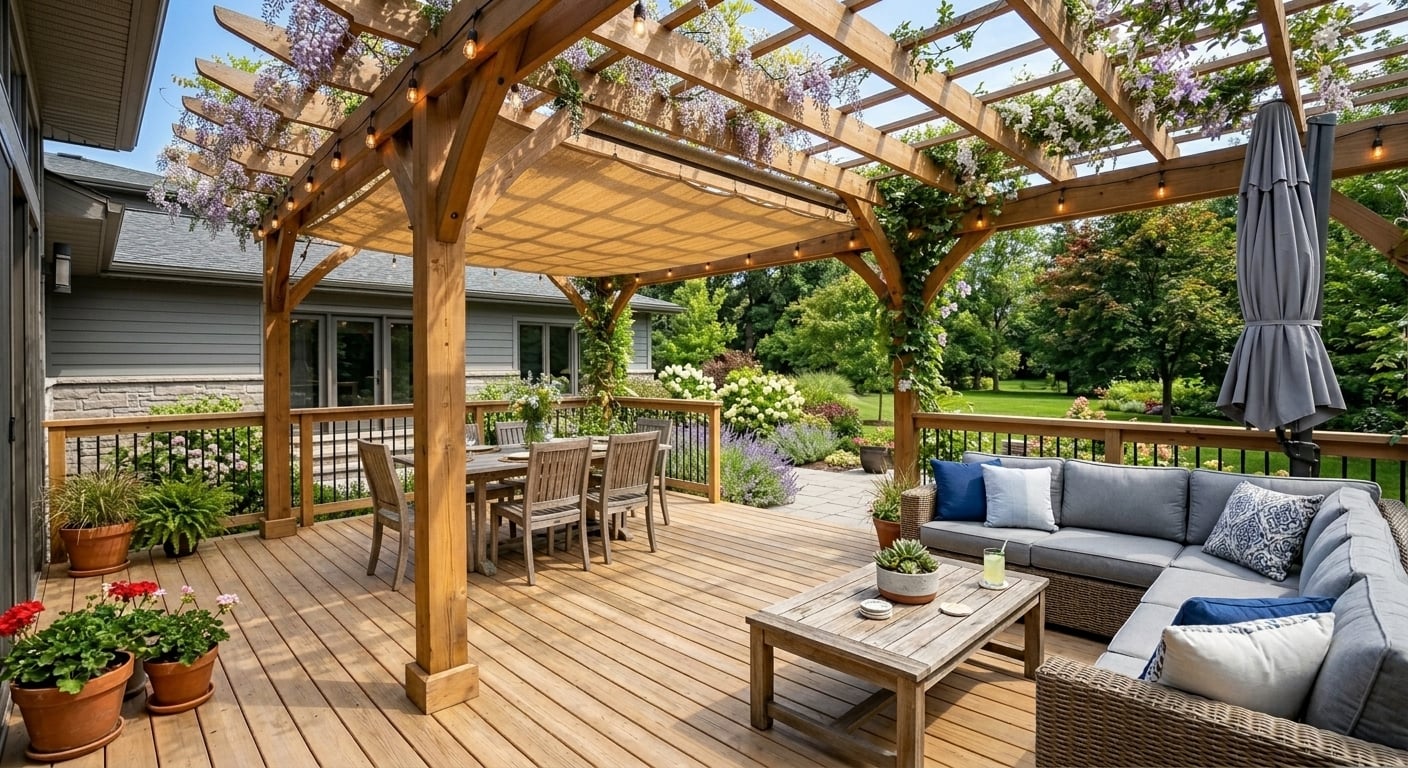
Upload a photo of the back of the house or the yard and add a deck, a pergola or a patio extension. For planting, paths and the whole garden, see AI landscape design.
Change one thing, or redo the whole room
There are two ways to brief a remodel, and they give different results. A single change keeps everything else as it is: “replace only the countertops with white quartz, keep the cabinets, floor, backsplash and lighting”. This is the way to answer a narrow question, like whether quartz or butcher block suits your cabinets.
A full makeover lists the new look for every surface and fixes only the shell: “keep the windows, doors, ceiling height and camera angle”. This is the way to compare whole directions, for example a warm wood kitchen against a white one.
Either way, be concrete. “Modern bathroom” leaves the AI to guess; “matte white 24 x 48 in floor tile, walnut floating vanity, round brass mirror, frameless glass shower” gives it something to draw. Run each option on the same photo so the comparison is fair.
Who uses it
- Homeowners planning a remodel who want to see the kitchen, bathroom or front of the house before choosing materials, and to agree on a direction at home before talking to anyone else.
- Interior and remodel designers who need a quick, realistic picture on the client’s own photo in the first meeting, and two or three options to choose from, before investing time in drawings. Studios that need polished renders from their own models can also look at interior design rendering software.
- People buying or selling a fixer-upper who want to show what a dated room could become.
How it compares to other remodeling design software
Floor plan and 3D room planners let you draw a room to scale, place cabinets and furniture and walk around a 3D model. That is the right tool when the layout itself changes. The trade-off is time: you rebuild your room from measurements and pick from a model library, and the result looks like a model rather than your room. A photo-based remodel visualizer skips the modeling and starts from what is really there, but gives you no dimensions. If you need a measured floor plan, use Plan Chat (dimensioned plans, 3D, DXF and IFC; same account) or turn a sketch into a clean 2D plan on floorplan.ai-architectures.com.
Retailer visualizers show the products that store sells, which helps once you have picked a supplier. This tool is not tied to any catalog, so you can try any style or material you can describe, but it cannot show an exact SKU.
Contractor management software handles estimates, bids, scheduling and invoicing for remodeling businesses. That is a different job; this tool does none of it.
Hiring a designer or a 3D artist gets you a considered design and an accurate render, and for a large remodel you will probably want that person anyway. The visualizer helps you arrive at that meeting knowing what you like.
What it does not do
- No measurements, floor plans, construction documents or permit drawings. For a measured plan, use Plan Chat.
- No cost estimates, material lists, quantities, bids or scheduling.
- No 3D model you can orbit and no walkthrough video: one image per run, from your photo’s viewpoint.
- It cannot reproduce a specific brand product or SKU exactly, and colors on screen differ from real samples.
- It does not check feasibility: whether a wall is load-bearing, where the drain can go, or whether a water heater still has clearance. The basement example above shows the AI leaving out equipment a real plan has to keep.
- AI can change details you did not ask for, such as a window size, a door or the proportions of a wall. Compare each result with your original photo and re-run or edit when something moved.
Pricing
Plans from $12/month (Lite, about 20 generations a month; $9/month billed yearly). Starter is $29/month for about 50. Cancel anytime. No free tier or trial. Commercial use is included. See all plans and prices.
FAQ
What is the best home remodel design software for seeing my own room?
It depends on the job. If you want to see the finished look on a photo of your actual kitchen, bathroom or house, use a photo-based tool like this one: upload the photo, describe the remodel, get a photoreal picture in about 30 seconds. If you need a measured layout to move walls and furniture, use a floor plan or 3D room planner. Many people use both.
Is there a free trial?
No. Paid plans only, from $12/month; no free tier or trial. Lite is about 20 generations a month ($9/month billed yearly), Starter is $29/month for about 50. Cancel anytime.
Can I change just one thing, like the cabinets or the tub?
Yes. Say what to change and what to keep, for example "replace only the tub with a walk-in shower with a glass door, keep the tile, vanity and window". You can then edit the result with further prompts, one change at a time, and compare each version with your original photo.
Does it work for bathroom remodels?
Yes. Typical jobs are tub to walk-in shower, new shower or floor tile, a new vanity, mirror and lighting, or a full bathroom makeover. It shows how the room could look; it does not check drain positions, waterproofing or what fits behind the wall.
Can it show a specific product, like a certain cabinet line or paint color?
Not exactly. It is not a product catalog and cannot reproduce a specific brand SKU. Describe the look (shaker door, warm white, brushed brass, 3 x 12 in zellige) and treat the result as a direction. Colors on a screen also differ from real samples: check paint chips and tile samples in your own light before you order.
Do I get measurements, a floor plan or a cost estimate?
No. The output is a picture, not dimensions, quantities or prices. For a measured floor plan with a 3D model and DXF or IFC files, use Plan Chat (same account). For costs, ask your contractor with the picture in hand.
Is this contractor software for estimates, bids or scheduling?
No. It is a visual design tool for homeowners and designers. It does not do estimating, bids, takeoffs, CRM, scheduling or invoicing.
What photo works best?
A sharp, well-lit photo taken from a corner or a doorway at standing height, showing the whole area you want to change. For exteriors, stand across the street on an overcast day. One photo per view: if you want the kitchen from two angles, run two photos.
Can I use the images commercially, for example to show clients?
Yes. Commercial use is included on all paid plans. Output is 2K PNG or JPG, or 4K with a 4K pack.
Related tools
AI-generated concept images for planning and presentations, not construction documents. Check feasibility, measurements, products and costs with a qualified professional before you build or order. Made by 20Vision GmbH, Vienna.