Bathroom remodel visualizer: see your new bathroom on a photo of your bathroom
Upload a photo of your bathroom, describe the remodel you are considering (walk-in shower, tile, vanity, fixtures, mirror, lighting) and see it in your own room in about 30 seconds. Bathroom remodel software for homeowners and designers who want to decide before the demolition starts.
Upload my bathroom photo ↓Bathroom remodel before and after
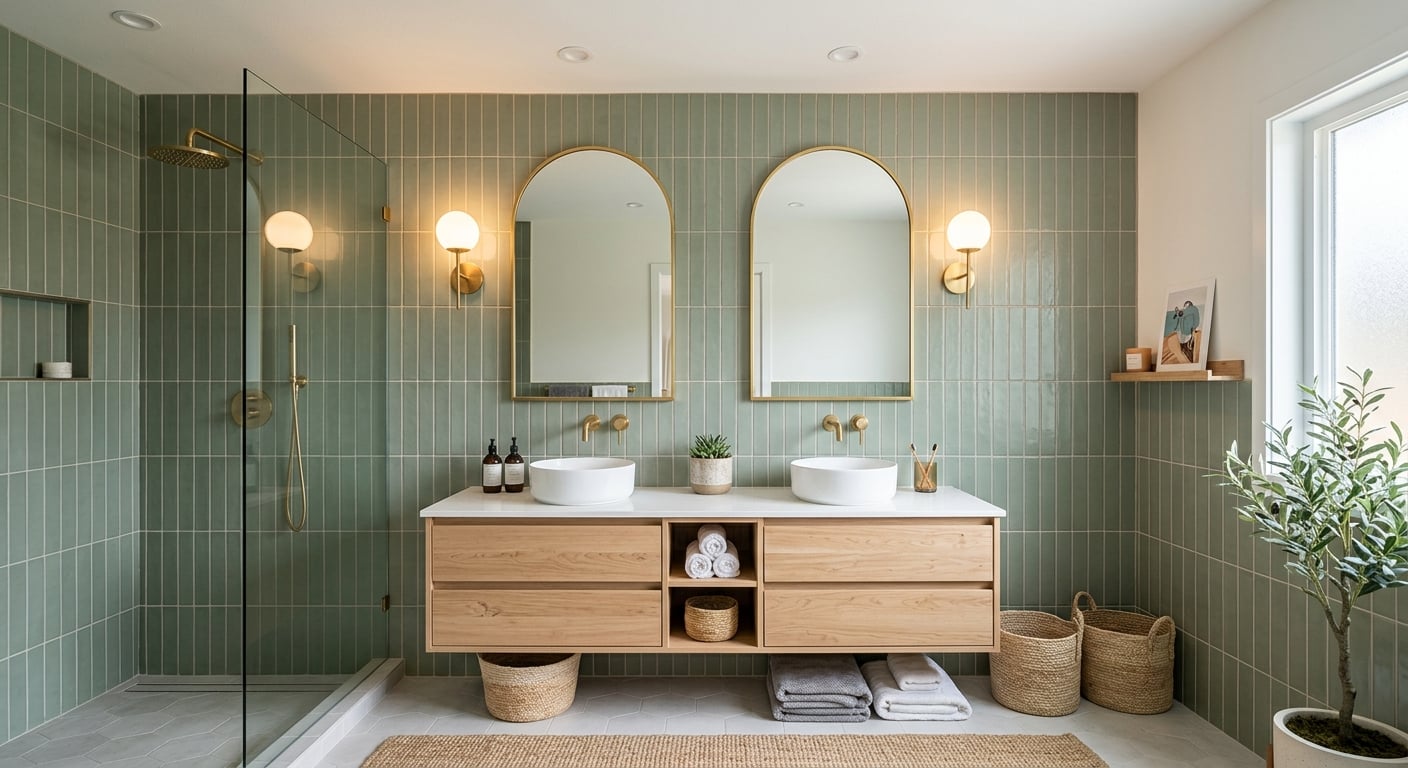
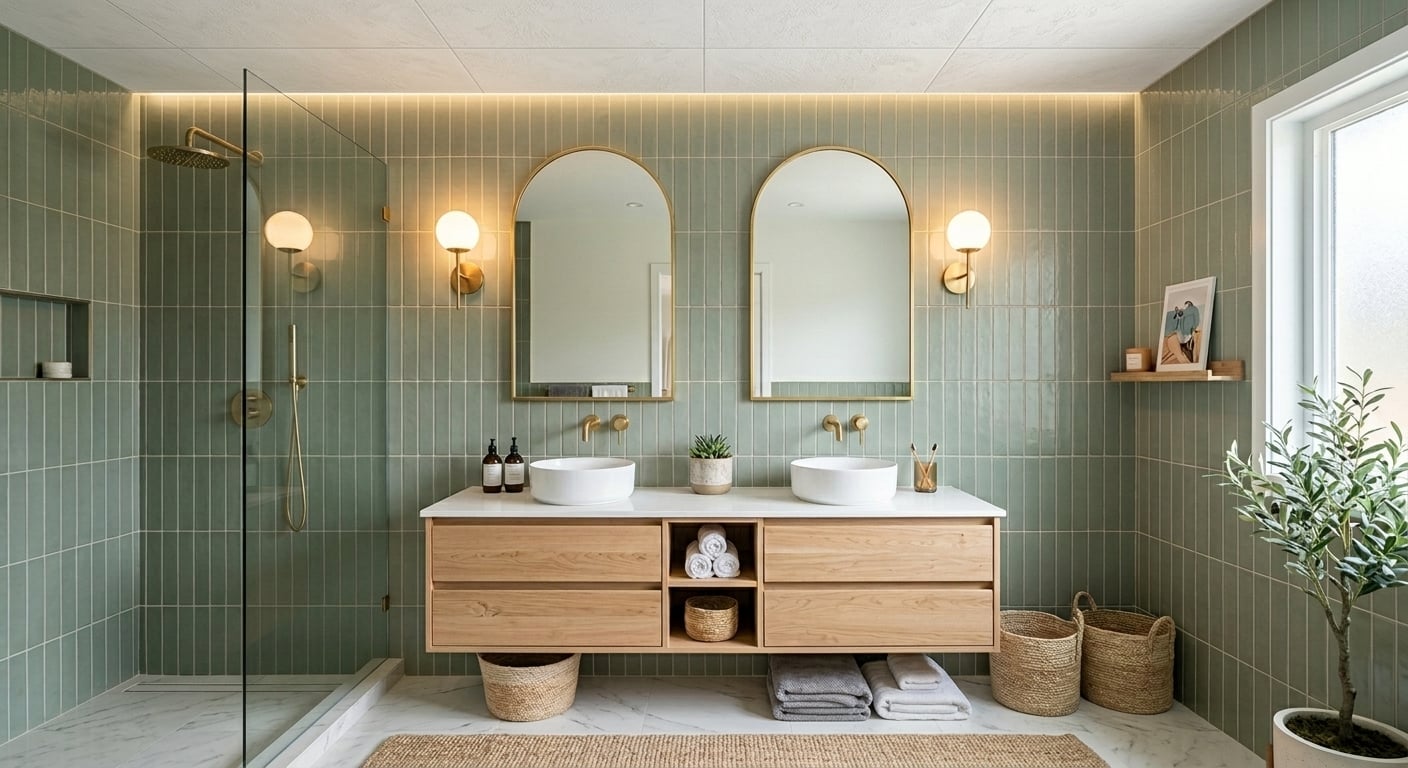
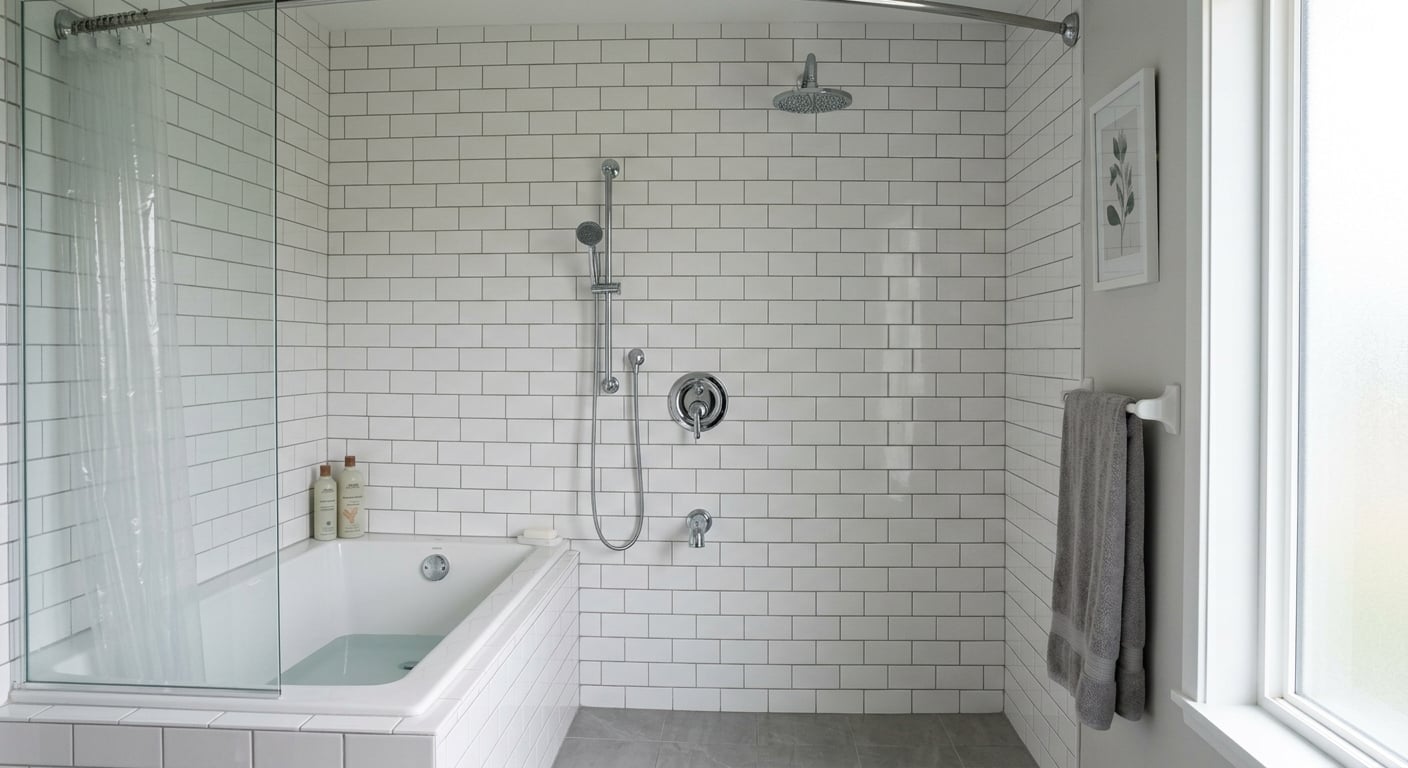
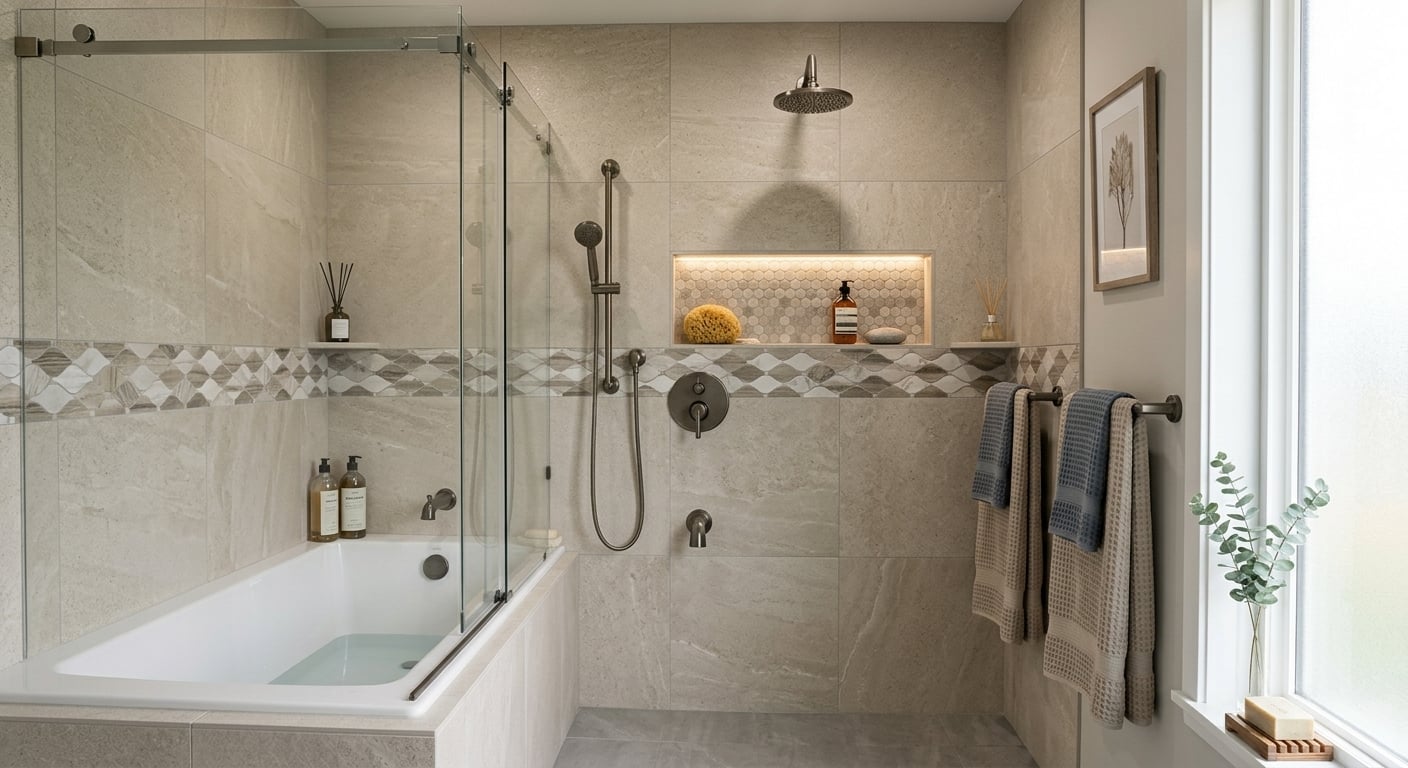
Examples from our gallery. The after images are output of this tool; the before photos are illustrative samples, not customer bathrooms.
 Before
 AI result
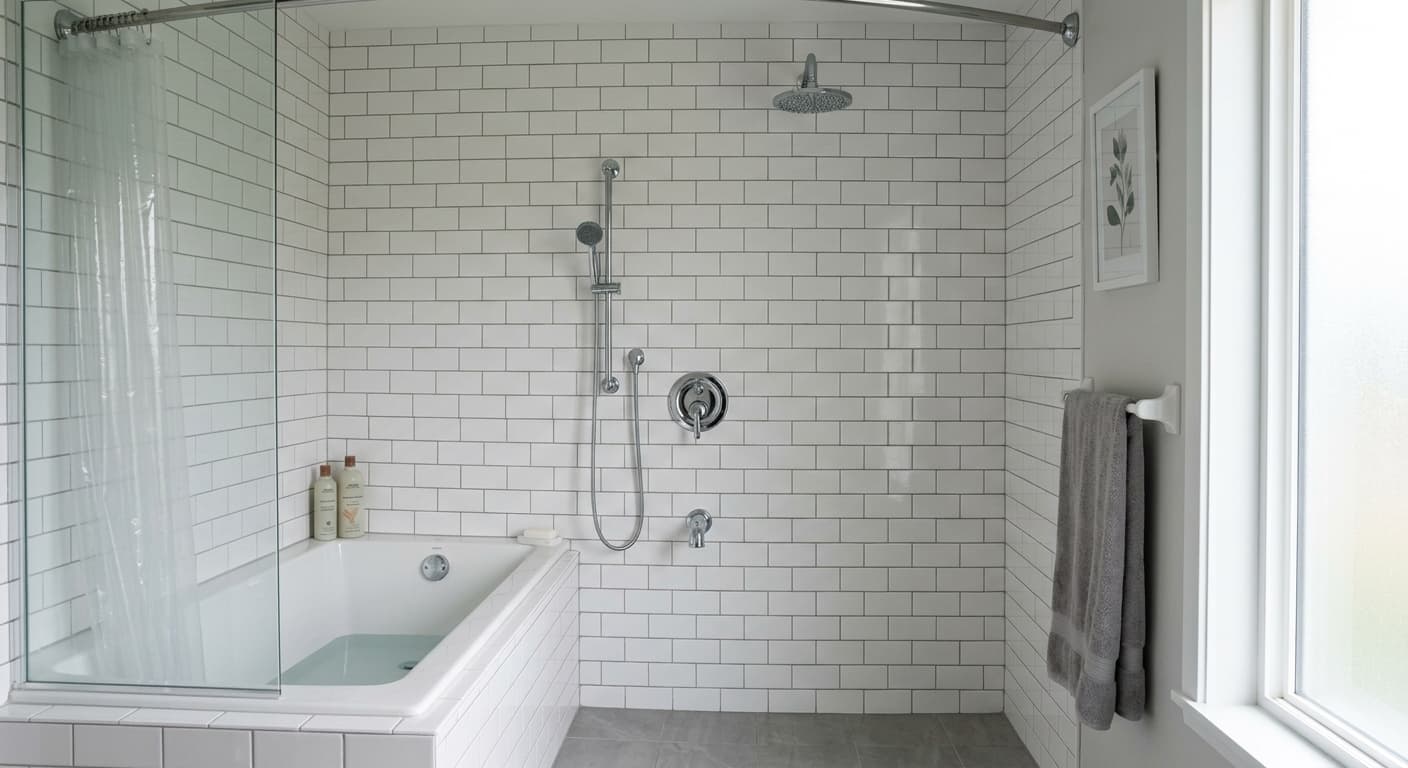 Before
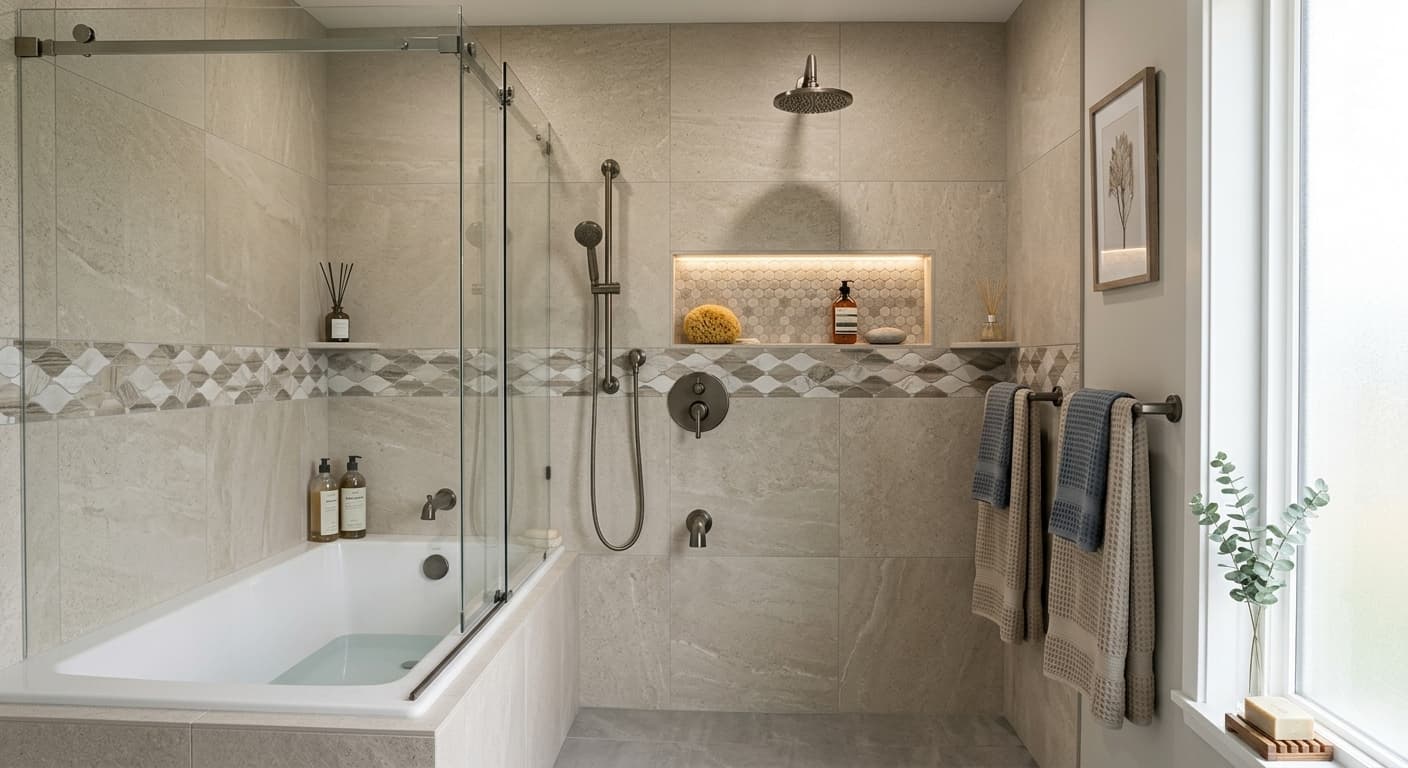 AI result
How to visualize a bathroom remodel
- Take the photo. Doorway or corner, landscape format, lights on, towels and bottles out of the way.
- Upload it in the tool above and replace the sample description with your plan: shower or tub, wall and floor tile, vanity, faucet and shower finish, mirror, lighting.
- Say what stays. “Keep the window, door, toilet position and camera angle” keeps the result your bathroom, with the plumbing where it is.
- Compare options. Run the same photo with two directions: warm wood and brass versus white and black, tub versus walk-in shower.
- Refine with short follow-ups such as “make the floor tile darker” or “add a second sink”, then download the picture for your partner, designer or contractor.
What you can try in your bathroom
- Shower: a tub to walk-in shower conversion, glass panels or doors, niches, rain heads, and shower tile designs.
- Tile: wall tile from subway to large format and floor tile such as hexagon, terrazzo or wood-look porcelain.
- Vanity: a new vanity, single to double sink, floating or furniture style, new countertop and faucet.
- Walls and light: paint, wainscoting, an accent wall, sconces and mirrors.
- Everything at once: an outdated bathroom to a modern one, or ideas for a small bathroom that feels bigger.
- The rest of the house: the kitchen remodel visualizer and our home remodel design software overview.
Who uses it
Homeowners use it before they choose tile and fixtures: to see whether dark tile makes a small bathroom feel smaller, or whether a walk-in shower is worth losing the tub, and to give their contractor a picture instead of a description. Bathroom and interior designers use it to show a client options on the client's own photo before drawing the chosen one. Agents and investors use it to show what a dated bathroom could become.
What it does not do
- No measurements, plumbing or electrical plans, tile quantities or cost estimates. It is a picture of how the remodel could look.
- No exact products: it shows a tile or fixture close to your description, not a specific brand or SKU.
- It cannot tell you whether a change is buildable (drain position, ventilation, waterproofing). Ask your contractor or plumber.
- AI can change a detail you did not ask for. Compare every result with your photo and re-run if needed. For a measured floor plan, use Plan Chat at plans.ai-architectures.com.
Pricing: plans from $12/month (Lite, about 20 previews a month); Starter is $29/month for about 50. No free tier or trial, cancel anytime. See plans.
FAQ
What is a bathroom remodel visualizer?
A tool that shows a bathroom remodel on a photo of your own bathroom before you buy tile or book a contractor. Upload the photo, describe the shower, tile, vanity, fixtures or lighting you are considering, and get a photoreal picture of the same room with those changes in about 30 seconds.
Is this bathroom remodel software or a bathroom planner?
It is visual design software: it shows how the remodel will look. It does not make a measured layout, plumbing plan, tile quantities or a quote. For a dimensioned floor plan with a 3D model and DXF files, use Plan Chat on the same account; your contractor still measures the room.
Can I see a tub turned into a walk-in shower?
Yes, that is one of the most common requests. Write "replace the tub with a walk-in shower behind a glass panel, keep the window and toilet" and compare it with a version that keeps the tub. Whether the drain and floor allow it is a question for your plumber.
Can I change only the tile or only the vanity?
Yes. Name the one change and what stays: "new vanity only, keep the tile, mirror and fixtures". The shower tile example above changed the tile and the screen and kept the tub. If something else changes anyway, run it again.
Will it show the exact tile I picked?
Not exactly. Describe the tile (size, color, finish, pattern) and it will look close, but it cannot reproduce a specific brand or SKU, and screen colors differ from samples. Decide the direction here, then confirm with real samples in the room light.
What photo works best for a small bathroom?
Stand in the doorway or a corner, landscape format, with the light on. A wide shot that shows the vanity and the shower or tub together gives the best results. A very wide-angle phone lens can distort small rooms; step back rather than switching to ultra-wide if you can.
How much does it cost?
Each preview is one generation. Plans start at $12/month (Lite, about 20 generations; $9/month billed yearly); Starter is $29/month for about 50. Cancel anytime.
Is there a free trial?
No. There is no free tier and no free trial; paid plans only, from $12/month.
More bathroom and remodel visualizers
See more results in the before and after gallery.
AI-generated concept images for planning and conversations, not construction documents or product specifications. Made by 20Vision GmbH, Vienna.