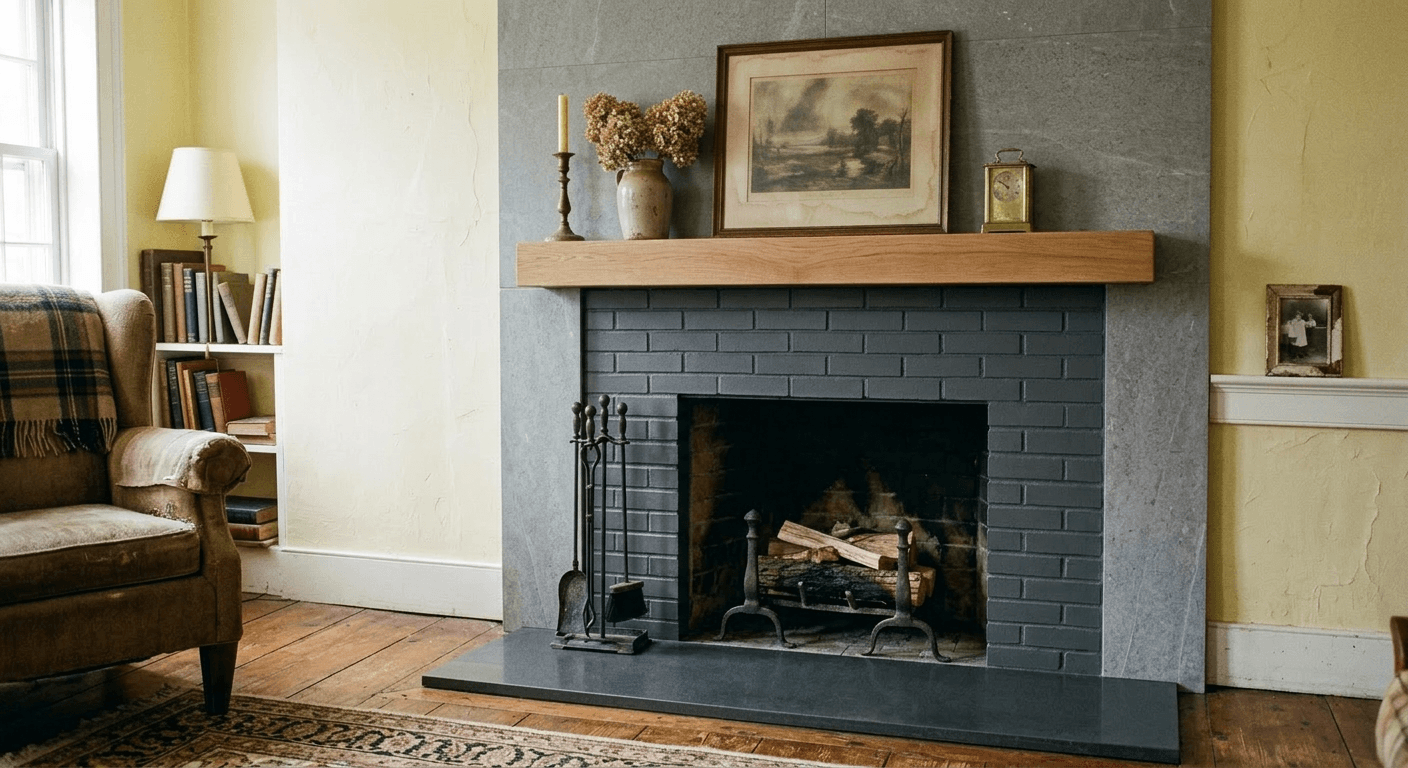
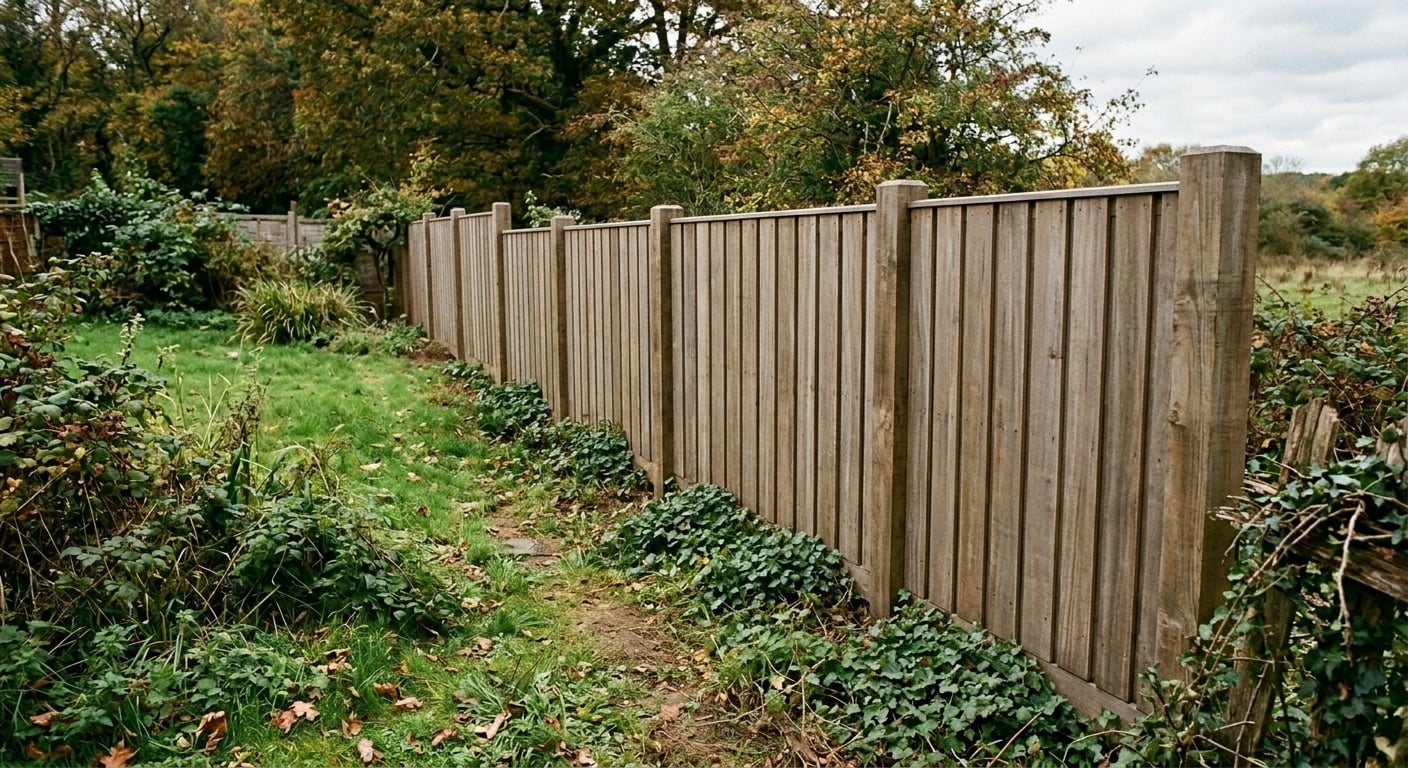
Remove window glare from listing photos with AI
Upload a real estate photo with glare on the windows, flash hot spots or reflections in mirrors and cabinets. Get clear windows and even light in about 30 seconds, with the room left exactly as photographed.
Paid plans only: Starter $29/month for 50 generations ($14.50 for the first month), Pro $79 for 200. Each photo edit is one generation. No free trial; cancel anytime. + VAT where applicable (EU)
Upload your photo, keep or edit the prompt, press generate. The prompt is already filled in with what paying customers use for this job.
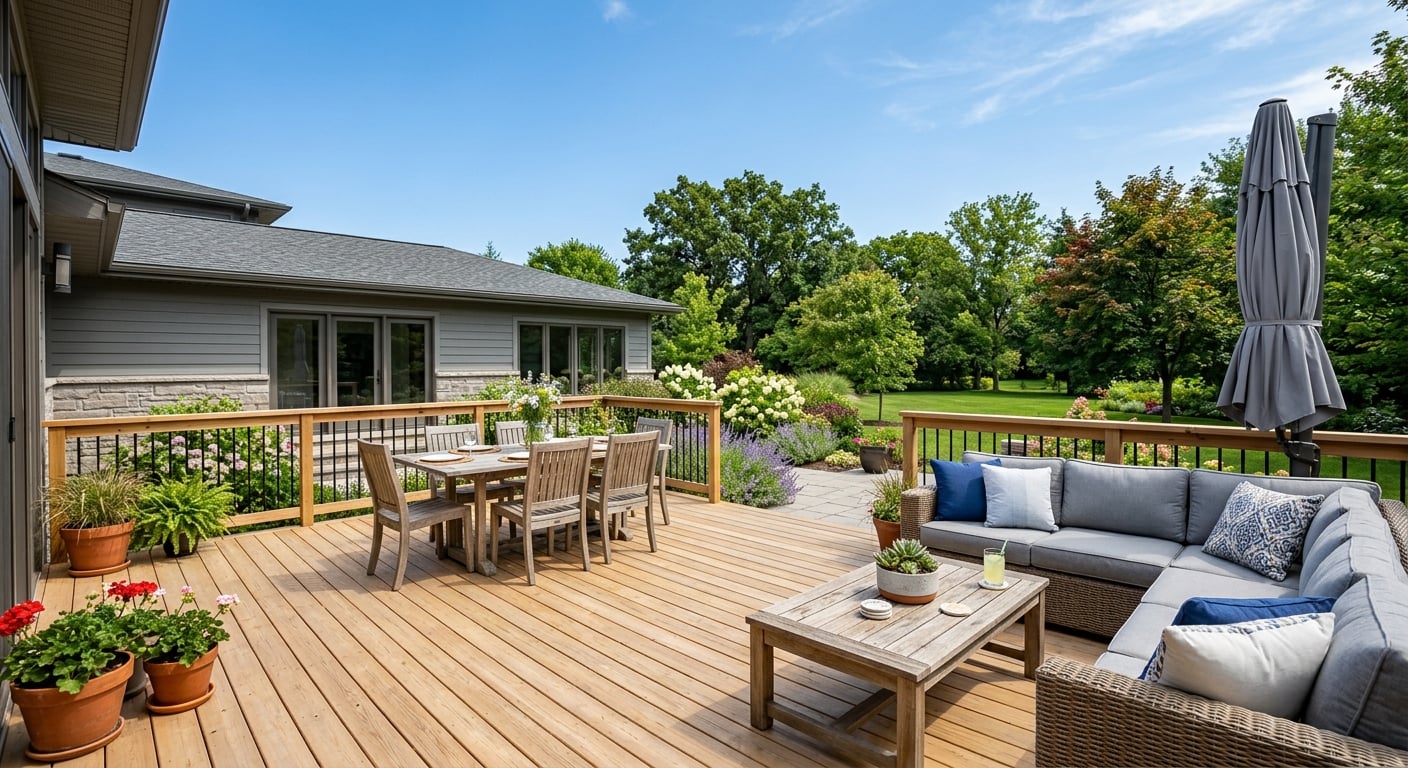
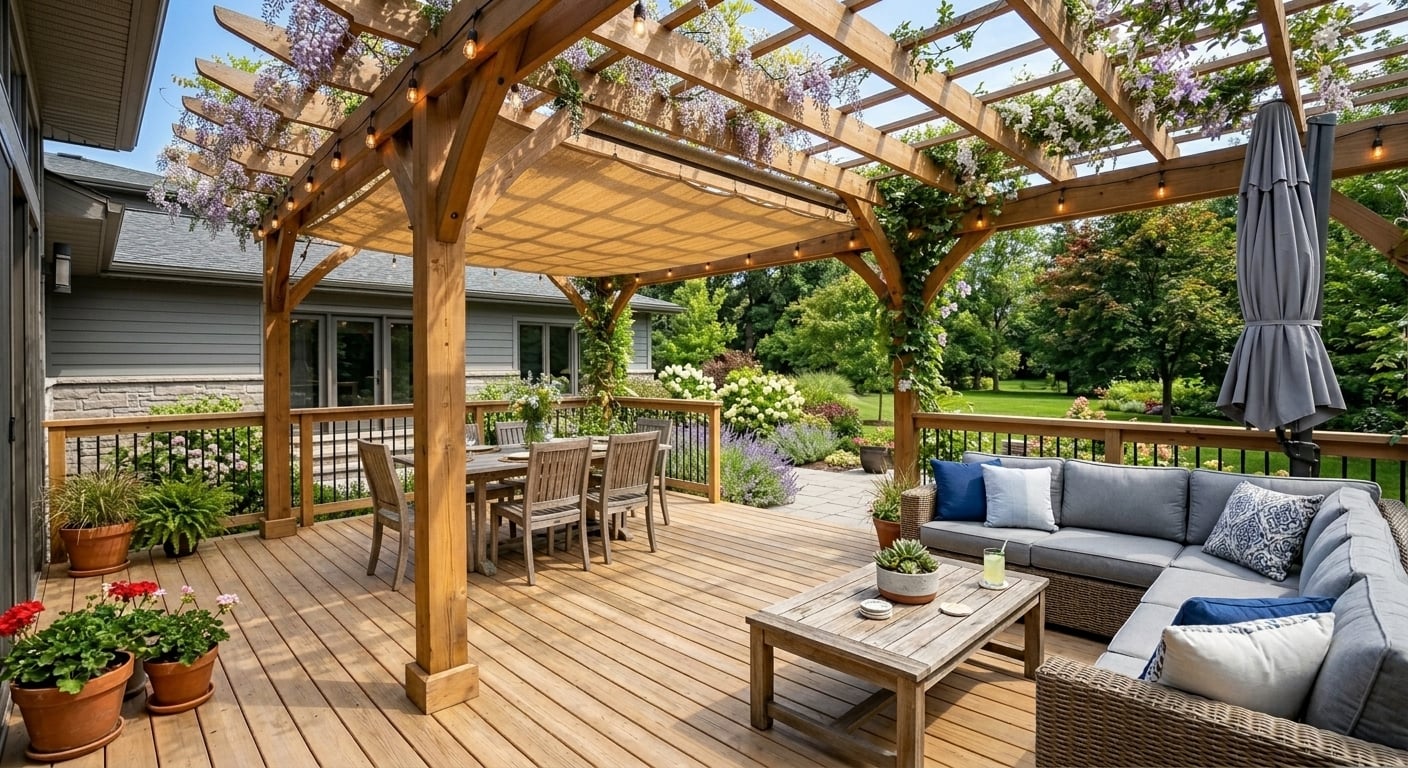
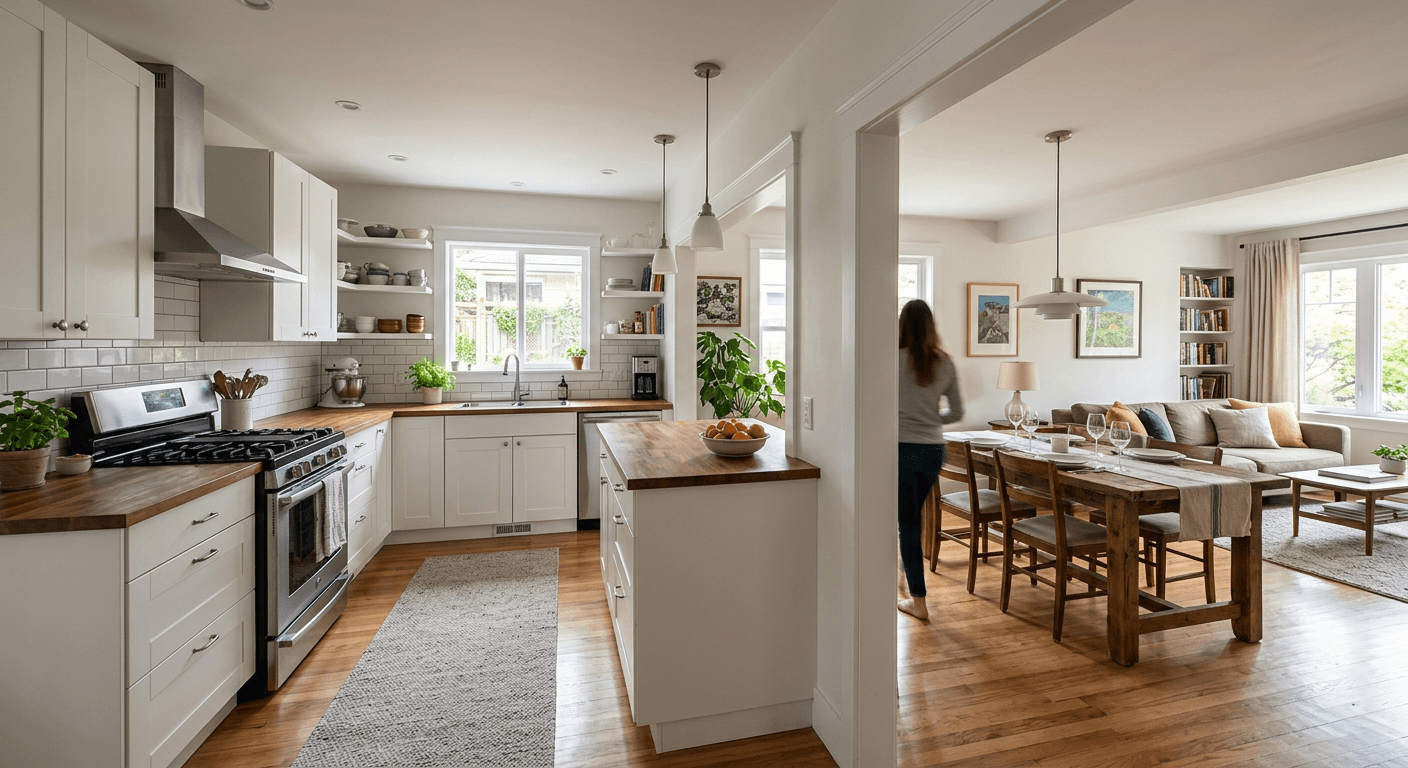
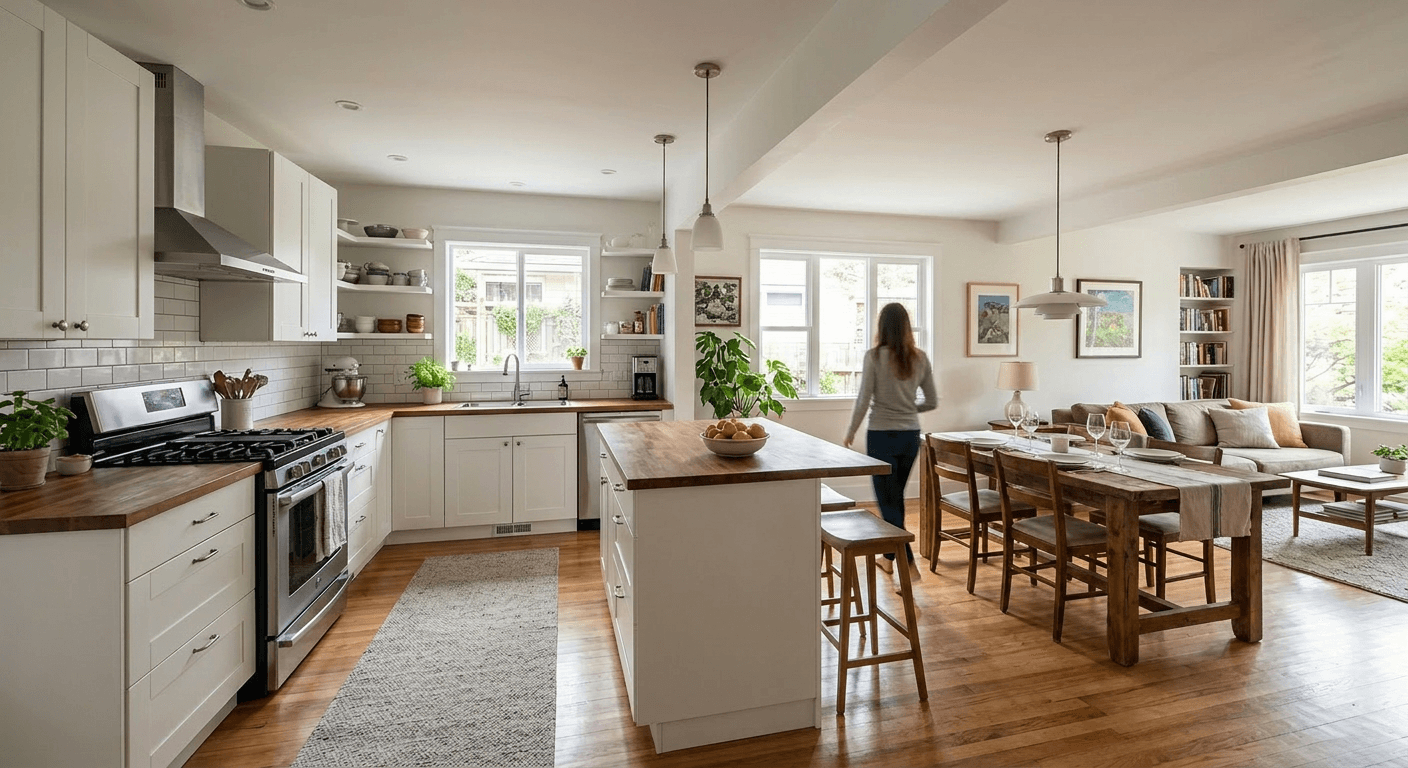
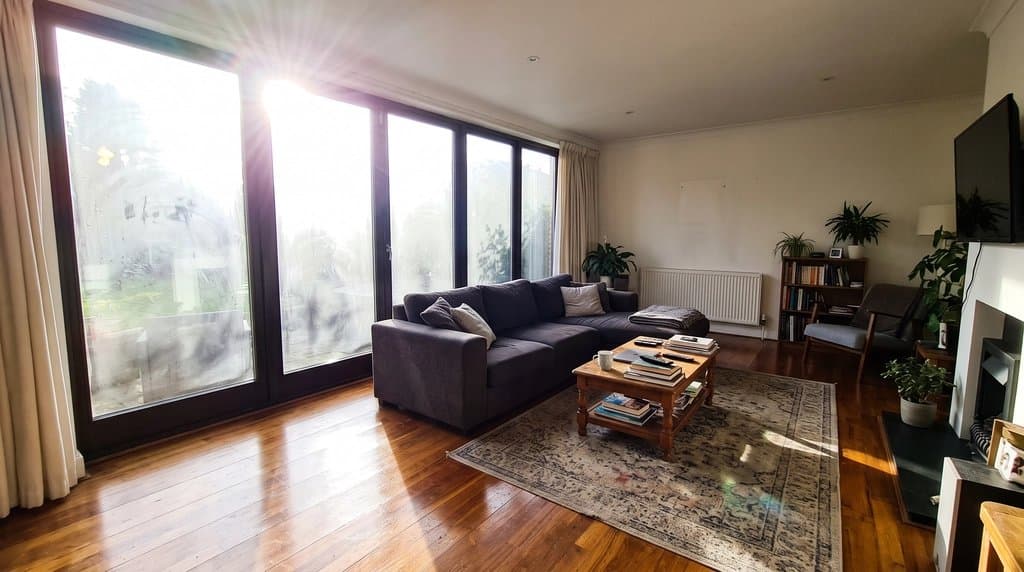
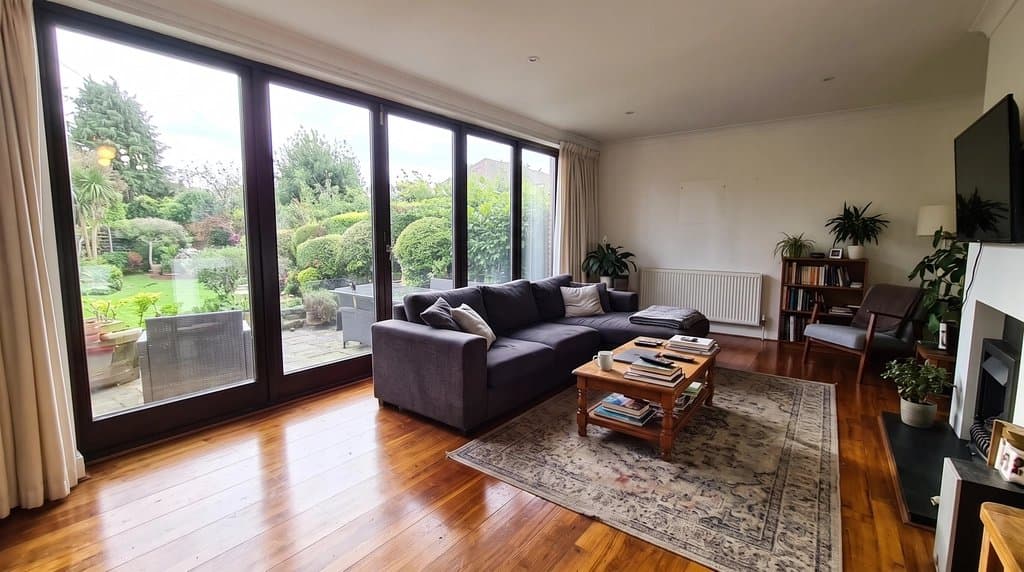
Real before and after
Unretouched outputs of the tool above. The input photos are AI-generated sample scenes, so no client's property is shown.
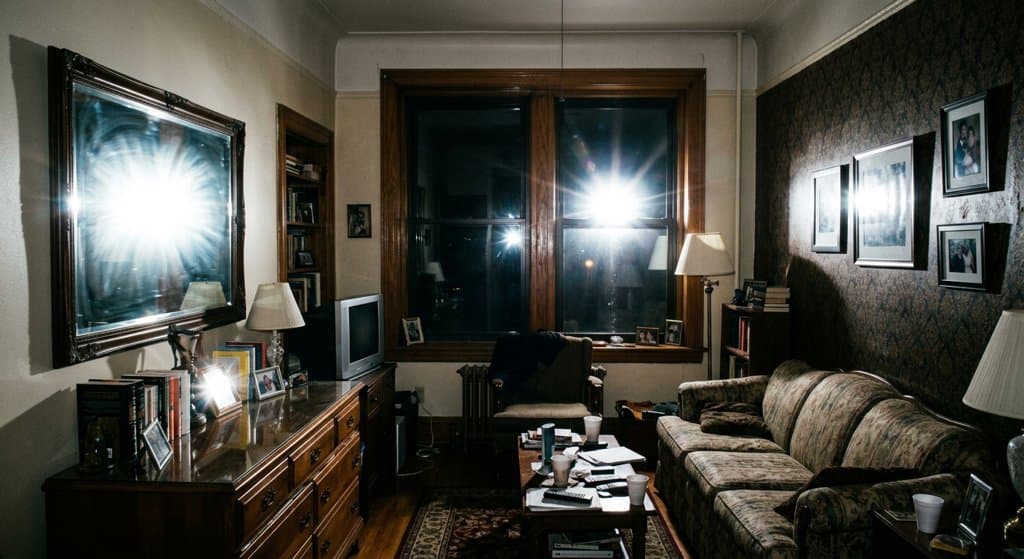
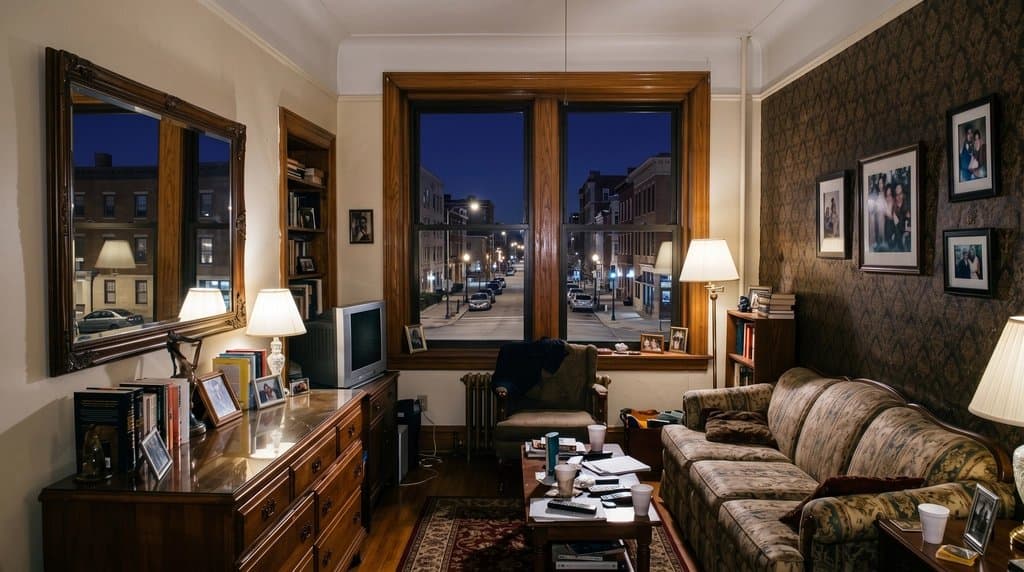
How to do it
- Upload the listing photo with the glare (straight from the camera or phone is fine).
- Keep the prompt, or say where the glare is: "on the sliding doors", "in the bathroom mirror", "on the glossy cabinets but keep their shine".
- Say what the view should be if the window is completely white: "trees and a lawn", "city skyline", or "keep the window bright but not blown out".
- Generate and compare with the original. If the AI changed something it should not have, add "keep the ... exactly the same" and run it again.
- Download with the AI label for the MLS, or run a whole listing through the Listing Kit.
Why glare costs you clicks
Listing photos compete as thumbnails. A living room with white rectangles where the windows should be, a flash star in the bathroom mirror, or a bright streak across the floor reads as a quick phone snapshot, and buyers scroll past. Windows are also where the light and the view are, two of the things buyers say they care about most, so a blown-out window hides a selling point.
Fixing it by hand means masking every window in Photoshop and blending in a second exposure you may not have. Here you upload the photo, keep the prompt, and the AI removes the glare, evens out the light and keeps the room as it was photographed.
What our customers fix
- “Remove harsh camera flash glare from the windows and mirrors, eliminate hot spots on the hardwood floors.”
- “Remove glare and reflections from cabinets.”
- “Remove reflections from the cabinets but leave the shine, as the cabinets have some shine to them.”
The last one is a good example of how to prompt: say what to remove and what to keep. Follow-up prompts on the same photo cost one generation each, so a fix that needs two passes is still faster than one masking job.
Other fixes for the same listing
A gray sky outside the window? Use blue sky replacement on the exterior shots and day to twilight for the hero image. Empty rooms get virtual staging in the Listing Kit, lived-in rooms get decluttered. The whole workflow for agents is on AI for real estate agents.
FAQ
How do I remove window glare from a listing photo?
Upload the photo in the tool on this page and press generate; the prompt for glare removal is already filled in. In about 30 seconds you get the same room with the glare, hot spots and reflections removed and the light balanced.
Does it recover the real view through the window?
Only partly. Where the window is not completely white, the AI keeps what it can see. Where it is fully blown out, there is no information left, so the AI draws a plausible view (trees, sky, a garden). Describe the real view in the prompt to get close, and disclose the edit, because the view is part of what the buyer pays for.
Can it remove flash glare from mirrors, cabinets and floors too?
Yes. Flash bounce in mirrors, hot spots on hardwood or tile, and glare on glossy cabinets are the most common requests after windows. Say "remove the glare but keep the natural shine of the cabinets" when the surface should still look polished.
Is this allowed on the MLS?
Correcting light and glare is normal photo editing. Changing what the property looks like is not: never use AI to hide defects or invent a view the home does not have. Many MLSs and California AB 723 require disclosure of digitally altered photos, and the EU AI Act requires AI-edited images to be labeled. Download with the AI label or use the Listing Kit.
What does it cost?
Each photo is one generation. Starter is $29/month for 50 generations ($14.50 for the first month), Pro is $79/month for 200. No free trial; cancel anytime.
Is this better than shooting HDR or flambient?
For a planned shoot, bracketing or flash-ambient blending still gives the most faithful windows. This tool is for photos you already have: an agent's phone shots, a rushed shoot, an old listing that needs to go back on the market today.
Real estate photo tools
Everything an agent needs for one listing, on one account. See all of them on the real estate photo tools page or read how agents use AI Architectures.
Land, lots & drone photos
- Lot lines on drone photosDraw the property boundary on an aerial listing photo.
- House on vacant landShow buyers a home built on an empty lot.
Listing photo fixes
- Day to twilightTurn a daytime exterior into a dusk shot with lit windows.
- Blue sky replacementSwap a gray sky for a clear one.
- Declutter photosRemove personal items and clutter.
- Remove cars from the drivewayClean up the front of the house.
- Remove snowShow the property in a green season.
- Straighten vertical linesFix leaning walls from wide-angle shots.
Virtual staging
- Virtual staging (AI, whole listing)Stage every empty room of a listing in one style, about $0.58 a photo.
- Virtual staging for realtors (AB 723-ready)Stage the whole listing in one style, with labels, originals and disclosure.
- Listing Kit (batch staging + MLS labels)Stage and fix a whole listing, download with AI disclosure.
- Remove furnitureEmpty a furnished room before restaging.
- Scandinavian stagingLight, minimal staging for empty rooms.
- Coastal stagingRelaxed coastal furniture and decor.
- Screened porch stagingFurnish porches and outdoor rooms.
- Best virtual staging software (2026)Six tools ranked for whole listings: cost, one style, AB 723 labels.
- Virtual staging tools comparedVirtual Staging AI, BoxBrownie, Collov, REimagineHome, Apply Design: one listing priced on each.
- Virtual staging cost vs home stagingSourced 2026 prices and what the evidence says about results.
Floor plans for listings
- Listing floor plan from a sketch or old planClean, labeled 2D floor plan drawing.