
Comparison · prices checked October 9, 2026
Apply Design alternative: coins per image vs one price per listing
Apply Design sells staging per image with Apply Coins and adds a drag-and-drop editor with 18,000+ furniture pieces, so you can place every item yourself. Photo fixes such as twilight are not on its pricing page. We compared it with the Listing Kit on one listing.
By AI Architectures, the company that makes the Listing Kit. Every claim about another product comes from that product's own public pricing, FAQ, terms or refund page, read on October 9, 2026 (links below). We did not buy their plans. Spotted something out of date? Tell us.
Short answer: who should pick which
Pick Apply Design if you want to place each piece of furniture yourself in a drag-and-drop editor, or stage a 360° photo, and pay per image. Pick the Listing Kit if you want the whole listing staged and fixed in minutes for $29, with labeled copies and hosted originals.
Try the Listing Kit on your photos ↓Stage and fix your listing here
Drop the listing photos, pick one style, choose what each photo needs. You get the edited photos, labeled copies, your originals with links and QR codes, and DISCLOSURE.txt in one ZIP.
$29 once for one listing (up to 25 photos, nothing renews), or Starter $29/month for 50 photos ($14.50 the first month). No free tier, no trial. 14-day money-back on the first payment. + VAT where applicable (EU)
Drop up to 25 listing photos or
JPG, PNG or WebP up to 20 MB · 100 credits per photo · each original is hosted unchanged with its own link
The kit contains the edited photos, copies with a visible “AI” label, your untouched originals, a hosted link and QR code to each original (ORIGINALS.html) and a disclosure text you can paste into the MLS remarks. AI can make mistakes: check every photo before you publish it, and never use edits to hide defects of the property.
Apply Design vs Listing Kit, side by side
| Apply Design | Listing Kit (ours) | |
|---|---|---|
| One listing (20 photos) | $90 for the 6 staged rooms (auto staging, 1.5 coins each = 9 coins at $10). Brightening, glare and twilight for the other 14 photos are not on the pricing page | $29 once with the listing pass: the 20 photos use 20 of its 25 generations, so 5 retries are included. On Starter: $11.60 of a $29 month (20 of 50) |
| Turnaround | 15 minutes for auto staging (pricing page; the home page says 10 minutes per image) | About 30–60 seconds a photo; the kit processes two photos at a time in your browser |
| AB 723 / MLS disclosure | Not mentioned | Every edited photo also comes as a copy with a visible label ("Virtually staged with AI" or "AI-edited photo"), plus DISCLOSURE.txt with a suggested MLS remark |
| Hosted unaltered originals | Not mentioned | Yes. Each original is uploaded byte-for-byte to a permanent link; the ZIP has the originals, a QR code per photo, the SHA-256 and ORIGINALS.html |
| One style across the listing | "Keep designs consistent: easily replicate designs in multiple images of the same space" (home page) | Yes. You pick one gallery style (7 styles); the same written palette and materials go with every staged room |
| Twilight, lot lines, glare | Item removal included with auto staging; twilight, sky, window glare and lot lines are not on the pricing page | All three, in the same batch and at the same price: day to twilight, lot lines on drone photos, window glare. Also blue sky, green lawn, declutter, furniture removal |
| Price (October 2026) | Apply Coins: $10 each (up to 9), $8 (10–19), $7 (20+). Auto staging 1.5 coins per 2D image, 2.5 per 360° image; DIY staging 1 coin | $29 once for one listing (up to 25 photos, nothing renews), or Starter $29/month for 50 photos ($14.50 the first month). No free tier, no trial. 14-day money-back on the first payment. |
| Refunds | Pricing page: "100% money-back guarantee". Terms: purchases are final unless required by law; coin refund requests within 30 days "may be considered" | Full refund if you write within 14 days of your first payment; no usage limit attached |
| Free use and trial | "First image is free" (pricing page) | None. No free tier, no trial, no free credits: you pay before the first photo is generated |
Prices before tax, from each public page on October 9, 2026. "One listing" = 20 photos: 6 empty rooms to stage, 13 interior photos to brighten or clear of glare, 1 front exterior to twilight.
Where Apply Design is better
- A drag-and-drop editor with 18,000+ furniture pieces: you decide exactly what goes where.
- 360° image staging.
- No subscription: buy coins when you need them.
- On-the-spot revisions in the editor.
Where the Listing Kit is better
- All 20 photos for $29, against $90 for the 6 staged rooms alone at Apply Design's 1–9 coin rate.
- Twilight, sky, lawn, glare and lot lines in the same batch.
- Labeled copies, hosted originals with QR codes and a disclosure text.
- About 30–60 seconds a photo instead of 15 minutes.
Real Listing Kit output
Unretouched outputs. The inputs are AI-generated sample photos, not a client listing. Before on the left, after on the right.
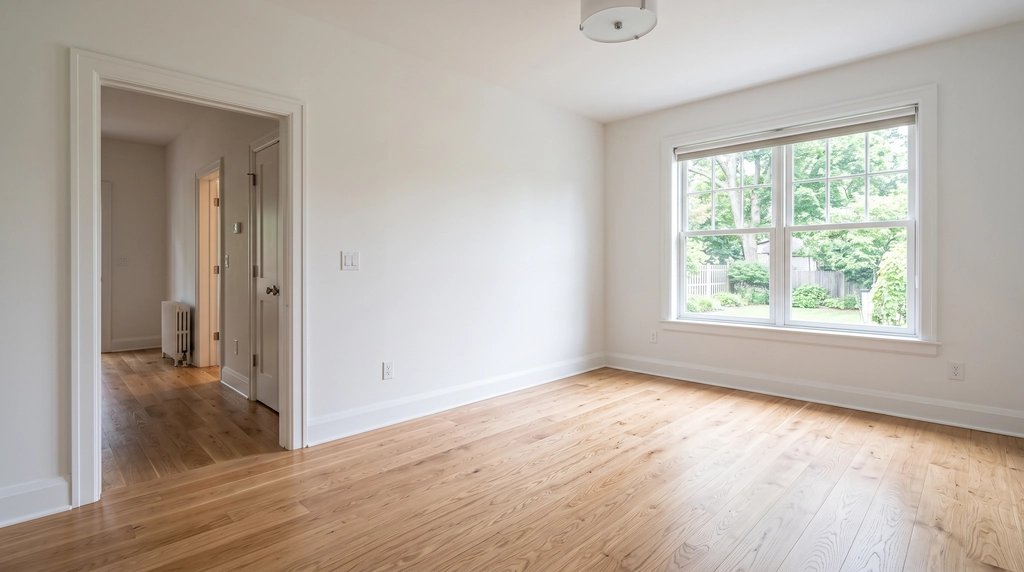 Before
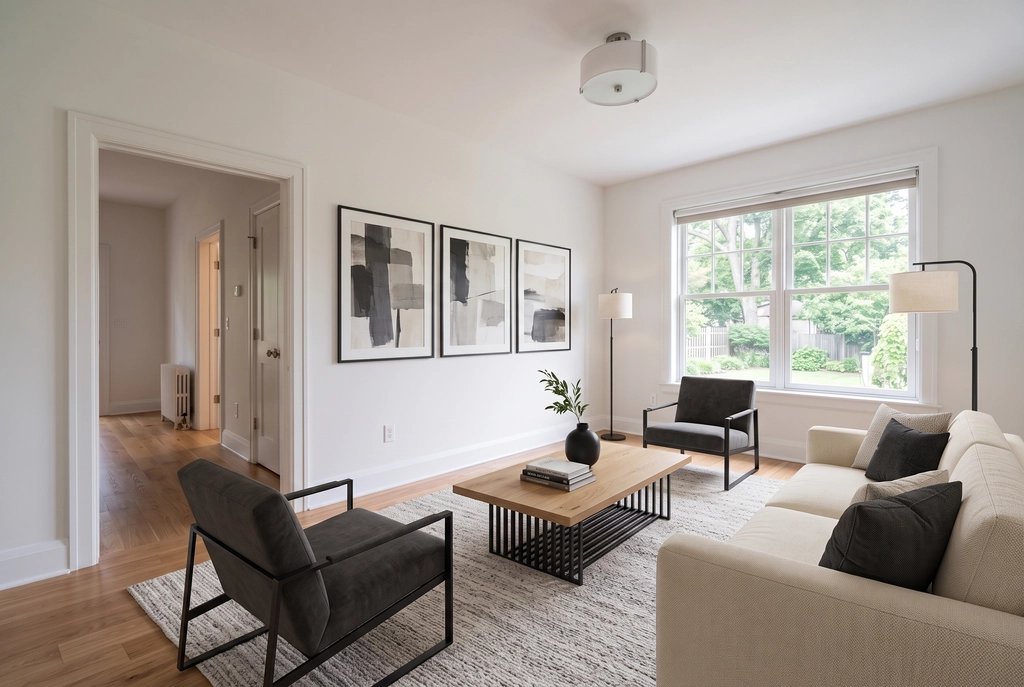 After
After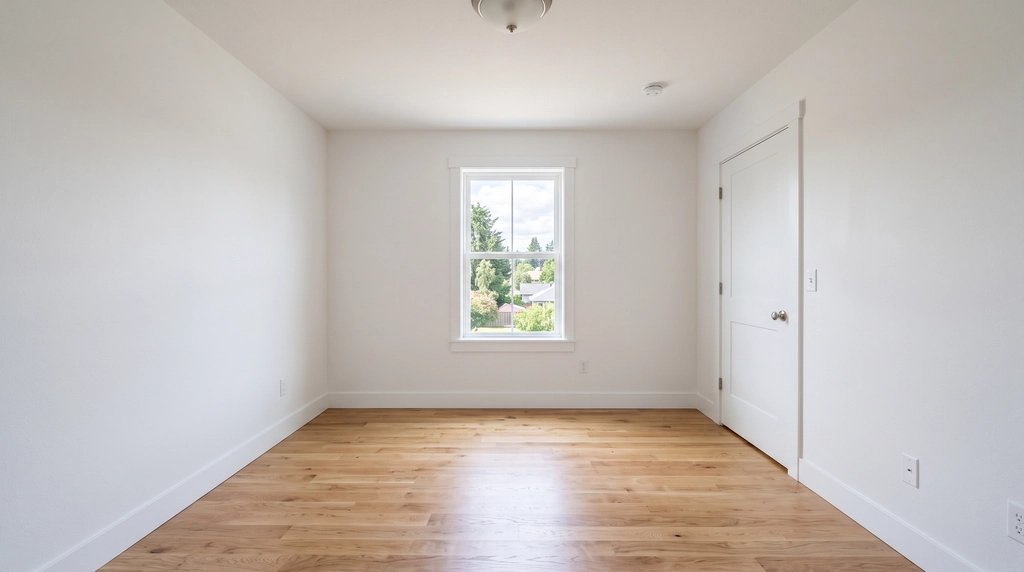 Before
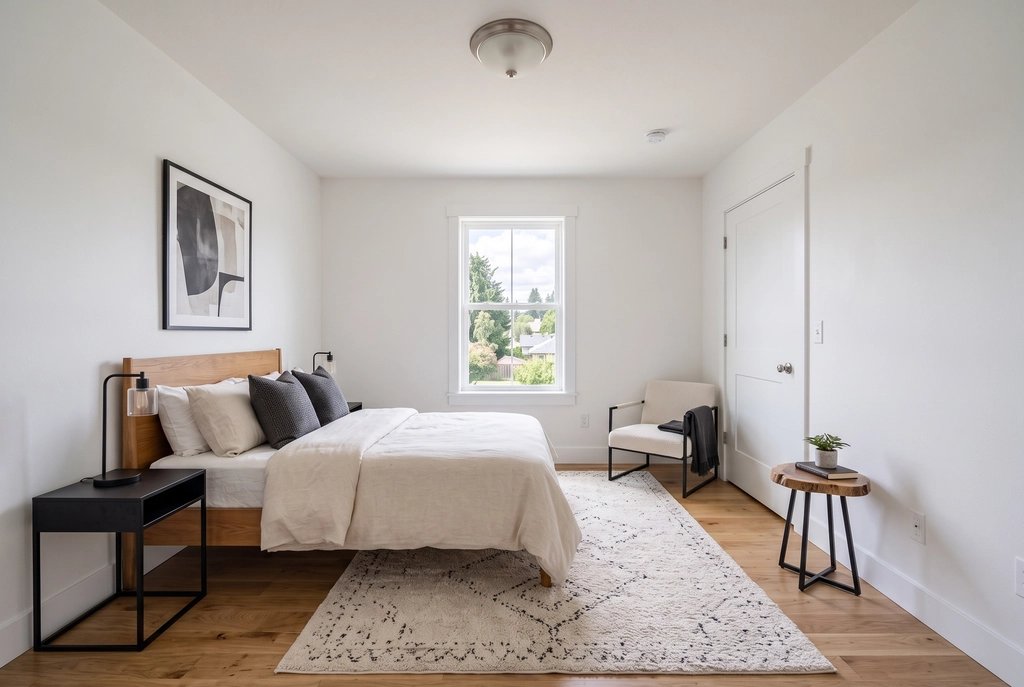 After
After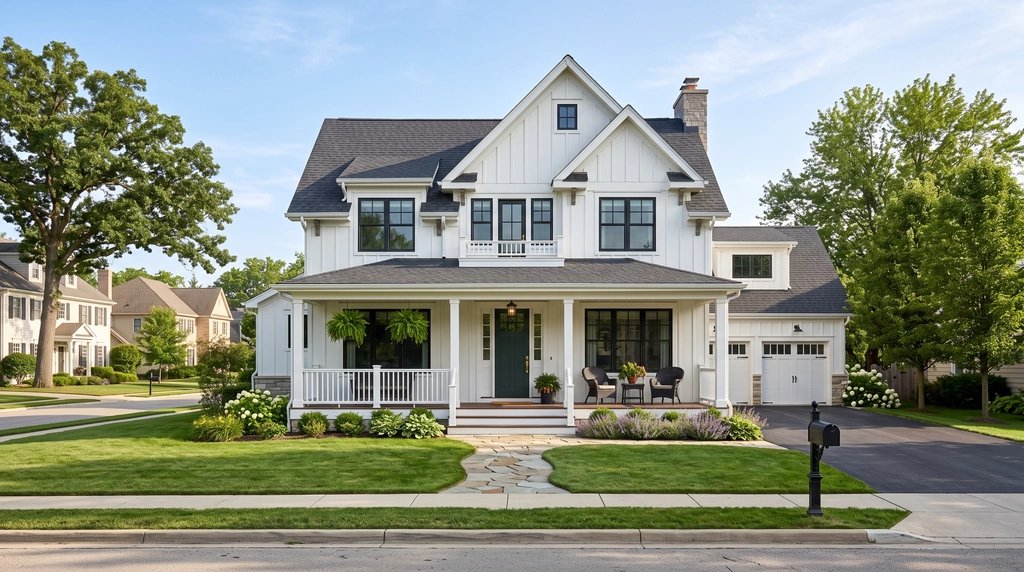 Before
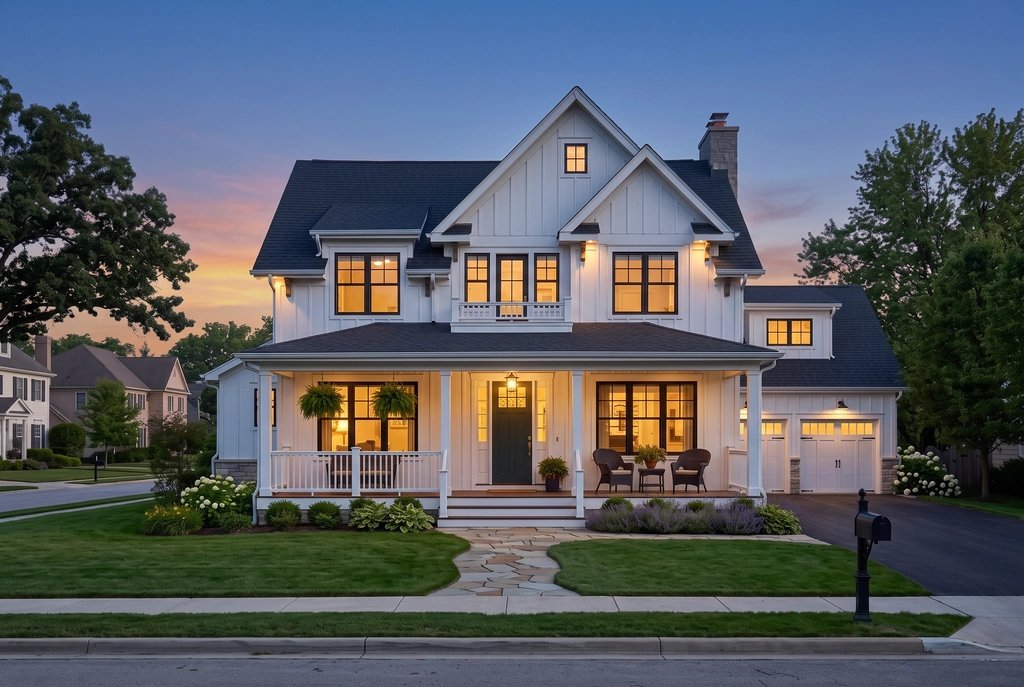 After
After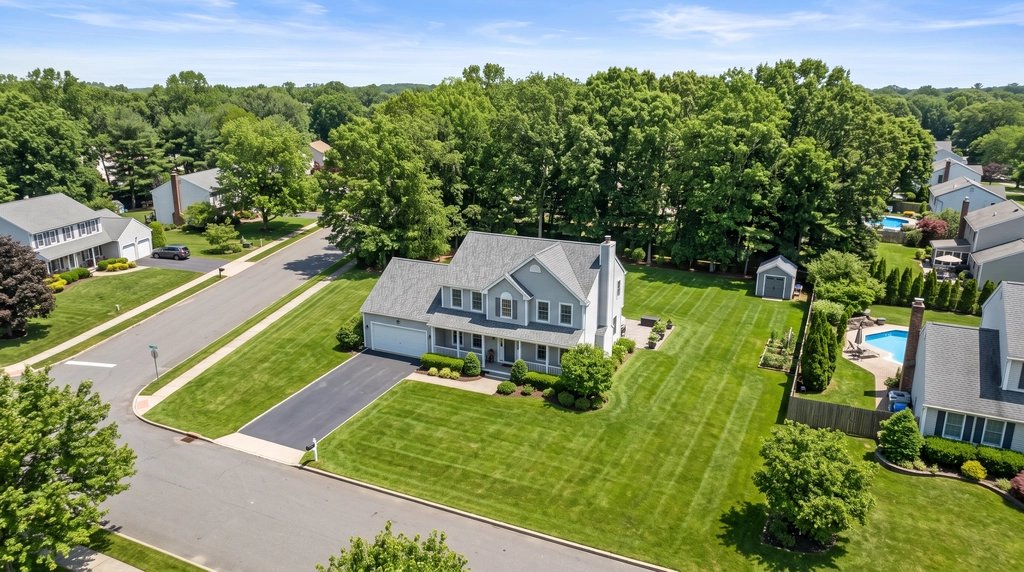 Before
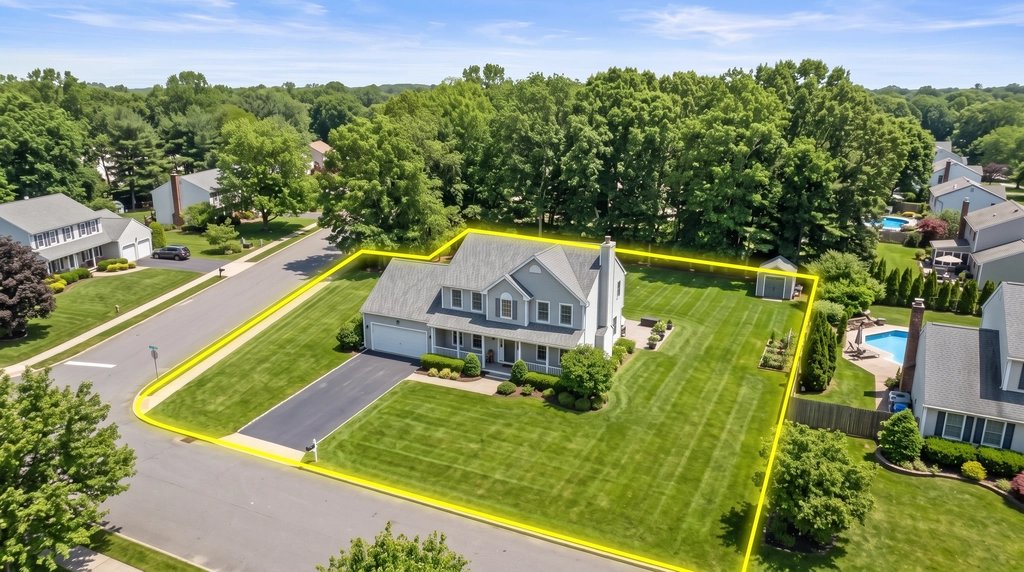 After
After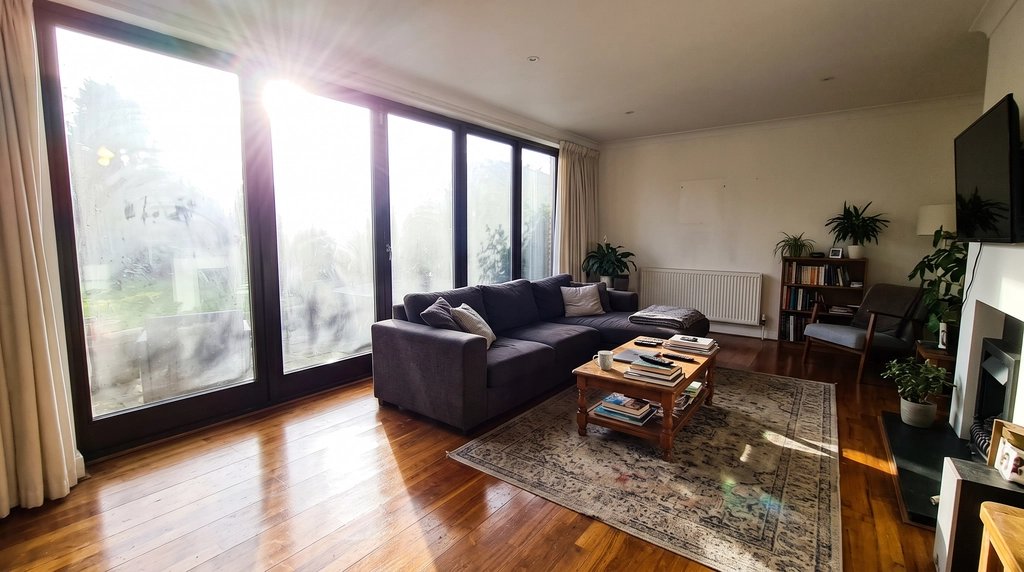 Before
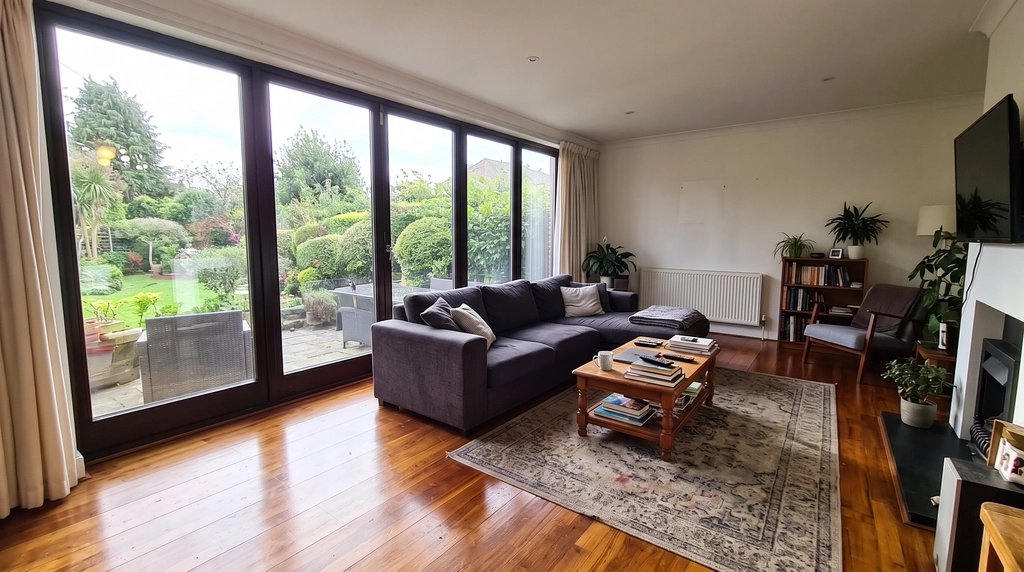 After
AfterHow we checked
We read Apply Design's own pages on October 9, 2026 in a fresh browser and copied prices and terms as published. We did not buy a plan or run a listing through it, so the table says nothing about its image quality. Image quality on a straight-on empty room is close between the AI apps; the difference is the listing: what all of it costs, whether the rooms match, and what you can hand your broker for disclosure.
Sources: Apply Design Pricing · Apply Design Home page · Apply Design Terms
AB 723 is California law (in force since January 1, 2026). This page is not legal advice.
Listing pack
$29 one listing, one-time
+ VAT where applicable (EU)
- Up to 25 photos of one listing
- Staging in one style across the gallery, glare, twilight, sky, lawn, lot lines
- ZIP with edited photos, AI-labeled copies, originals and a disclosure text
- Photos in your MLS order
Paid once. Nothing renews.
Agent plan
$79 per month
+ VAT where applicable (EU)
- Several listings a month (about 8 listings of 25 photos)
- Everything in the listing pack
- Floor plans and every other tool on the account
- Cancel anytime
First month $39.50, then $79/mo until you cancel.
Secure checkout by Stripe. Prices before VAT; where VAT applies, checkout adds it. Not right for you? Write to users@20.vision within 14 days of your first payment for a full refund.
Apply Design vs Listing Kit: questions
What is a cheaper alternative to Apply Design?
For a whole listing: Apply Design charges 1.5 coins per auto-staged image at $7–$10 a coin, so 6 rooms cost $63–$90 before any photo fixes. The Listing Kit does staging and fixes for all 20 photos for $29 once.
How much does Apply Design cost per image?
On October 9, 2026: auto staging 1.5 Apply Coins per 2D image, 2.5 per 360° image, DIY staging 1 coin. Coins cost $10 each up to 9, $8 for 10–19 and $7 for 20 or more.
Does Apply Design have a money-back guarantee?
Its pricing page says "100% money-back guarantee". Its terms say purchases are final unless required by law and that coin refund requests within 30 days may be considered. Ask them before you buy.
How long does Apply Design take?
Its pricing page lists a 15-minute turnaround for auto staging. The Listing Kit takes about 30–60 seconds a photo.